Original editorial illustration: a planned PC adventure is treated as a release to watch, not an available product

Upcoming GameBee PC and Steam Games to Watch

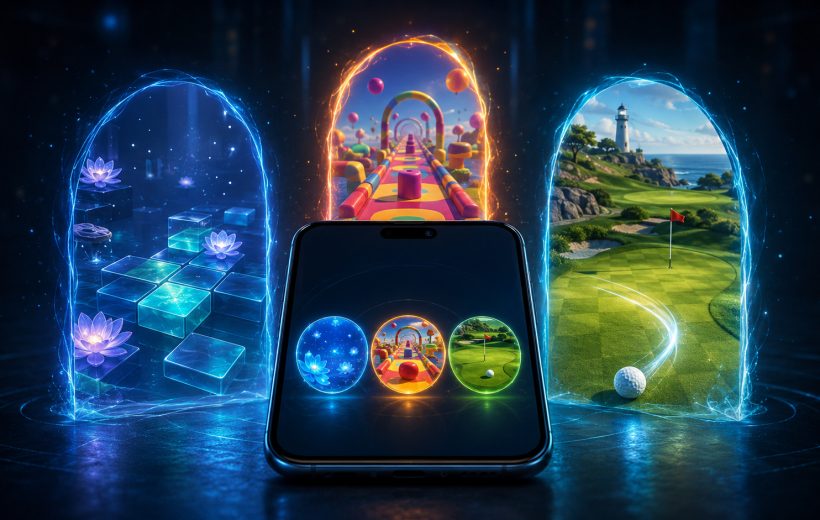
Lost World: The Game of Destiny is the only GameBee PC title currently disclosed in the approved project material. As of 14 August 2026, an official Steam storefront, playable demo, public price, release date and GameBee wishlist destination were not directly verifiable. For now, all Steam, demo, price, release-date and wishlist actions remain blocked. That makes Lost World a project to watch, not a game to claim, buy or wishlist yet.
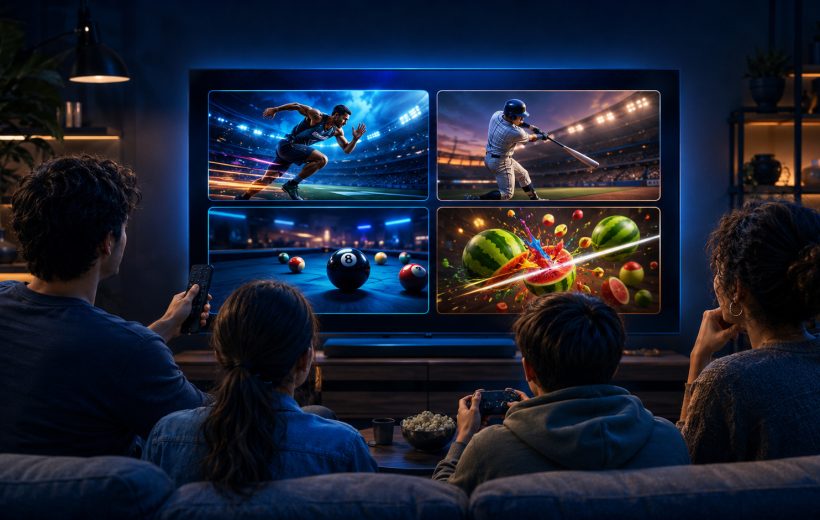
Original editorial illustration: related baseball experiences can remain separate mobile and television packages

From Mobile to TV: How GameBee Extends Games Across Screens

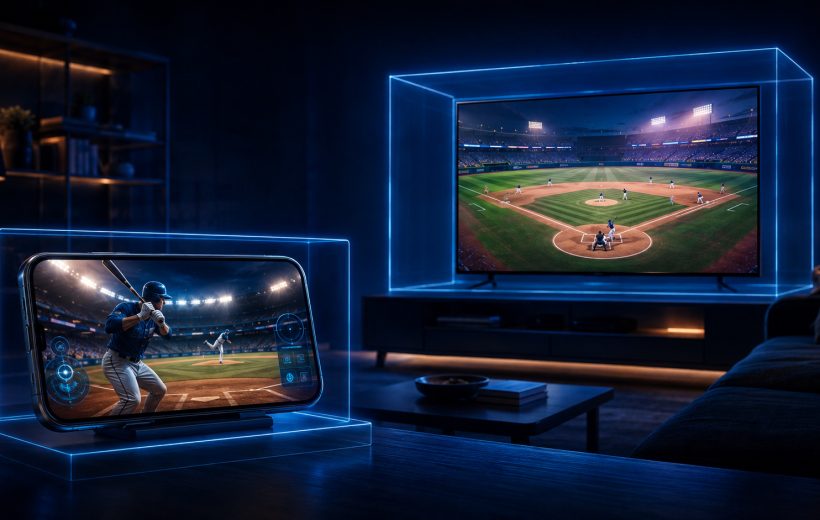
GameBee extends a game idea across screens by keeping the recognisable sport, objective or title identity while giving each store edition its own device support and input model. Current Baseball Super League and Pool Masters listings show this clearly: mobile and television packages can belong to the same product family without being the same download. Players should compare the exact listings instead of assuming that features, progress or purchases move with the name.

Original editorial illustration: genre, available time and preferred action narrow a mobile-game shortlist

How to Choose Mobile Games by Genre, Session Length, and Play Style

Choose a mobile game in four passes: decide what you want to do, set the time available, identify the control rhythm you enjoy, and verify the exact store edition. Genre narrows the field, but session shape and input often decide whether a game will remain installed. The GameBee games catalogue can supply ideas; the current Google Play or App Store listing should settle availability and terms.

Original editorial illustration: puzzle, reaction and precision loops create three distinct casual-game choices

Best Casual Mobile Games from GameBee Studio

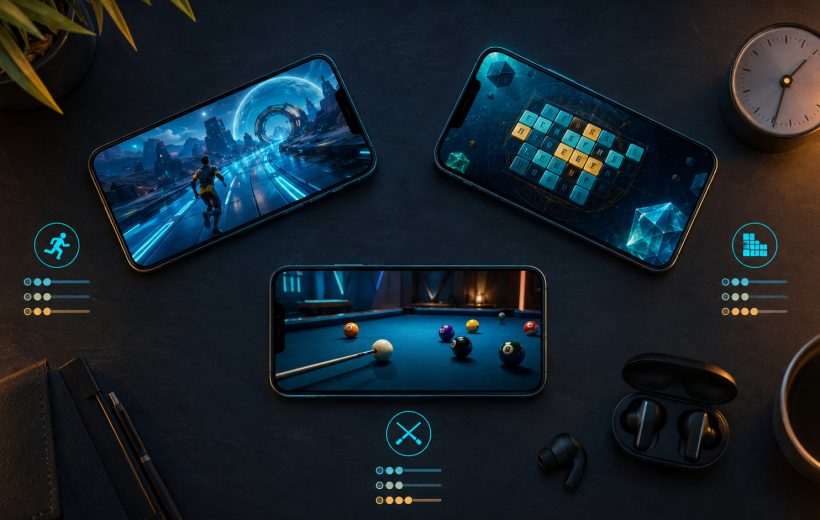
The best casual mobile game from GameBee Studio depends on the kind of attention you want to give it. Choose Chhota Bheem Word Kingdom or Word Candy when you want a puzzle you can consider one move at a time, Chhota Bheem: Adventure Run when you want an immediate reaction loop, and World Sports Games or Golf Pro Tour when a short session should still reward timing and precision. Start with the live GameBee catalogue, then confirm the exact mobile edition on Google Play or the App Store.

Title-specific remote guidance should be tested in the exact installed game before play

GameBee Apple TV Games: Controllers, Compatibility, and Big-Screen Sessions

To prepare a GameBee Apple TV session, first confirm that the exact app lists Apple TV compatibility and that the device meets its tvOS requirement. Then use the input described by that title. A wireless controller can be paired through Apple TV settings, but Apple warns that buttons and features vary by controller and app. Pairing does not guarantee universal support.

Editorial illustration: phone, tablet, computer and television are separate play contexts to evaluate

How to Choose and Play GameBee Games on iPhone, iPad, Mac, and Apple TV

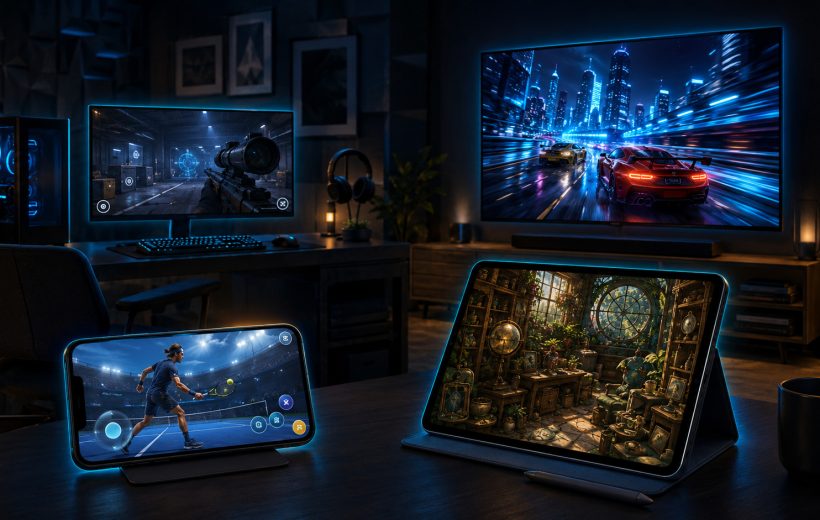
Choose a GameBee game by opening Game Bee Studio's App Store profile, selecting the device you intend to use and reading that title's compatibility, controls and current offer. iPhone, iPad, Mac and Apple TV are separate play contexts. A game listed for more than one device does not automatically provide shared saves, shared purchases, cross-play or identical controls.

Original editorial illustration: focused racing rewards cleaner lines, sharper turns and repeated laps

Best Apple TV Games from GameBee Studio

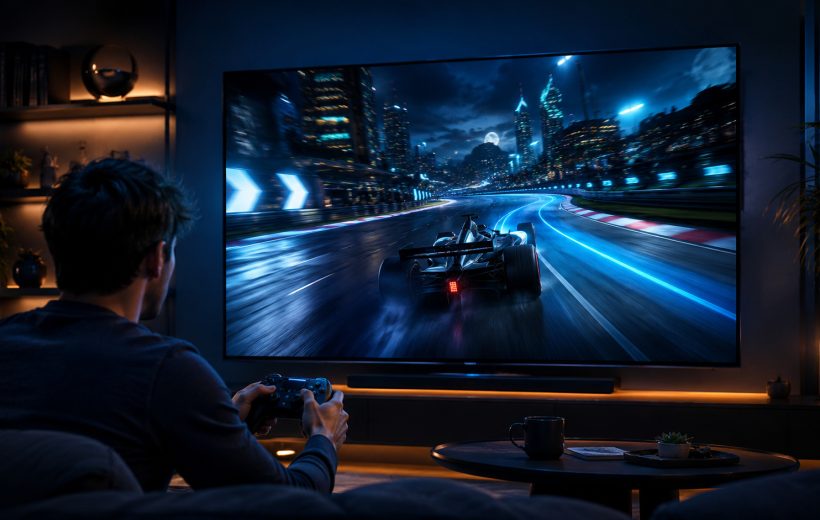
The best verified GameBee Apple TV choices for the approved catalogue are Formula Racing: Speed Car Game, Rolling Ball Adventure: 3D Run and Fruit Cutter 3D: Evolution. Formula Racing suits focused driving, Rolling Ball rewards balance and obstacle timing, and Fruit Cutter offers the fastest way into an arcade score session. All three currently appear in Game Bee Studio's US Apple TV collection, but their controls, age information, purchases and device requirements must be checked individually.

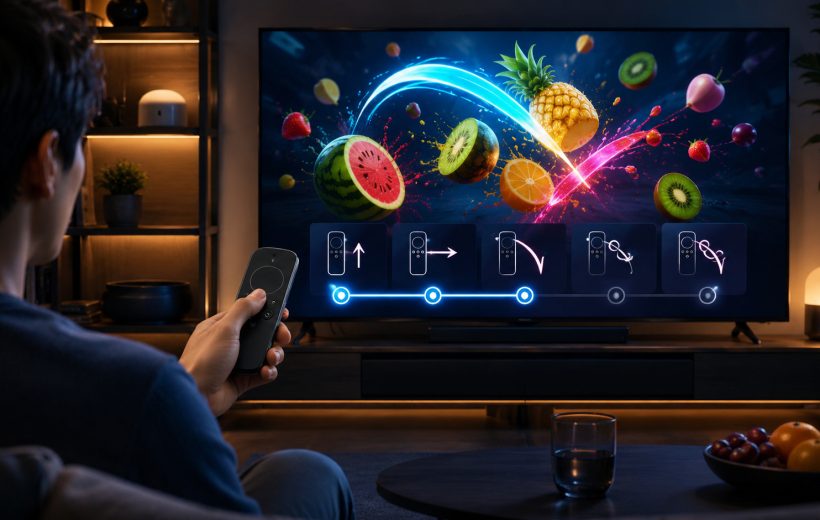
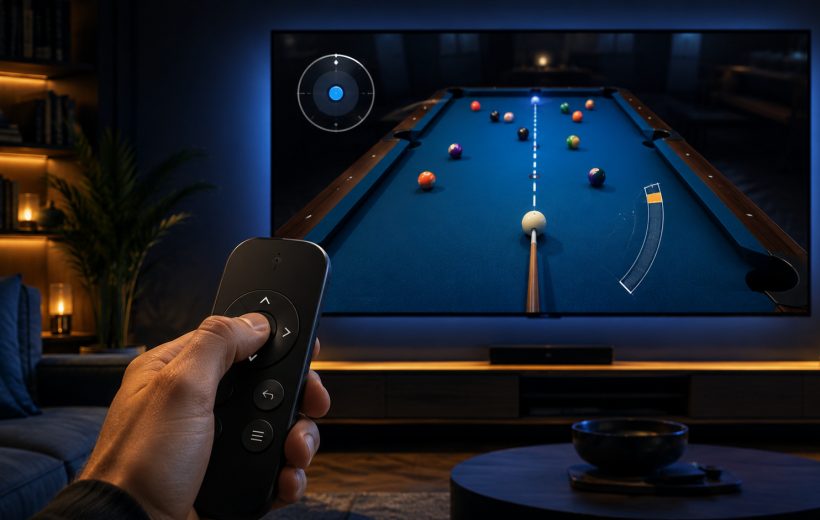
Deliberate aiming, spin and power can fit a compact remote when the exact title documents that control

GameBee Android TV Game Controls: Remote, Gamepad, and Big-Screen Play

GameBee Android TV controls are title-specific. The current Google Play descriptions for World Sports Challenge 2025 TV and Baseball Super League 3D – TV name both remote and gamepad support. Pool Masters 3D describes television-remote aiming, spin and power. Other games can make different choices, so the exact television package must be checked before installation or controller purchase.

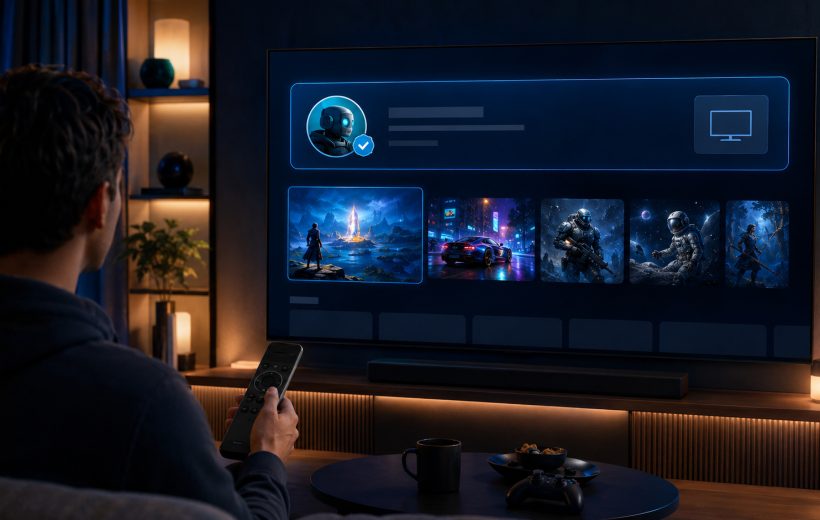
Start with the verified developer, then open the exact television listing rather than choosing by icon alone

How to Find and Install GameBee Games on Android TV and Google TV

To install a GameBee game on Android TV or Google TV, open Google Play on the target television, search for the exact title, confirm the developer and television compatibility, review the supported input and commercial terms, then select Install or the action displayed. A GameBee phone app or a card in the legacy website collection is not enough to prove that the game will run on the big screen.

A useful Android TV shortlist connects the player's preferred input to the right kind of game loop

Best GameBee Android TV Games to Play with a Remote or Gamepad

The strongest GameBee Android TV choices are the titles that match both your play style and your preferred input. World Sports Challenge 2025 TV and Baseball Super League 3D – TV support a remote and gamepad according to their current Google Play descriptions. Pool Masters 3D emphasises television-remote play, while Fruit Cutter TV offers a direct arcade alternative. Always open the exact listing on the target television before installing because availability, input support and commercial terms can change.