
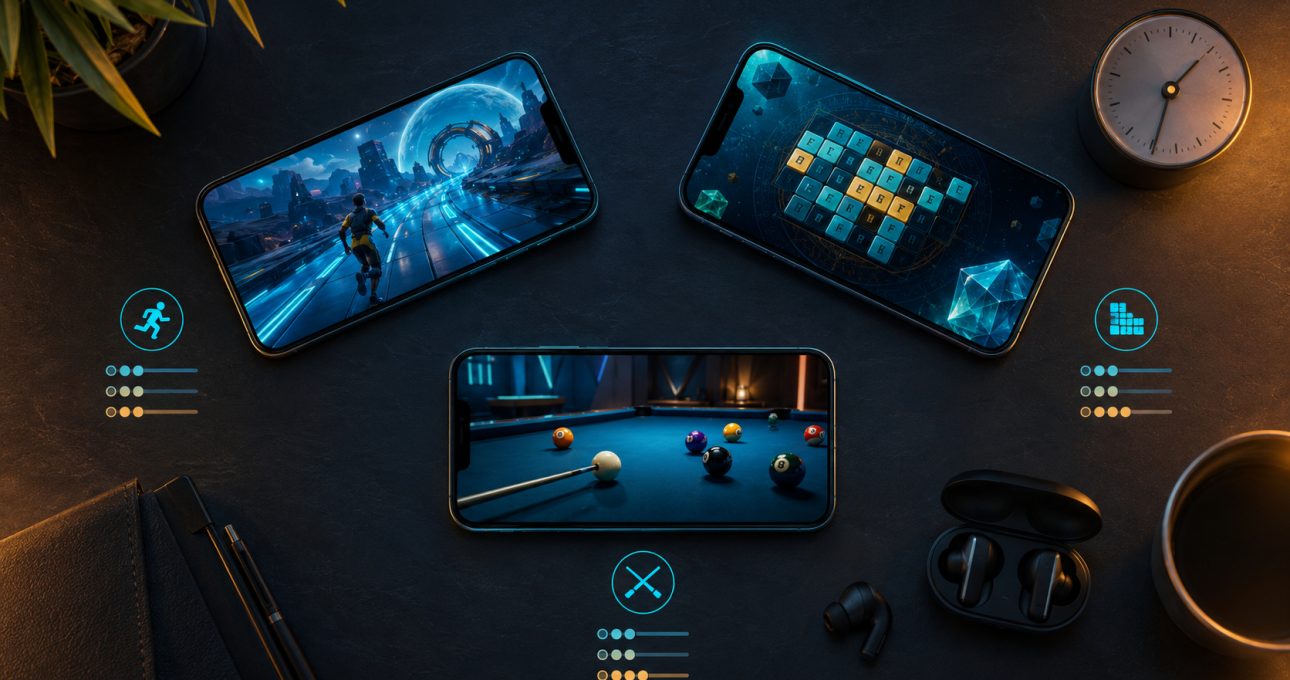
Choose a mobile game in four passes: decide what you want to do, set the time available, identify the control rhythm you enjoy, and verify the exact store edition. Genre narrows the field, but session shape and input often decide whether a game will remain installed. The GameBee games catalogue can supply ideas; the current Google Play or App Store listing should settle availability and terms.
This method avoids two common disappointments: downloading a game whose main loop does not match your mood, and assuming that a familiar title has the same features on every device. It also turns a broad search for “a good mobile game” into a decision that can be answered in a few minutes.
Step 1: Name the action you want to repeat
Genre is useful when translated into a verb. In a runner, you dodge and react. In a word puzzle, you inspect and connect. In baseball or cricket, you time, select and respond to a changing play. In golf, archery or pool, you aim and manage force. In a multi-sport title, you switch among several skill patterns.
Ask which action you would happily perform again after a failed attempt. If the answer is “solve,” start with a word game. If it is “react,” try a runner or racing title. If it is “judge the next move,” a precision sport may fit. This question is more revealing than whether an icon looks calm or exciting.
Step 2: Set a realistic session window
For a very short break, look for a self-contained challenge: one puzzle, one run, one sports event or one quick match. The current World Sports Games listing names Quick Play as well as Tournament and Career modes, making the distinction visible. A player can choose one event now and reserve structured progress for later.
For fifteen to thirty minutes, choose a game with a chain of small goals. Several levels in a word journey, a tournament stage, a sequence of holes or a group of trick-shot challenges can create progress without requiring a long uninterrupted block. For an open-ended session, competitive or career modes may be suitable, but connection and account requirements matter more.
Add setup time to the estimate. A first launch may include an update, privacy choices, a tutorial or purchase prompts. Test the game before relying on it during travel or a scheduled break.
Step 3: Match the control rhythm to your preference
Touch input can feel very different across genres. A runner asks for quick directional decisions. A word puzzle rewards deliberate swipes or taps. The current Golf Pro Tour listing describes swing, power, putting and terrain decisions. The current Pool Masters Pro listing describes aiming, a power control and touch-led shot planning.

Choose reaction controls if you enjoy maintaining attention and recovering quickly. Choose turn-like or precision controls if you prefer to examine the situation before committing. Neither is inherently easier. A simple gesture can demand exact timing, while a game with several buttons can become comfortable once its sequence is understood.
Accessibility needs belong in this step too. Review text size, contrast, orientation, audio dependence and any store-provided accessibility information. If a listing does not answer an important need, test cautiously rather than assuming support.
Step 4: Decide how much variety you want
A focused game lets you deepen one pattern. Baseball keeps returning to the relationship among pitch, swing, field and team decisions. Golf keeps returning to distance, direction and course position. Archery concentrates on aim and release. This is a good fit when improvement comes from noticing smaller differences in the same activity.
A collection or multi-event game changes the problem more often. World Sports Games moves among running, swimming, cycling, throwing and precision events in its current mobile description. Chhota Bheem games vary across word puzzles, cooking, running and kart racing. Choose variety if repetition causes interest to fade; choose focus if mastery is the reward.
Step 5: Check online, offline and social expectations
Do not infer connectivity from genre. A game may allow solo practice offline while requiring a connection for competition, rewards, advertising, cloud features or purchases. “Multiplayer” may mean online opponents, local pass-and-play, asynchronous challenges or another structure. Read the mode description for the exact edition.
If offline use is essential, install while connected, complete the first launch, then test the intended mode without a network. A store statement is useful, but a title can still need an update or account check before the offline portion becomes available. Avoid promising offline access across every feature.
For shared play, confirm whether players use one device, separate devices or an online account. Pool Masters Pro currently describes local pass-and-play and online competition on its Apple edition; that evidence should not be transferred to a different package unless its listing says the same.
Step 6: Review the commercial fit
Free to download is not the same as free of advertising, subscriptions or in-app purchases. Look for the store disclosures and inspect the purchase list where available. Decide whether interruptions, optional upgrades or recurring offers suit the intended session and player. Configure device-level purchase approval when someone else will use the phone.
Also check storage size, update history and supported operating-system version. A perfect genre match is not useful if the device cannot install it comfortably. Store details can change, so make this check at the moment of download rather than relying on an older recommendation.
Step 7: Compare three candidates, not the whole catalogue
Build a shortlist with deliberately different strengths. One candidate can offer a calm puzzle, one immediate action, and one precision or sports loop. Remove any title that fails device, connectivity or commercial checks. Then choose the game whose next ten minutes are easiest to imagine.
If two remain, try the one with the clearer stopping point first. A useful mobile game should fit into real life as well as match a preferred genre. The unchosen option remains available for a different mood rather than becoming a bad download.
Step 8: Verify identity before installation
Use the Google Play developer profile or Game Bee Studio on Apple to confirm the developer and locate the intended package. Similar names, seasonal labels and mobile-versus-television editions can otherwise create confusion.

Read the title, developer, supported devices, most recent notes and primary description together. If those elements do not align with the game you intended, stop and return to the verified profile. Do not install from an unofficial download source to work around an absent listing.
Mobile selection questions
Is genre the most important factor when choosing a mobile game?
It is the first filter, not the final one. Session length, control rhythm, connectivity, device support and commercial terms often determine whether a genre you like will fit the situation.
How can I tell whether a game works for five-minute sessions?
Look for a natural unit that can finish quickly, such as one puzzle, attempt, event or Quick Match. Include first-launch setup and advertising in the estimate, then test the stopping point yourself.
Does multiplayer always require a live opponent?
No. It can describe online head-to-head play, local pass-and-play, asynchronous challenges or other formats. The current listing for the exact edition should explain the arrangement.
What should I verify before giving a mobile game to a child?
Review the store age information, advertising, purchases, data practices, communication features and the game yourself. A family-oriented theme does not replace those title-level checks.
Make the final choice from current evidence
Use the legacy mobile collection to discover GameBee titles, then let the store record and your intended session decide. The best choice is specific: the right action, for the right amount of time, on the device and terms you actually have.