
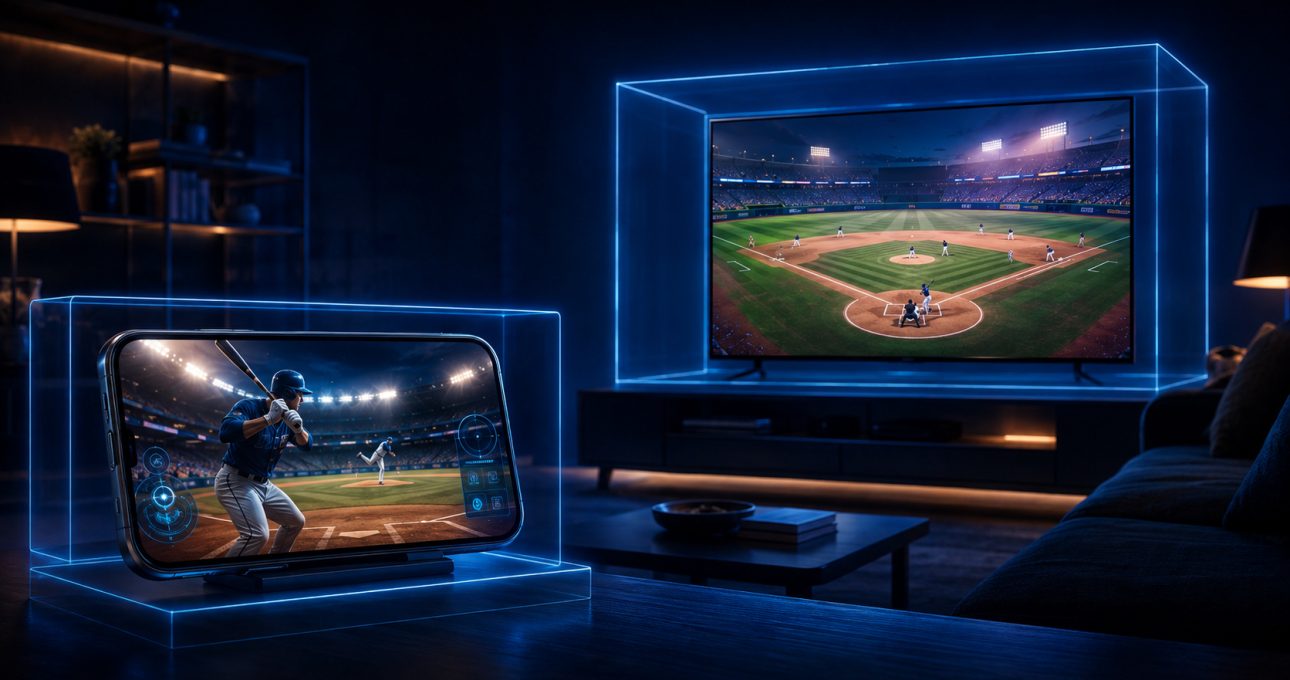
GameBee extends a game idea across screens by keeping the recognisable sport, objective or title identity while giving each store edition its own device support and input model. Current Baseball Super League and Pool Masters listings show this clearly: mobile and television packages can belong to the same product family without being the same download. Players should compare the exact listings instead of assuming that features, progress or purchases move with the name.
The public evidence supports a practical pattern, not a claim about GameBee's private production process. A phone invites taps, swipes and play close to the screen. A television changes viewing distance, navigation and available inputs. The useful question is therefore not “Can the mobile app be enlarged?” but “Which edition was listed for this device, and how does that edition expect the player to act?”
A familiar game identity can lead to separate packages
Baseball Super League on mobile and Baseball Super League 3D – TV use separate Google Play records. That distinction matters. The television package is not merely proof that every mobile feature appears on the big screen, and the mobile record does not define television controls.
Pool Masters follows the same evidence boundary. The Apple mobile edition describes touchscreen aiming and power control, while the Android TV edition describes play with a television remote. The shared cue-sport idea makes the relationship understandable; the separate listing tells the player how to access it.
The central play loop provides continuity
Across screens, the most durable part of a sports game is often the decision the player repeats. Baseball still revolves around reading a play, timing a swing or pitch and responding to the field. Pool still asks the player to inspect an angle, choose power and consider the next position. Athletics still turns an event into a sequence of timing, direction or aiming decisions.
That conceptual continuity helps someone recognise a favourite type of game on another device. It does not prove technical continuity. The safe promise is that a familiar activity has an edition for the named screen when the current store shows it—not that one installation transforms into another.
Touch and remote input create different conversations
Touchscreens allow direct gestures close to the action. A player can swipe over a word, drag an aim indicator or adjust a power control while seeing the finger's position. A television remote offers fewer general-purpose controls and is operated at a distance. The visible interface, focus order and timing therefore need to make sense for directional navigation and selection when that is the supported input.
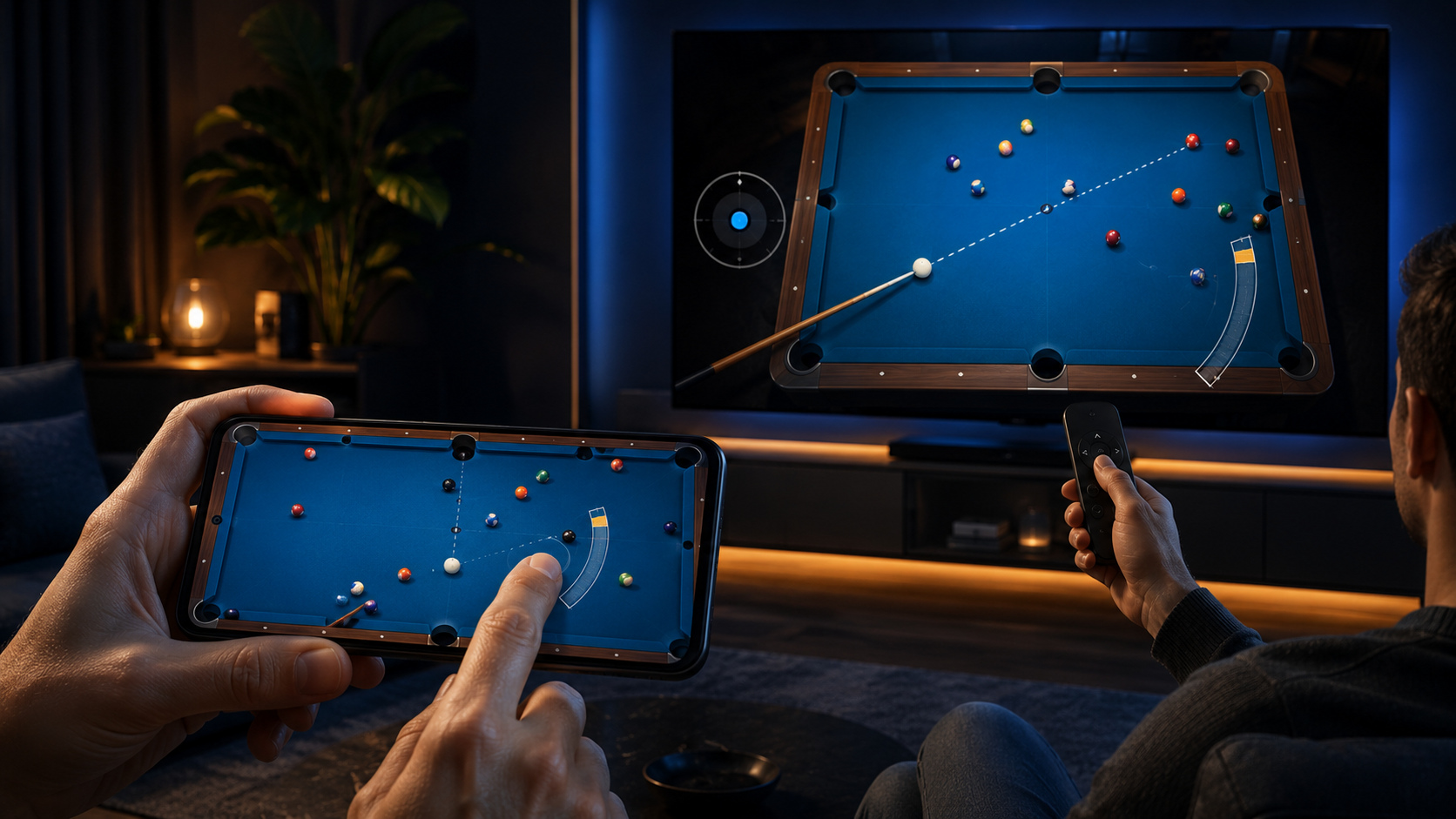
The current Pool Masters records make the contrast concrete. Apple describes touch precision and a power bar on mobile. The Android TV listing describes remote-led aim, spin and power. Both support the same broad shot-planning fantasy, but they communicate with the player through different physical actions.
A game controller introduces another possibility on television, yet platform support alone is not product support. Confirm the exact listing before buying or pairing hardware for one title.
Viewing distance changes what must be clear
On a phone, information can be compact because the screen is close and a touch target can sit beside the object it affects. On television, text, selection focus and prompts must remain understandable from across the room. A sports field may benefit from the wider view, but menus and aiming feedback still need to tell the player what is selected and what the next button will do.
This is why screenshots from one edition should not be used to promise another. A store image can reveal the interface and framing of the package being sold, but it does not certify a separate build. Compare screenshots only within the current listing for the target device.
Sessions can change with the room
Mobile play is easy to begin during a personal break. Television play is anchored to a shared screen and may involve setup, a remote, a controller or other people in the room. The same sport can therefore serve a different occasion. A short mobile event may fill a commute, while a television match may become a focused couch session.
Do not assume that the television edition contains local multiplayer simply because the screen is shared. “Multiplayer” can describe online, pass-and-play or other arrangements. Pool Masters provides a useful title-level example because its current descriptions name particular modes, but every other game must answer the question through its own listing.
Store terms remain attached to the edition
Separate packages can have different prices, subscriptions, advertising, in-app purchases, age guidance, data practices and update histories. A purchase in one store does not automatically unlock another package. Likewise, installing the same title family on two devices does not prove that saves, accounts, achievements or inventories synchronize.
Before changing screens, read the commercial details on the new store record as though you were choosing the game for the first time. Confirm the developer, package, supported device, current version and input. This prevents a familiar name from hiding an important difference.
Cross-screen does not automatically mean cross-save
Availability on two screens does not prove cross-save. Progress may remain local, use separate accounts or follow rules not described publicly. Do not assume universal purchase, shared subscriptions or transferable in-game items. These are technical and commercial features that require explicit title-level confirmation.
If continuity matters, look for a clear account, cloud-save or cross-progression statement on both relevant listings or in an official support note. In its absence, plan for separate progress. That expectation is safer than discovering the limitation after investing time or money.
Choose the screen by the verified edition
Start from the GameBee catalogue, identify the game family, then open the official store used by the phone or television. Check that the developer is GameBee, the device is named and the input fits. Compare modes and terms without transferring claims from the related package.
Choose mobile for portability, close-up touch and a personal session when the mobile listing supports the title. Choose television for the bigger display and living-room input when a current TV listing exists. It is reasonable to enjoy both, but treat them as separately verified choices.
Cross-screen edition questions
Is a GameBee mobile app the same download as its TV edition?
Not necessarily. Baseball Super League and Pool Masters have separate current package records for mobile and Android TV. Install only the edition listed for the target device.
Will progress move from my phone to my television?
Do not assume it will. A shared title identity does not prove cross-save, and no general promise should replace explicit confirmation for the exact two editions.
Does buying something in one edition unlock it on another screen?
Not by default. Purchases, subscriptions and entitlements follow the terms of their store and package. Confirm a shared-entitlement statement before expecting access elsewhere.
Can every television edition use a remote and a controller?
No. A platform may support both input types, but each game implements its own controls. Read the current title listing and test the supported input after installation.
Move screens without moving assumptions
The strongest cross-screen experience begins with recognition and ends with verification. Find the familiar GameBee activity, open the edition made available for the new device, and judge its controls, modes and terms on their own evidence. That preserves what players enjoy about the game while respecting the differences between a phone and a television.