
PC and Steam Games from GameBee Studio
GameBee Studio is bringing its multi-platform experience to PC with a clear goal: release complete games, share playable demos and give interested players a reliable place to follow each launch. This page will separate what is available, what can be wishlisted, what has a demo and what is still upcoming, so every action reflects the real release state.
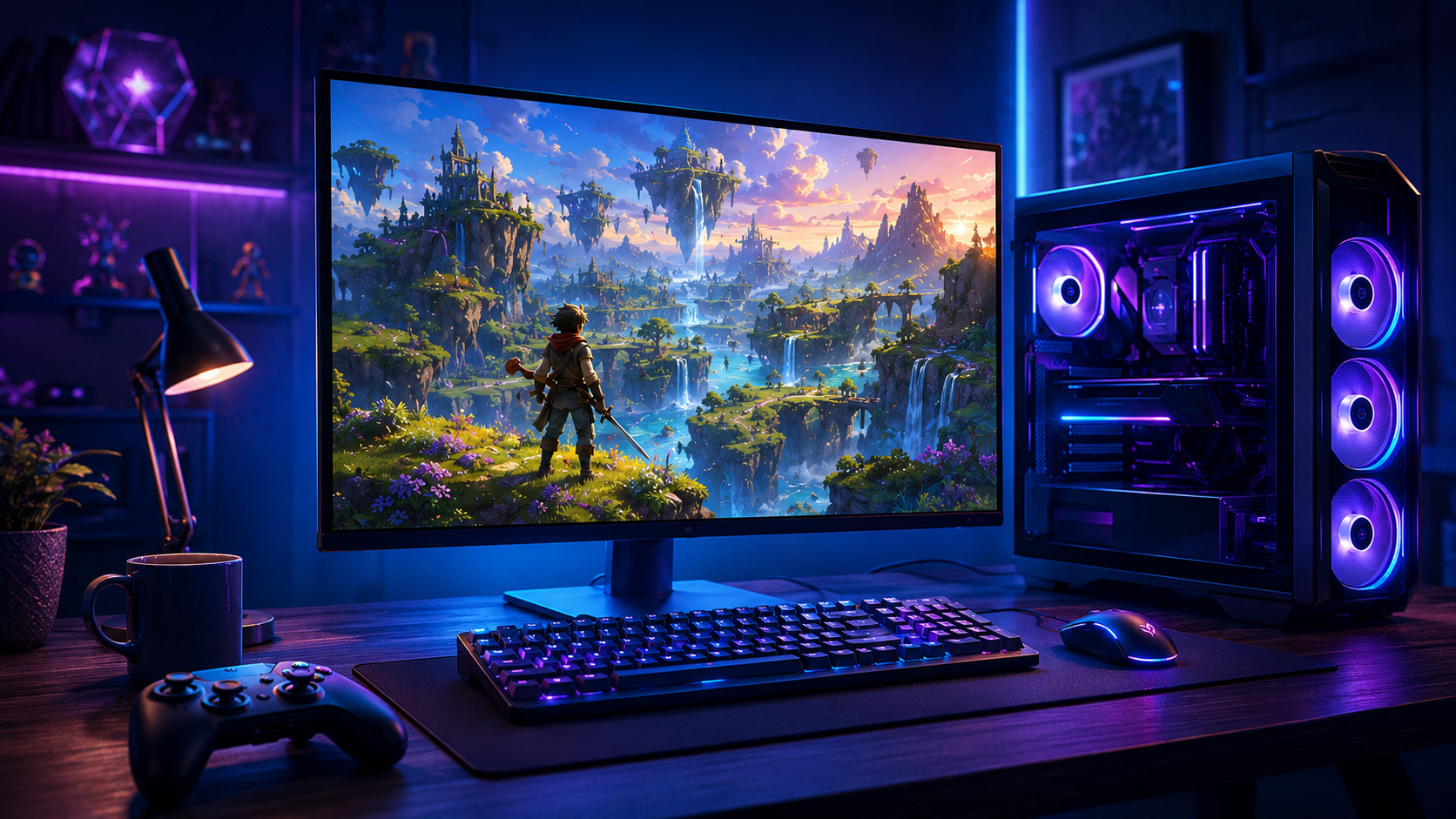
A new chapter for GameBee players
GameBee is best known for a catalog that spans Smart TV and mobile. Moving into PC is not presented here as a simple copy of that work. PC players expect detailed controls, readable settings, stable performance, a clear release identity and enough information to decide whether a game belongs on their wishlist.
The PC collection therefore grows title by title. A game appears with an honest status and a direct action only when that action exists. An announced project can invite you to follow its progress. A published Steam page can invite a wishlist. A live demo can offer an immediate download. A released title can lead to its store page. Those states should never be blurred together.
Lost World: The Game of Destiny
Lost World: The Game of Destiny is GameBee Studio's planned first full PC release. It marks the studio's move toward a larger PC adventure and gives returning players a specific title to follow rather than a vague promise about future expansion.
A direct Steam, wishlist or demo button will appear only after GameBee publishes that destination. Until then, this hub keeps the announced title and its release state clear without sending players to an inactive route.
Know exactly what each release label means
Upcoming
The title has been identified publicly, but a store purchase or wishlist route should not be assumed.
Demo available
A playable build has an official download destination and can be tried before the full release.
Wishlist on Steam
The official Steam product page is live and the wishlist action can be completed immediately.
Released
The game is available through its live store page, with current platform and purchase information shown there.

Check the evidence behind every PC release
PC games by GameBee Studio will be easiest to evaluate when each project page answers the practical questions close to release. Look for real gameplay footage rather than a cinematic substitute, controls that identify keyboard, mouse or controller support, and system requirements that separate the minimum from the recommended setup. Language support, accessibility options, save behavior and any online requirement should also be visible before purchase.
The store page carries the live record for price, region, release date and supported operating systems because those details can change. This hub provides context and a direct route, while Steam handles the live transaction and platform record. If information is not ready, a clear upcoming label is more useful than an estimate presented as fact.
- Watch for footage captured from the playable build.
- Compare your computer with the published requirements, not with assumptions based on another GameBee title.
- Confirm whether a demo uses the same control options planned for the full game.
- Read the current store page again at launch for price, languages and regional availability.
A useful release page also dates important updates. A trailer, requirement list or demo note can become outdated as development continues. Visible publication and revision dates help players distinguish the newest information from an earlier milestone, while a short change note explains whether the build, release window or supported features have moved. That record keeps the launch story understandable without making players reconstruct it from scattered posts.
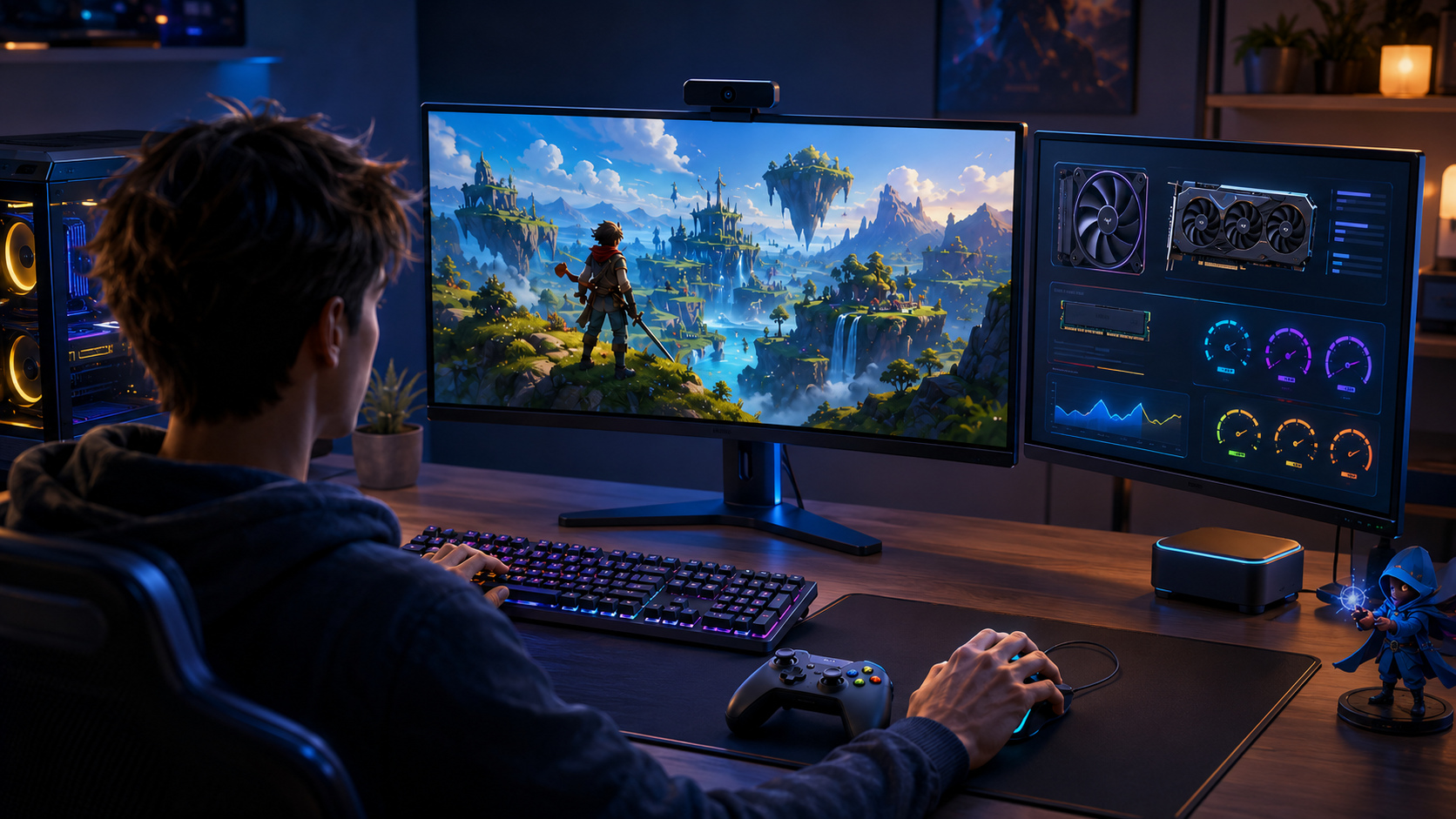
What PC players need before committing time
A clear PC release view covers the practical questions that affect a download: keyboard and mouse or controller support, minimum and recommended requirements, save behavior, available languages, accessibility options and the difference between a demo and the full build. GameBee will add those details when they are confirmed for the title. Until then, the page avoids borrowing specifications from mobile or television editions, because a familiar game style does not guarantee the same controls, performance profile or feature set on PC.
What GameBee brings to the move from TV and mobile
a documented milestone of more than 50 published games has given GameBee experience with varied genres, different input methods and the practical work of supporting live releases. That background matters on PC, but it does not replace the work required for a PC-first experience. It provides a base for testing interfaces, tuning controls and understanding how the same core idea can feel different when the player sits close to a monitor instead of holding a phone or using a television remote.
The studio's public direction is to combine that multi-screen knowledge with the deeper expectations of PC players. Release pages can demonstrate the result through first-party screenshots, gameplay footage, control information, system requirements and a demo when one is ready. The evidence belongs next to the game, not inside broad marketing claims.
Follow a launch without chasing scattered updates
Use this hub as the stable starting point for GameBee PC releases. From here, each title can connect to its own project page, official Steam listing, demo, news and support material. The wider GameBee game portfolio remains available when you want to explore games already released on other screens.
- Open the project page for the latest approved description and media.
- Use a Steam wishlist button only when it leads to the official title listing.
- Try a demo from the official release destination rather than an unofficial mirror.
- Check system requirements and supported inputs again at launch, because development details can change.
PC release questions from GameBee players
QUICK ANSWERS
What is GameBee Studio's first announced PC project?
Lost World: The Game of Destiny is the first full PC title identified in GameBee's approved release direction.
Can I wishlist Lost World on Steam today?
A direct wishlist button will appear only after GameBee publishes its Steam destination. Until then, no inactive or unofficial wishlist link is shown here.
When will system requirements be available?
GameBee will publish requirements with the title details once the release configuration is ready, with the store page carrying the live platform record.
Will every mobile or TV title be moved to PC?
No blanket porting promise is made. Each PC release will be presented as its own project with a clear status, controls, media and destination.
Explore games already available from GameBee
Follow this PC hub for Lost World release details. In the meantime, the released catalog offers games for mobile and the living room.
Browse released GameBee games →