
Lost World: The Game of Destiny is the only GameBee PC title currently disclosed in the approved project material. As of 14 August 2026, an official Steam storefront, playable demo, public price, release date and GameBee wishlist destination were not directly verifiable. For now, all Steam, demo, price, release-date and wishlist actions remain blocked. That makes Lost World a project to watch, not a game to claim, buy or wishlist yet.
The most useful way to follow GameBee's PC direction is to separate confirmed identity from future milestones. The title and PC ambition can be stated. Gameplay systems, release timing and Steam actions should appear only when GameBee publishes evidence that visitors can inspect for themselves.
The confirmed starting point is Lost World
GameBee's approved growth material identifies Lost World: The Game of Destiny as its planned first PC release. That is a meaningful direction for a studio whose live public catalogue is currently easier to explore through mobile and connected-TV titles. It is not, by itself, proof that the game is available, that a store has accepted a release date or that a demo can be downloaded.
The distinction protects prospective players. A project name can create interest, but a purchase decision needs a current storefront. A gameplay claim needs approved footage or a public description. A system-requirement claim needs a published specification. Until those items exist, curiosity should be met with a clear status rather than promotional guesswork.
What “upcoming” means in this guide
Upcoming means that GameBee has identified a PC release intention in approved material. It does not mean “coming soon,” because that phrase can imply a short or committed schedule. It also does not establish Steam as the final public destination until the exact product storefront is visible and connected to GameBee.
This guide will become a comparison of several PC titles only when additional games are officially announced. Today, one disclosed project is enough to form a truthful watchlist, but not enough to invent a slate. Any future addition should arrive with a name, platform, public asset and lifecycle state that can be checked.
Evidence that should appear before a wishlist action
A legitimate GameBee wishlist action should open a specific product inside the official Steam store. The listing should show the correct game title and identify GameBee through the developer or publisher information. The visible media and description should match GameBee's approved announcement. Only then should an owned article use a “Wishlist on Steam” link.
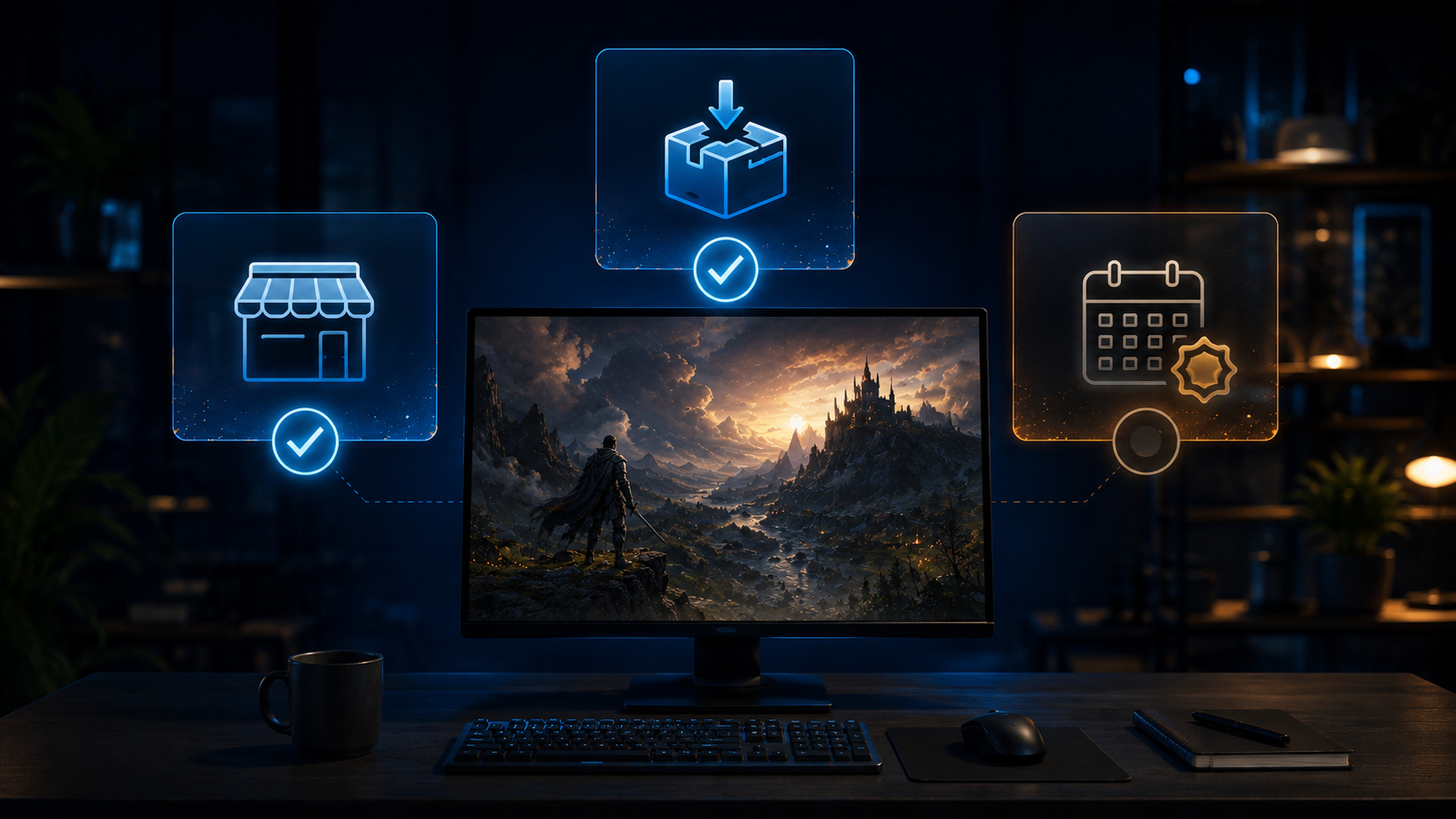
Steam's official wishlist guidance explains that a player adds a game from that game's storefront. A generic Steam link cannot complete the task, and a button without a destination would create false urgency. Until Lost World has that verifiable record, the responsible action is to follow official GameBee updates.
Evidence that should support a playable demo
A demo claim needs a working official download associated with the game. The store should label the build as a demo, prologue, playtest or another precise format, and the supporting GameBee announcement should explain what is available. A trailer, concept video or development clip is not a playable demo.
Before promoting one, GameBee should test the destination while signed out where possible, confirm operating-system and hardware requirements, and state whether saves or feedback move into the eventual release. If those details are not public, the copy should not fill the gaps with assumptions.
Evidence that should support a release window
A date or window should come from the current official storefront or an approved GameBee announcement that remains public. Old roadmap language can become inaccurate as development changes. If the two sources disagree, visitors should see the most recent explicit update and the older claim should be corrected or removed.
Terms such as “2026,” “this year” and “soon” are still release claims. They should not be inferred from a campaign plan or internal goal. Without public confirmation, say that timing has not been announced. That answer is less dramatic but more useful to a player deciding whether to follow the project.
What to inspect when the Steam storefront appears
First, confirm the title, developer and publisher identities. Second, review the game description and media for the actual genre and play loop. Third, check operating systems, input support, languages and system requirements. Fourth, look for a demo, playtest or Early Access label rather than assuming the format. Finally, read the release status and any mature-content or online-account information.
The presence of a wishlist control confirms that interest can be registered; it does not confirm a release date. The presence of screenshots confirms approved presentation, not final performance. Each visible element answers one question and should not be stretched into several promises.
Follow GameBee without relying on imitation accounts
Use the official GameBee site and its news archive to recognise announcements. When GameBee publishes a Steam destination, move from the owned announcement to the storefront and compare the identities. Avoid accounts, mirrors or videos that cannot be connected to either source.

The live games catalogue remains the better choice for something playable now. It presents the studio's established mobile and television work while the PC release path develops. A future-facing article should not divert visitors from current games with a button that cannot yet deliver an action.
How this guide will grow without becoming stale
Each PC record should contain a simple fact set: official title, lifecycle state, public platform destination, developer and publisher identity, media status, demo availability, release information and the last verification date. If a field is unknown, it should say unknown rather than disappear behind promotional language.
When a second title is announced, compare the games by confirmed genre, format and player action—not by speculative rankings. When a demo changes, update the action. When a release occurs, replace release-interest language with current purchase, system and support information. This keeps the guide useful through the whole lifecycle.
GameBee PC release questions
Is Lost World: The Game of Destiny available on Steam now?
No official GameBee Steam storefront for Lost World was directly verifiable on 14 August 2026. Treat the game as a disclosed PC project until GameBee publishes a confirmed destination.
Can I add Lost World to my Steam wishlist today?
Not through a verified GameBee action. Steam wishlisting starts from a specific product storefront, so wait for GameBee to link the official listing rather than searching for a similarly named game.
Has GameBee announced a Lost World release date or demo?
Neither a public release date nor a playable demo destination was verified for this guide. Do not interpret the planned PC milestone as a consumer release commitment.
Are more GameBee PC games confirmed?
The approved material mentions a broader PC ambition, but it names only Lost World in the title set used here. Additional games should be added only after an official public announcement provides verifiable details.
Watch the evidence, not the countdown
Follow GameBee for a real storefront, authentic media and an exact player action. Until those appear, Lost World is best described with disciplined interest: a named GameBee PC project whose public Steam journey has not yet begun. That position can change immediately when the official evidence changes.