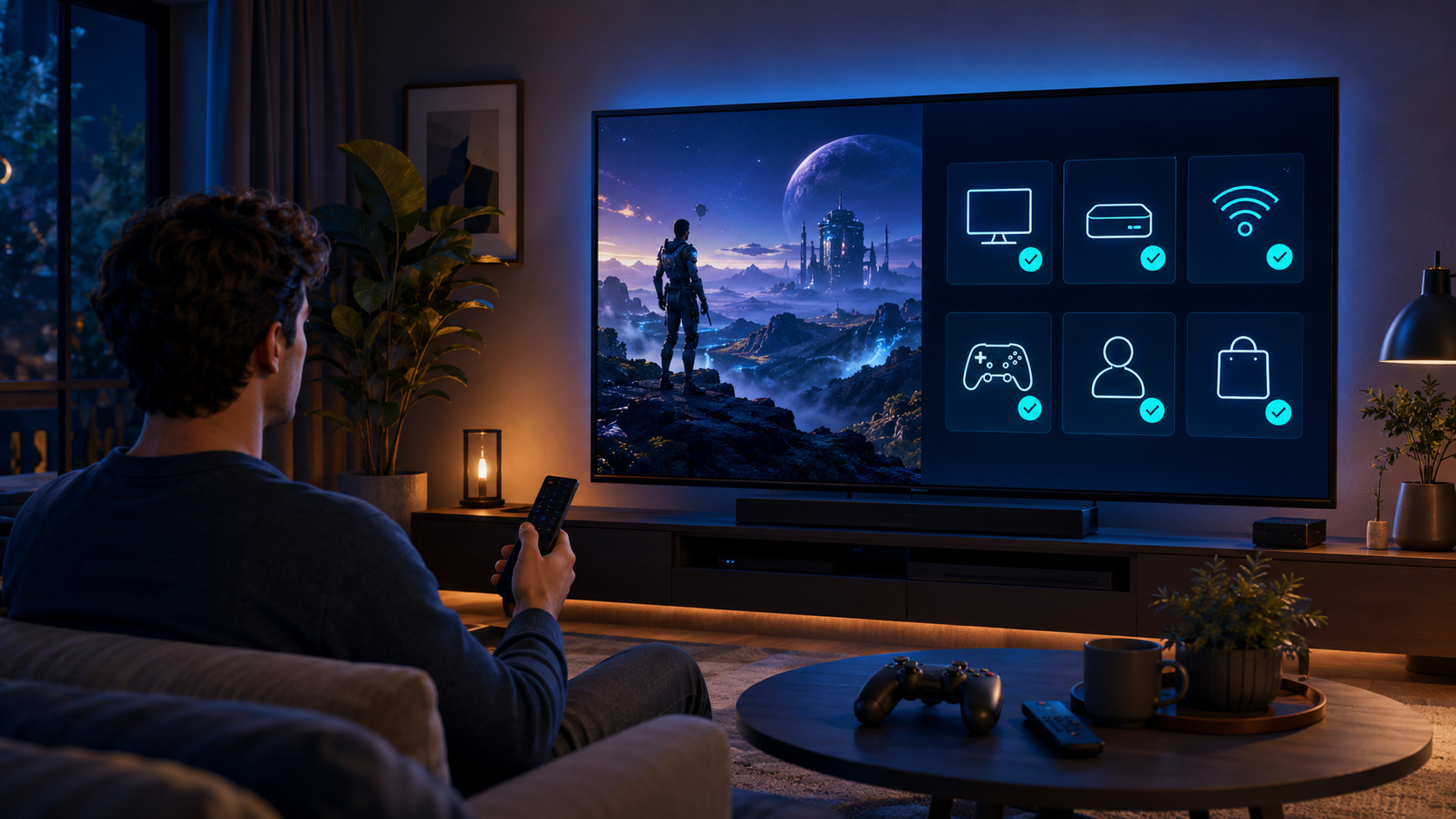
To prepare a GameBee Apple TV session, first confirm that the exact app lists Apple TV compatibility and that the device meets its tvOS requirement. Then use the input described by that title. A wireless controller can be paired through Apple TV settings, but Apple warns that buttons and features vary by controller and app. Pairing does not guarantee universal support.
Within the approved GameBee catalogue, Formula Racing, Rolling Ball Adventure and Fruit Cutter currently appear for Apple TV in the US App Store. Their individual details, not the broader Apple ecosystem, decide controls, purchases and compatibility.
Verify Apple TV hardware before the game
Apple allows new app downloads on Apple TV 4K and Apple TV HD. Older third-generation hardware does not provide the App Store for downloading new apps. Identify the model in Settings and install current tvOS updates before troubleshooting a missing GameBee result.
Compare the operating-system requirement on the exact listing. Formula Racing, Rolling Ball Adventure and Fruit Cutter currently require tvOS 15.0 or later in the US store. That snapshot can change, so the product detail shown in the user's market remains authoritative.
Read compatibility as an app-level statement
A title in the iPhone or Mac collection is not automatically an Apple TV game. Open the Game Bee Studio App Store profile, select the Apple TV collection and then open the product detail. Confirm Apple TV under Compatibility rather than relying on a familiar name.
If the title lists Mac and Apple TV, that means it can run on both supported systems. It does not prove shared saves, shared purchases, shared matchmaking or identical controls. Each of those needs its own explicit evidence.
Use the Apple TV remote when the title names it
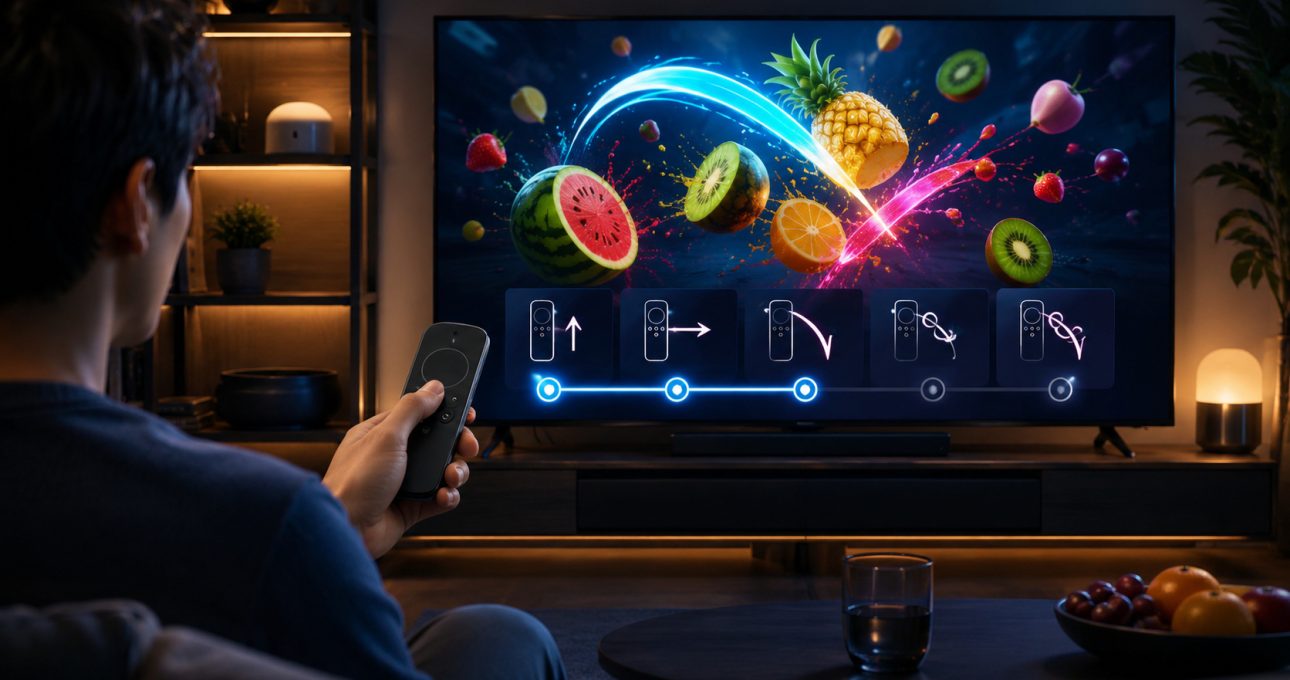
Fruit Cutter 3D: Evolution currently describes simple Apple TV remote controls for its big-screen slicing loop. This is a clear title-level claim. Test the remote in the Apple TV interface, launch the game and begin with a short mode to learn the installed behaviour.
Do not extend Fruit Cutter's remote description to Formula Racing, Rolling Ball or every GameBee Apple TV release. Product facts remain attached to the app that publishes them.
Pair a wireless controller through Apple settings
Apple's controller instructions direct users to place the controller in pairing mode, open Settings, select Remotes and Devices, choose Bluetooth and select the controller. The exact labels can vary with tvOS. Keep the controller close to Apple TV and ensure it has sufficient charge.
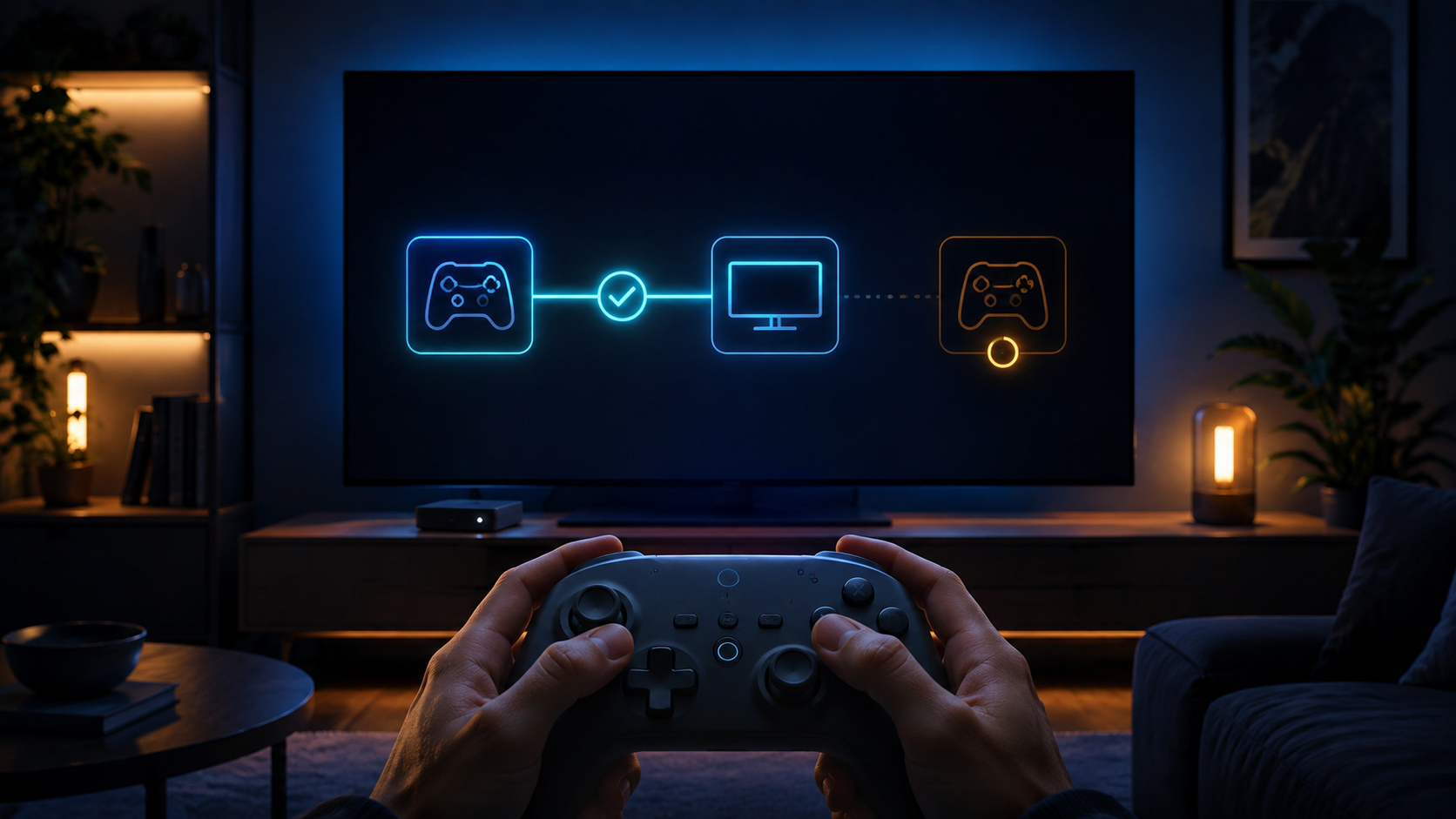
If it was previously paired with another device, disconnect or forget that connection as needed. Apple also explains that some controllers can be paired with only one device at a time. A successful entry under connected devices completes the platform step; the game still decides whether and how it uses the input.
Test controller behaviour inside the exact title
Open the game, use the simplest available mode and follow its prompts. Confirm directional or analogue movement, the main action, pause and return. If button labels do not match, update tvOS and the game, then test again. Avoid remapping or buying a replacement until the current product detail establishes controller support.
Formula Racing's current listing confirms Apple TV compatibility but does not justify a promise that every controller model is fully supported. Rolling Ball describes intuitive controls without publishing a complete hardware map. Public guidance should therefore recommend testing rather than inventing a universal configuration.
Prepare the room for readable play
Sit at the normal viewing distance and confirm that the selected option, objective and control prompt remain legible. Check that the television does not crop the edges of the interface. Use a comfortable sound level and complete sign-in, privacy and purchase prompts before other players join.
For a shared session, verify whether the installed mode is local, online or single-player. The existence of a second controller does not create multiplayer. If players will take turns, choose a short mode and confirm how progress or scores are separated.
Review purchases before the session starts
The verified Apple TV listings in this guide currently show in-app purchases, with different products and prices. Read the live offer for the Apple ID and region. Note whether an item is recurring, consumable or a one-time unlock before confirming it.
Use Apple's purchase controls for a shared household. Do not treat a free download as unlimited access and do not copy a current price into evergreen copy without a final publication check.
Troubleshoot connection and app support separately
If the controller does not appear in Apple TV Bluetooth settings, charge it, restart pairing mode, move it closer and check whether it is still connected elsewhere. If it works in Apple TV menus but not in the game, update the app and verify that the title supports a controller. Return to the remote when it is the documented input.
Record the Apple TV model, tvOS version, game title and version, controller model and exact failed action. This information helps distinguish a wireless connection issue from app-level mapping.
Keep big-screen claims within the evidence
An Apple TV listing can establish compatibility and tvOS requirement. A product description can establish the control method it names. Apple's support material can establish pairing steps and note variation. None of these sources proves GameBee's internal testing process, measured performance, cross-save or cross-play.
Clear evidence boundaries make the guide more useful. They also prevent a broad ecosystem message from creating promises the installed game may not meet.
Apple TV controller questions
Do all three verified GameBee Apple TV games require a controller?
No. Fruit Cutter explicitly names Apple TV remote controls. Formula Racing and Rolling Ball should be evaluated from their current product details and installed prompts; do not assume a controller requirement.
Why does my controller pair but not respond in a GameBee game?
Pairing proves an Apple TV connection, while app support is separate. Update the game, check its input description and test the default control method before reporting the controller model and failed action.
Does Apple TV compatibility include shared saves with Mac or iPhone?
No. Compatibility does not prove cross-save. Expect independent progress unless the exact GameBee listing or an approved statement explicitly confirms continuity.
What should I verify before purchasing a controller?
Confirm that the GameBee title supports controller input, check Apple's compatibility guidance for the controller model and review which buttons or features the app actually uses.
Build the session around verified support
Open the current Game Bee Studio Apple TV collection, confirm the exact title and use its documented input. A dependable big-screen session begins with compatible hardware, a current app detail and controls that have been tested in the installed edition.