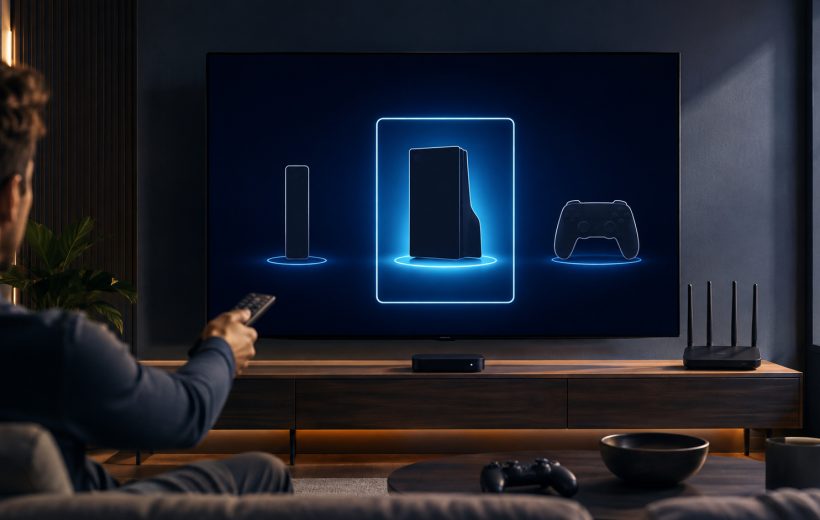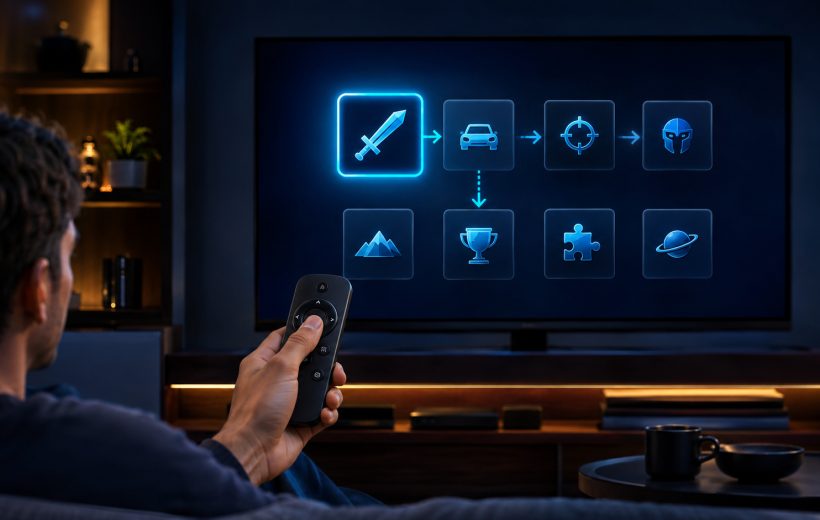
Title-specific remote guidance should be tested in the exact installed game before play

GameBee Apple TV Games: Controllers, Compatibility, and Big-Screen Sessions

To prepare a GameBee Apple TV session, first confirm that the exact app lists Apple TV compatibility and that the device meets its tvOS requirement. Then use the input described by that title. A wireless controller can be paired through Apple TV settings, but Apple warns that buttons and features vary by controller and app. Pairing does not guarantee universal support.

Editorial illustration: phone, tablet, computer and television are separate play contexts to evaluate

How to Choose and Play GameBee Games on iPhone, iPad, Mac, and Apple TV

Choose a GameBee game by opening Game Bee Studio's App Store profile, selecting the device you intend to use and reading that title's compatibility, controls and current offer. iPhone, iPad, Mac and Apple TV are separate play contexts. A game listed for more than one device does not automatically provide shared saves, shared purchases, cross-play or identical controls.

Original editorial illustration: focused racing rewards cleaner lines, sharper turns and repeated laps

Best Apple TV Games from GameBee Studio

The best verified GameBee Apple TV choices for the approved catalogue are Formula Racing: Speed Car Game, Rolling Ball Adventure: 3D Run and Fruit Cutter 3D: Evolution. Formula Racing suits focused driving, Rolling Ball rewards balance and obstacle timing, and Fruit Cutter offers the fastest way into an arcade score session. All three currently appear in Game Bee Studio's US Apple TV collection, but their controls, age information, purchases and device requirements must be checked individually.

Deliberate aiming, spin and power can fit a compact remote when the exact title documents that control

GameBee Android TV Game Controls: Remote, Gamepad, and Big-Screen Play

GameBee Android TV controls are title-specific. The current Google Play descriptions for World Sports Challenge 2025 TV and Baseball Super League 3D – TV name both remote and gamepad support. Pool Masters 3D describes television-remote aiming, spin and power. Other games can make different choices, so the exact television package must be checked before installation or controller purchase.

Start with the verified developer, then open the exact television listing rather than choosing by icon alone

How to Find and Install GameBee Games on Android TV and Google TV

To install a GameBee game on Android TV or Google TV, open Google Play on the target television, search for the exact title, confirm the developer and television compatibility, review the supported input and commercial terms, then select Install or the action displayed. A GameBee phone app or a card in the legacy website collection is not enough to prove that the game will run on the big screen.

A useful Android TV shortlist connects the player's preferred input to the right kind of game loop

Best GameBee Android TV Games to Play with a Remote or Gamepad

The strongest GameBee Android TV choices are the titles that match both your play style and your preferred input. World Sports Challenge 2025 TV and Baseball Super League 3D – TV support a remote and gamepad according to their current Google Play descriptions. Pool Masters 3D emphasises television-remote play, while Fruit Cutter TV offers a direct arcade alternative. Always open the exact listing on the target television before installing because availability, input support and commercial terms can change.

Editorial illustration: visible focus makes directional navigation predictable from the couch

What Makes a Great GameBee Fire TV Game: Controls, Compatibility, and Living-Room Play

A great GameBee Fire TV game is easy to identify, install and control from the couch. Its current Amazon listing clearly states device and input requirements, its interface keeps the selected item visible, and its core actions fit the remote or controller it actually supports. Those qualities matter more to a player than unsupported claims about optimisation or technical performance.
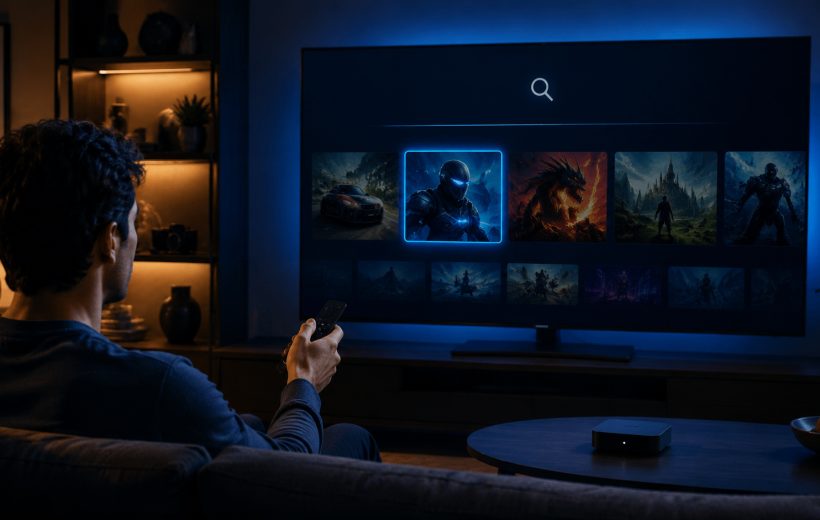
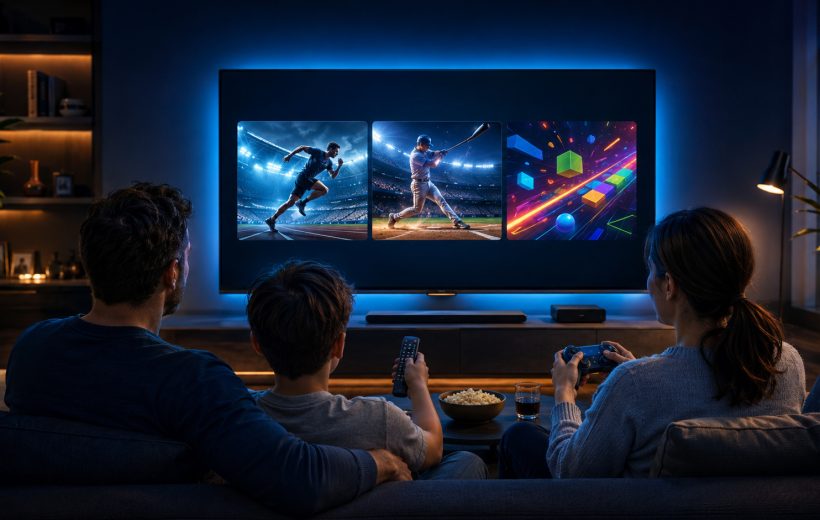
The strongest living-room shortlist connects genre, player, input and session length

Best GameBee Fire TV Games for Sports Fans and Casual Players

The best GameBee Fire TV game is the title that appears in the Amazon Appstore on your television, supports the input you want to use and fits the kind of session you have in mind. Start with the GameBee games collection to recognise the studio's titles, then search from the Fire TV itself. Treat the current listing shown on that device as the final answer for availability, price, subscription terms and controls.

Editorial illustration, not a store screenshot: mobile, television and Apple editions keep separate release records

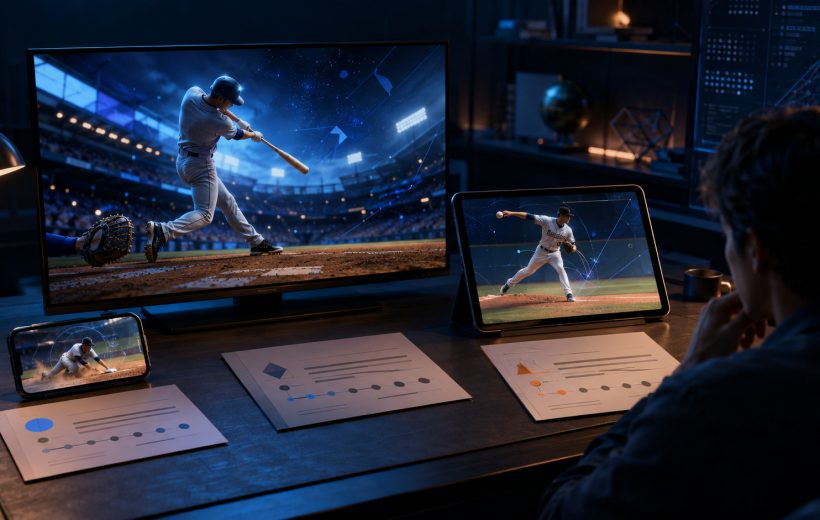
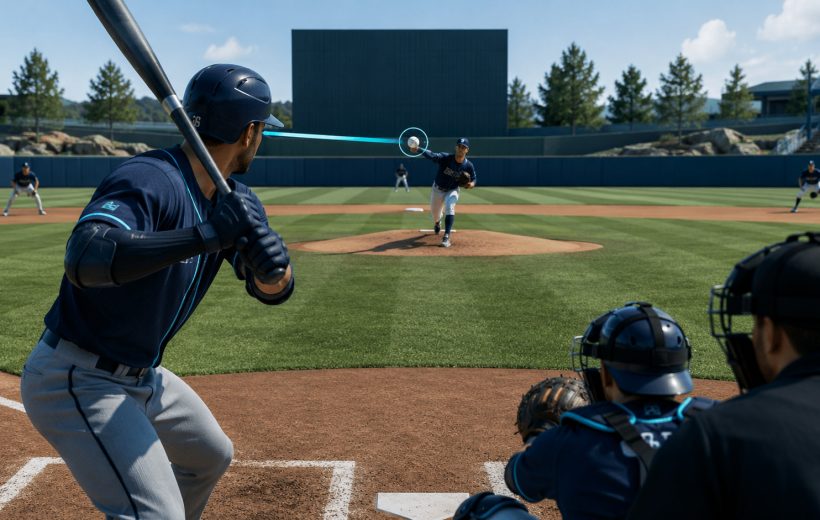
Baseball Super League Update Journal: Modes, Controls, and Player Feedback

Baseball Super League now has separate public histories for Android mobile, Android TV and Apple devices. As of 14 August 2026, Google Play dates the mobile edition to 17 May 2026 and the television edition to 2 June 2026. Apple’s Baseball Super League 2026 listing shows a later version number and retains older notes that document a lineup option, leaderboard and gameplay work.