
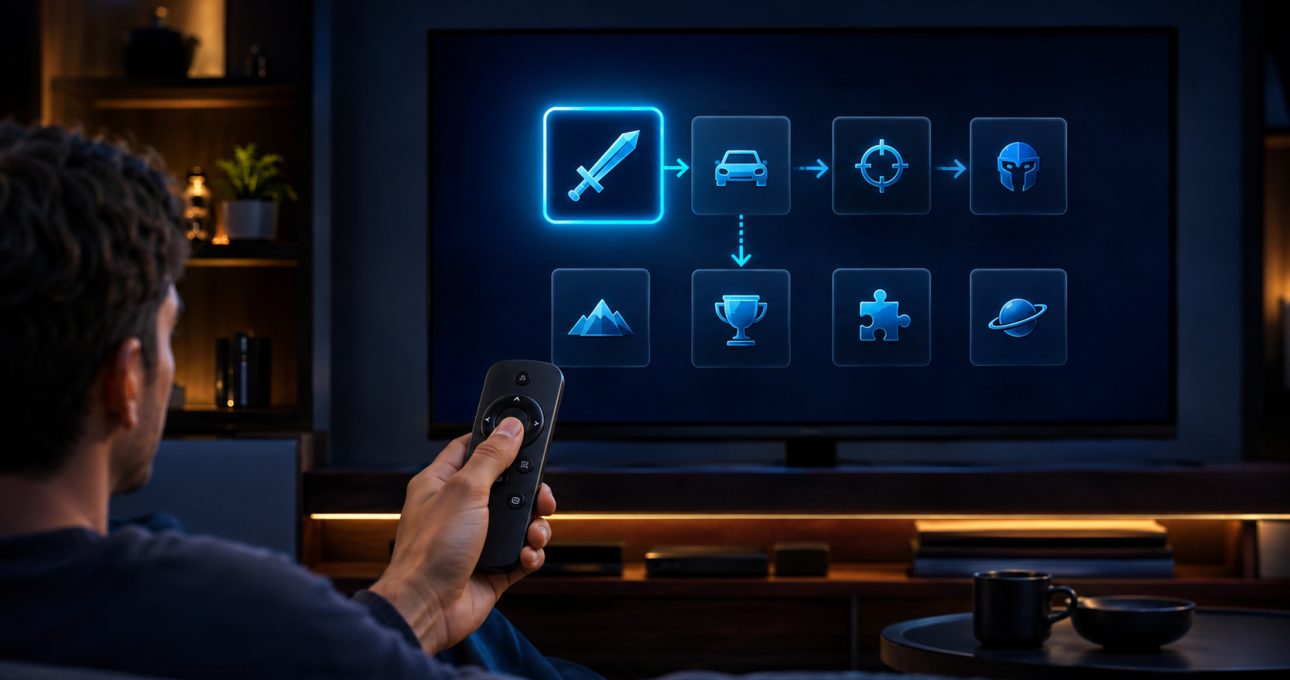
A great GameBee Fire TV game is easy to identify, install and control from the couch. Its current Amazon listing clearly states device and input requirements, its interface keeps the selected item visible, and its core actions fit the remote or controller it actually supports. Those qualities matter more to a player than unsupported claims about optimisation or technical performance.
This guide uses public Fire TV behaviour and observable product evidence. It does not describe GameBee's internal development, testing or performance process. Those first-party claims would require approved technical notes, named examples and authentic evidence from the studio.
Compatibility is the first quality test
The game should appear in the Amazon Appstore on the target Fire TV and present a detail that the player can review. That current result connects the title to the device, region, developer, commercial terms and update channel. A mobile edition, Android TV package or legacy archive card cannot complete that check.
If a GameBee title is absent, the honest conclusion is that availability is not confirmed for that setup. A good experience begins before launch by preventing the wrong edition from being installed or promoted.
Visible D-pad focus keeps navigation predictable
Amazon Fire TV remotes use directional buttons and Select for standard navigation. In a comfortable television experience, the focused button or tile is visually distinct at couch distance. Moving left, right, up or down should produce a predictable change, and Select should act on the highlighted item. Back should return to the previous state without unexpectedly discarding progress or trapping the player.
The user should not need a pointer, touchscreen gesture or hidden keyboard command to reach essential menus. Focus should not disappear behind an animation or move to an off-screen element. These are observable usability qualities, not claims about the studio's private implementation.
Remote actions should match the game's complexity
A Fire TV remote offers a small, recognisable input set. That can work well for menus, turn-based choices, timing actions and simple directional play. It becomes less suitable when a game depends on simultaneous analogue movement, several action buttons or precise combinations. The title detail should set the expectation before download.
A remote-friendly GameBee game should explain its essential actions early and keep prompts consistent. If Select performs the main action in one menu, changing that meaning without a clear prompt creates avoidable friction. If a mode requires a game controller, the requirement should appear before the player enters it.
Controller support must be title-specific
Fire TV can pair compatible game controllers, but platform capability is not universal app support. A great listing tells the player whether a controller is supported or required. A great first launch also makes the mapping understandable without sending the player through unrelated settings.
Controller behaviour can vary by model and title. Pairing confirms a connection with Fire TV; it does not prove that every button or feature is implemented. When a game can use either remote or controller, it should avoid switching the active input unexpectedly and should preserve clear prompts for the device currently in use.
Television readability begins at couch distance
Text that looks clear on a phone can be difficult to read across a room. A living-room game needs legible labels, sufficient contrast and important information that is not pushed to the edge of the visible screen. Selection states should differ by more than a subtle colour shift whenever possible, and essential prompts should remain visible long enough to understand.
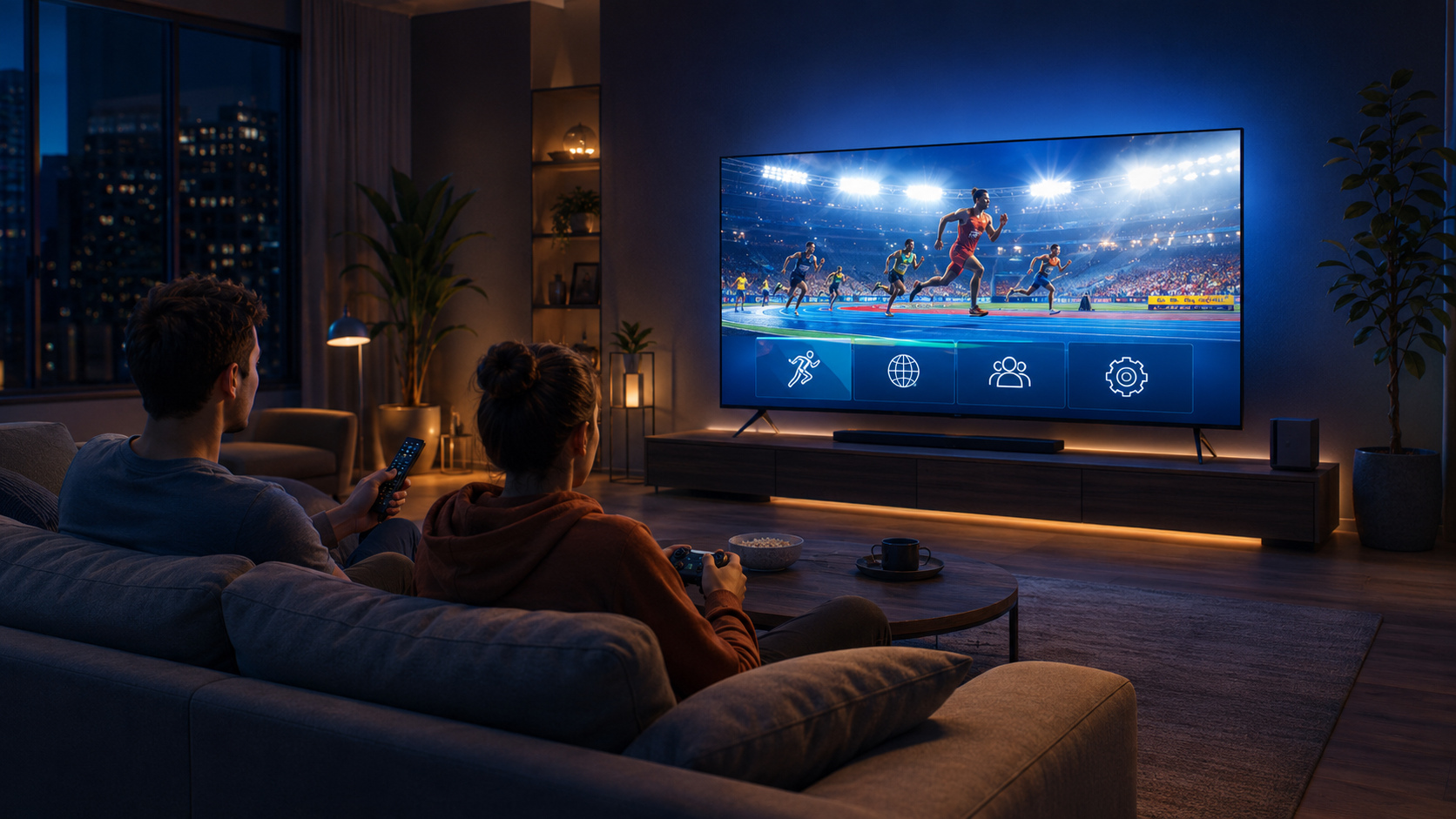
The strongest test is practical: sit where the game will be played, open its menus and confirm that the objective, selected option and required action are all apparent. If a player must move closer to read every prompt, the interface is not yet serving the television context well.
A useful first session teaches before it tests
The opening should let the player verify the input in a low-pressure context. A short practice, simple mode or clear first objective is better than dropping the user into a complex sequence before the controls are known. The game should respond visibly when an input is accepted so the player can distinguish a learning error from a connection problem.
Recovery matters too. Pausing, returning from sleep, losing connection or pressing Back should not leave the player unsure whether progress is safe. Public observation can document what an installed edition does; claims about underlying recovery systems require direct studio evidence.
Honest commercial information supports trust
The listing and first launch should make price, trial, subscription and in-app purchase terms understandable before commitment. A free installation button does not necessarily mean unlimited play. A good player experience gives enough context to decide whether the offer fits the household.
Evergreen editorial copy should not freeze a price that can change. It should direct the reader to the amount and recurrence displayed by Amazon at the moment of purchase. This keeps commercial accuracy with the system that owns the transaction.
Evaluate claims at the correct evidence level
Amazon's documentation can establish what Fire TV remotes and controllers can do. A current store detail can establish what a specific GameBee edition claims to support. An installed build can show observable menu, input and readability behaviour. Only approved GameBee evidence can establish internal design decisions, test coverage, measured performance or a causal link between player feedback and a change.
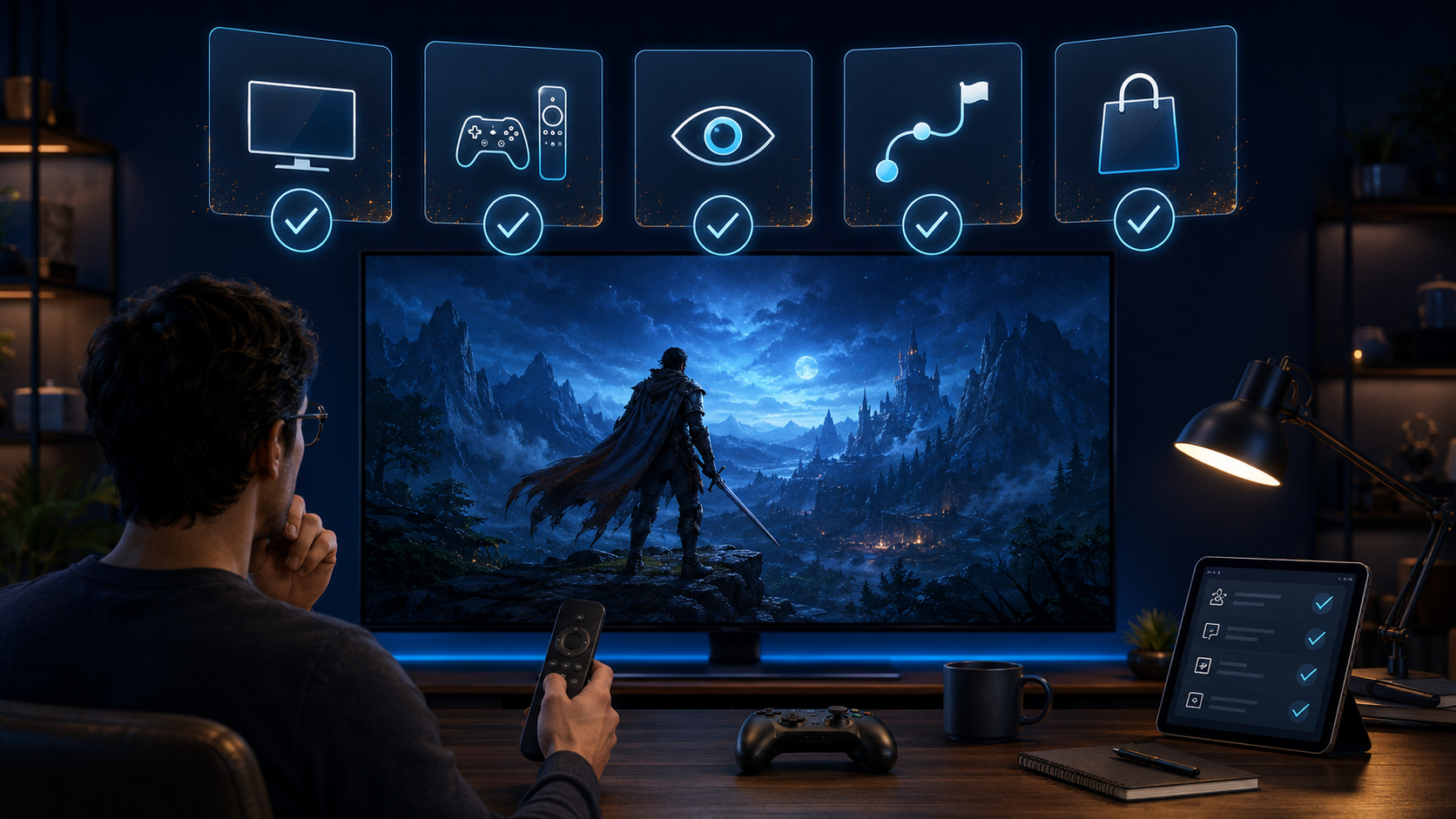
Keeping these levels separate prevents platform facts from being presented as proprietary studio proof. It also produces clearer, more defensible advice for the player.
A couch-ready review checklist
Confirm that the game is visible in the Fire TV Appstore and published by GameBee. Read the required input and commercial terms. After installation, test D-pad movement, Select and Back from the normal seating position. Check whether essential text and focus are readable. Start a short mode, pause, return and verify that the game communicates its state. If a controller is supported, pair it and test the exact actions named by the title.
Record the device model, Fire OS version, game version and input when reporting an issue. This turns a vague complaint into information the studio can reproduce and assess.
Fire TV control and compatibility questions
Does Fire TV platform support prove that every GameBee game works with a remote?
No. Fire TV provides remote input at platform level, but each title chooses and implements its controls. The current listing and installed edition must confirm remote support.
Is a paired game controller guaranteed to work completely?
No. Pairing confirms that Fire TV recognises the controller. Button mapping and feature support remain title-specific and can vary by controller model.
What is the clearest sign of television-friendly navigation?
The focused item remains obvious from normal seating distance, directional movement is predictable, Select performs the stated action and Back returns without trapping the player.
Can GameBee claim faster performance without publishing measurements?
It should not. Performance comparisons and metrics need a defined build, device, method and approved result. Public copy can describe observable compatibility and usability without inventing numbers.
Judge the installed experience, not a generic promise
Use the GameBee legacy Amazon collection to recognise relevant titles, then verify the exact listing and installed behaviour on your Fire TV. Clear controls, readable focus and honest compatibility are the practical signs of a game built for the room.