
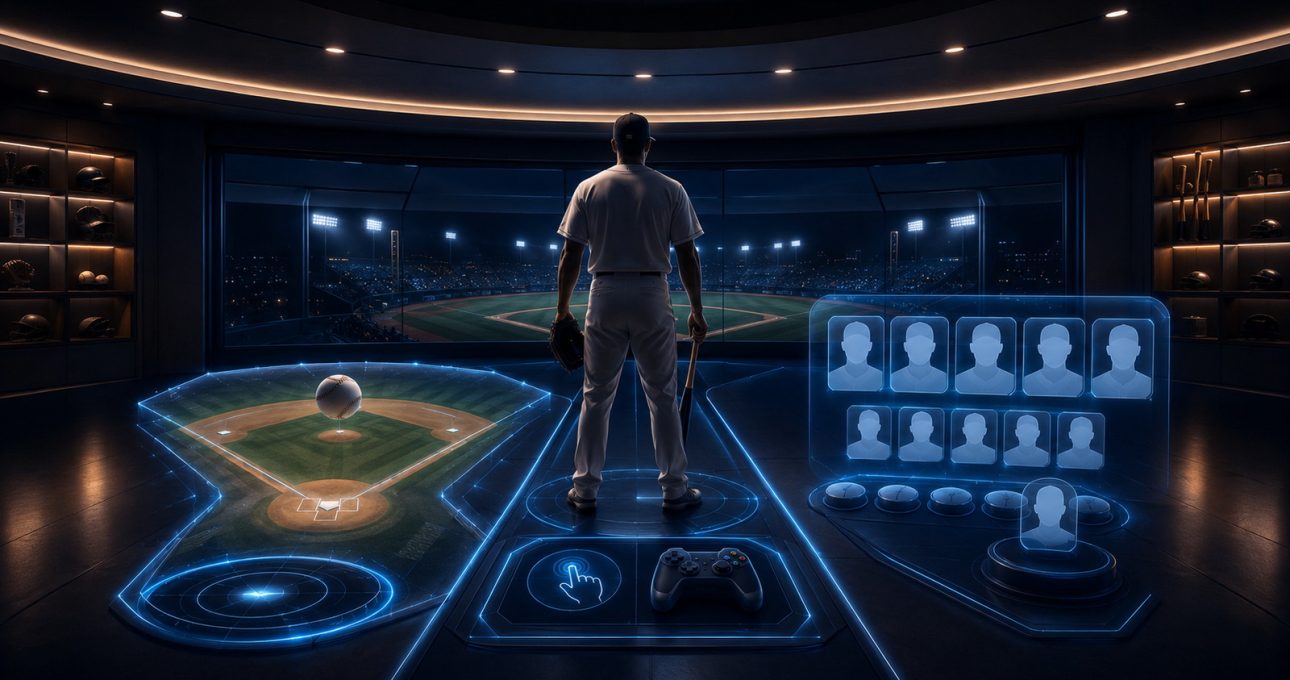
Choose a 3D baseball game in this order: decide how long you want a match to last, confirm that the controls suit your screen, and then judge whether team progression gives you a reason to return. In GameBee's catalogue, Baseball Super League on mobile is the clearest reference for Quick Matches, Full Matches, Tournaments and touch-led batting, pitching and fielding. The Android TV edition should be evaluated separately for remote or gamepad play.
Do not begin with graphics or a broad “realistic” claim. A baseball game can look convincing and still be a poor fit if its shortest mode is too long, its input feels awkward or its upgrade system asks for more attention than you want to give.
Define the baseball session before the season
Start by asking whether you want one decisive exchange, a complete match or progress across a sequence of opponents. A Quick Match is the best trial because it reveals the core batting and pitching loop with limited commitment. A Full Match is a better fit when innings, substitutions and a longer competitive arc are the appeal. Tournaments work for players who want results to carry meaning across several contests.
The current mobile record names all three of those options. The Android TV record names Quick Matches and Tournaments, but that does not automatically confirm the same Full Match structure. Read the mode list for the edition in front of you. If the desired format is not shown, do not infer it from another device.
Test batting as a timing decision
A satisfying batting control gives you enough information to anticipate the pitch and enough agency to decide when to swing. On mobile, the store description identifies responsive touch controls. Use the first short match to see whether the pitch is readable, the swing action is easy to reach and a mistimed attempt produces understandable feedback.
Avoid judging the system from one home run or one strikeout. Try early, late and patient timing. A useful game should help you distinguish what changed between those attempts. If the visual cue, input response or outcome remains unclear, roster upgrades will not solve the underlying control mismatch.
On television, repeat the test from your usual seating distance. The important question is not whether a controller is technically supported; it is whether the action and feedback stay legible when your hands are no longer on the display.
Evaluate pitching and fielding as separate skills
Pitching can involve aim, selection, timing or a combination of them. Confirm which decisions the current edition exposes and whether they are understandable without repeated menu searching. A beginner-friendly design makes the first pitch possible quickly while leaving room to vary placement or strategy later.
Fielding deserves its own check. Some baseball games automate parts of defence, while others ask for direct movement or throws. The mobile description names fielding controls but does not justify assuming the same depth in every mode or package. Play a defensive sequence and identify what you control, what the game handles and how an error is explained.

This distinction matters for fit. A player who mainly wants batting may prefer more assistance in the field. Someone seeking broader baseball decisions may want active control over all three phases.
Match the input to the screen
Touch input is immediate and portable, but it shares the visual space. A remote or gamepad keeps hands away from the display and can suit a living-room session, yet it adds pairing, button mapping and device compatibility to the setup. The Android TV listing states support for remote and gamepad input; it does not promise that every controller behaves identically.
Before a longer session, open the menu, start a match, pause, resume and return to the main selection using the intended input. This catches navigation problems that a single swing test would miss. If two people will share the television, confirm the current multiplayer wording and controller setup rather than assuming local or online play from the word “multiplayer” alone.
Decide how much team building you want
The mobile description refers to city-based teams, roster building, star players, upgrades, seasonal events and rankings. Together, these systems create a progression loop beyond an individual match. They can be motivating if you like improving a lineup and seeing longer-term goals. They can also add currencies, repeated tasks or purchase choices.

Separate skill progress from account progress. Better timing and decision-making belong to you. Unlocked players, upgraded attributes and accumulated currency belong to the exact edition and its current account system. Do not assume they transfer to Android TV, Apple devices or another package. Review purchases and subscriptions before building a plan around a particular upgrade.
Use the first twenty minutes as a fit check
Spend the opening five minutes confirming developer, compatibility and terms. Use the next five to complete the shortest available match. During the following five, test both offence and defence with the intended input. Use the final five to inspect the team or tournament area without purchasing anything.
At the end, answer four questions: Could you read the pitch? Did the input react as expected? Was the match length comfortable? Did progression explain a meaningful next goal? Four clear yes answers are more useful than a changing aggregate rating.
If an update, account prompt or commercial screen prevents this test, pause the decision. The current store record should explain enough for you to understand what access requires before you commit time or money.
Build a mode-control-progression shortlist
Write one requirement in each category. For example: “Quick Match under a short break,” “touch controls for phone,” and “optional team upgrades.” Then compare those needs with the exact GameBee baseball store record. On television, replace touch with the remote or gamepad you actually own and use the Android TV record.
Keep the legacy GameBee overview for title recognition and media, but allow the official store to decide present compatibility, purchases and feature wording. This preserves useful owned discovery without turning older copy into a current technical promise.
3D baseball selection questions
Which mode should a new baseball player try first?
Use the shortest named mode, usually a Quick Match, to test batting, pitching, fielding and input clarity. Move to a Full Match or Tournament only after the central loop feels understandable.
Are Full Matches available in every Baseball Super League edition?
The current mobile description names Full Matches. The Android TV description reviewed for this guide does not use the same list, so verify the exact edition instead of transferring the mobile claim.
What makes team progression worth continuing?
Progression works when roster or upgrade choices create a clear next objective without obscuring the baseball decisions. Inspect currencies, purchases and account behaviour before treating any unlock as a long-term commitment.
Will my mobile roster appear on television?
Do not assume it will. Separate packages do not establish cross-save, transferred progress or shared purchases. Look for an explicit current account statement for both editions.
Choose the loop you want to repeat
The right 3D baseball game is the one whose match length, controls and progression reinforce each other. Test the shortest mode, verify offence and defence with the intended input, then inspect the team system. If all three fit, you have a stronger reason to continue than visuals or promotional language alone can provide.