
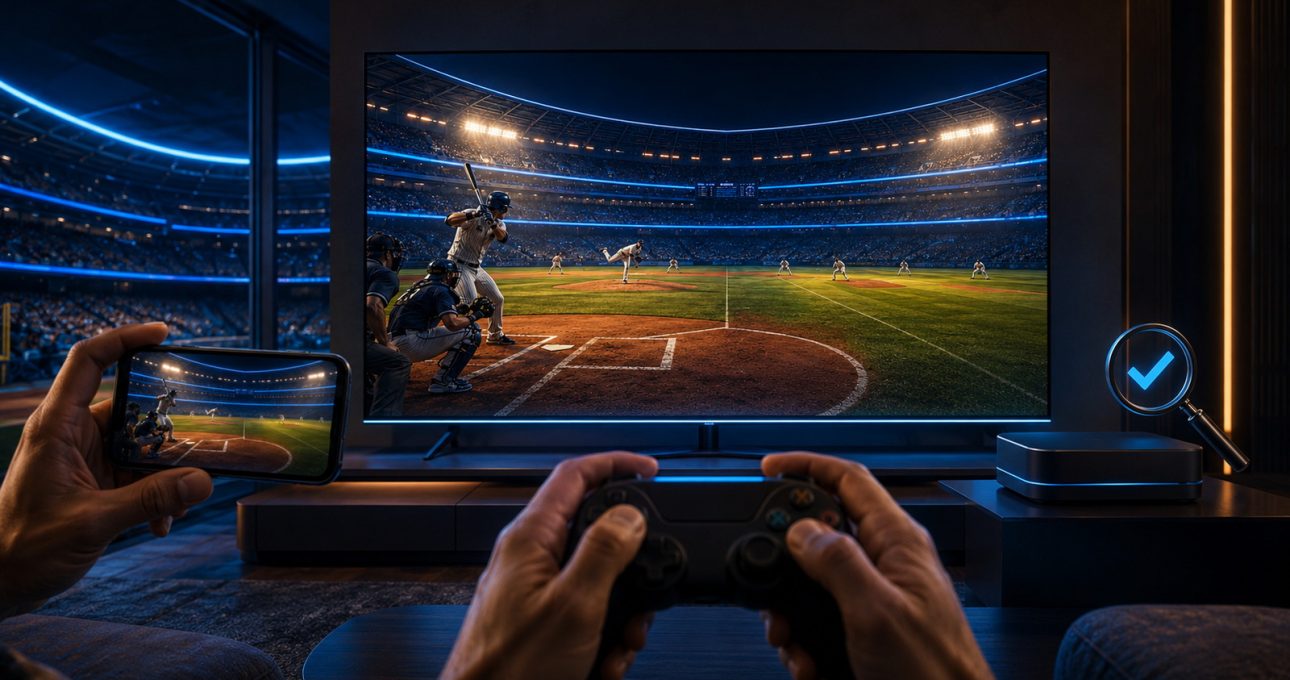
GameBee's current baseball choice is Baseball Super League 3D, offered through distinct store editions rather than a list of unrelated baseball titles. Pick the Google Play mobile edition for touch-led play on a phone or tablet, or the Android TV edition for a television and supported remote or gamepad. Apple availability uses the same stable app identity across supported devices. Fire TV needs one extra check: the legacy GameBee overview displays an Amazon action, but you should confirm that it opens the exact GameBee title for your device before installing.
That makes “best” a question of edition fit. The underlying baseball identity is shared, yet input, screen distance, compatibility, updates and commercial terms can differ. Choose the store record that matches the screen you will actually use, then judge its modes and controls there.
One baseball identity, several device decisions
Baseball Super League centres on batting, pitching, fielding and building a team through a 3D sports format. The current mobile description names Quick Matches, Full Matches and Tournaments, alongside team customisation and player upgrades. The Android TV description names Quick Matches and Tournaments, plus controls designed for television input. Those lists overlap, but they are not identical evidence.
Treat each package as its own edition. A feature shown for the phone build should not be promised on television unless the television record also states it. The same principle applies to subscriptions, purchases, multiplayer and update timing. This edition-first habit prevents a familiar title from creating an inaccurate expectation.
Pick mobile for direct touch and portable sessions
The mobile edition suits players who want baseball within reach during a break or away from the living room. Its current description identifies touch controls for batting, pitching and fielding. Quick Matches provide the clearest short-session entry, while Full Matches and Tournaments offer a longer commitment when you have time to manage more of the contest.
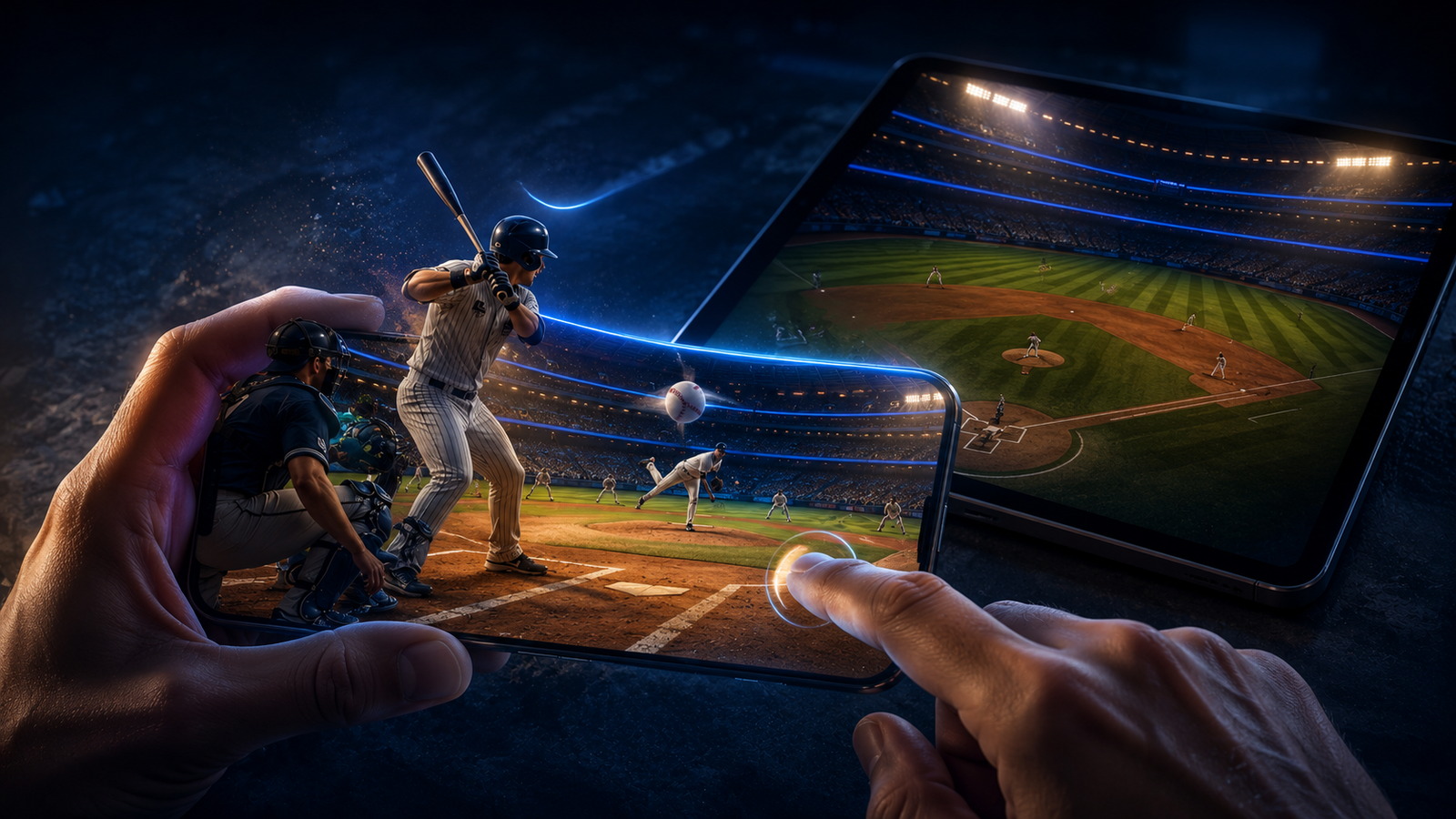
Touch makes the screen both the display and the controller. That can shorten the distance between seeing a pitch and responding, but it also means your fingers share space with the action. Check that the interface is comfortable on your specific phone or tablet. If you care about an uninterrupted long match, review battery, connectivity and current purchase terms before you begin.
The Apple edition uses app ID 6680192392 even when its annual store title changes. Apple compatibility can vary by storefront and device, so read the compatibility section shown in your country instead of assuming every Apple screen is included.
Choose Android TV for a room-scale match
The Android TV edition turns the field, ball flight and team presentation into a big-screen experience. Its first-party record names both remote and gamepad support. That matters because a television is watched from farther away and the controller is separate from the display. You should be able to identify the pitch, selected action and game state without leaning toward the screen.
Before installing, confirm that Google Play recognises your exact television or streaming device as compatible. Pair the intended controller, check navigation from the opening menu and play a short match before committing to a tournament. The listing can support a control type while an individual controller, television firmware or household setup still needs testing.
Do not assume the mobile purchase unlocks the television package or that progress moves between them. Separate package IDs are a reason to verify account, save and payment behaviour independently.
Treat Fire TV as a verified-store task
GameBee's legacy baseball overview visibly marks the title as available and presents an Amazon link. That is useful first-party evidence of an intended Amazon path, but a shortened destination is not enough to confirm the current product record, supported Fire TV models or present commercial terms. For this reason, this guide does not provide a direct Fire TV install button.
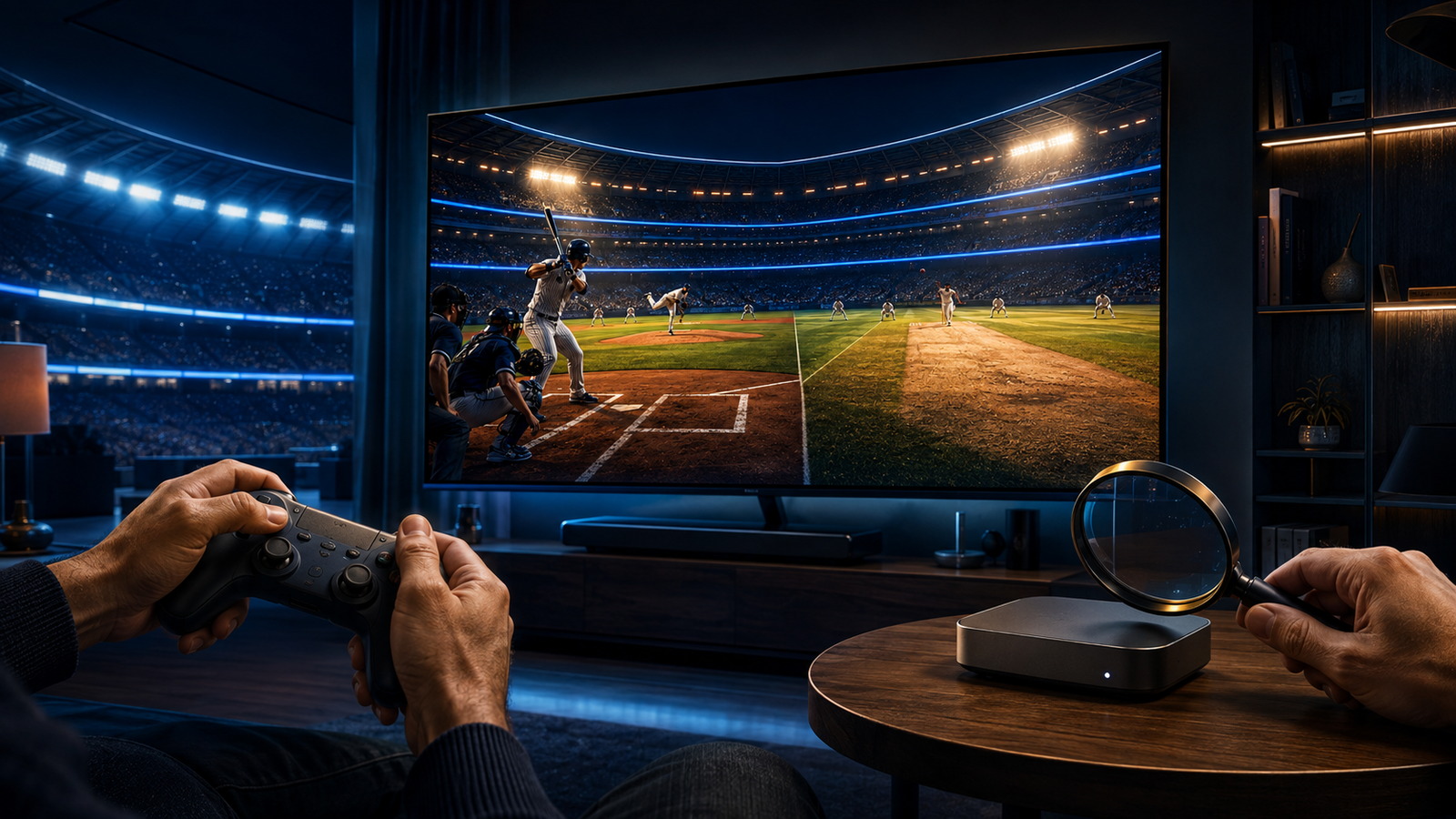
On a Fire TV device, search the Amazon Appstore for the exact baseball title and verify the developer or publisher identity associated with GameBee. Compare the artwork and description with the GameBee overview. Read compatibility, purchases and update information before installation. If those signals do not align, use the verified mobile or Android TV edition instead of an unofficial download source.
Match the mode to the time you have
Choose Quick Matches when the goal is to reach batting and pitching decisions quickly. Choose a Full Match only where that mode is visible in your exact edition and you want a broader baseball sequence. Choose Tournaments when progress across several contests is more motivating than a single result. The strongest selection is not the mode with the biggest label; it is the one whose natural stopping point fits your session.
Team progression adds another time horizon. The mobile listing refers to building a roster, unlocking players and upgrading a lineup. That can reward repeated play, but it can also introduce currencies or purchases. Review the store terms and decide whether the progression model suits you before treating an upgrade path as a reason to install.
Use a five-check screen test
First, confirm the exact developer and package in the official store. Second, check that your device appears as compatible. Third, find the stated input method: touch, remote or gamepad. Fourth, inspect the available modes and current commercial disclosures. Fifth, open a short contest and decide whether the ball, prompts and score remain readable at your normal viewing distance.
This test is more dependable than comparing changing star ratings. Ratings, prices and update notes can move; your screen, control preference and available time are the durable reasons to choose one edition over another.
Baseball screen-selection questions
Is Baseball Super League a different game on mobile and Android TV?
It is the same GameBee baseball identity delivered through separate packages. Their descriptions, inputs, features, updates and terms can differ, so use the record for the exact package you intend to install.
Can I use a gamepad with the Android TV edition?
The current Android TV listing states gamepad and remote support. Pair and test your specific controller because listing-level support does not guarantee identical behaviour for every model or television setup.
Is there a confirmed direct Fire TV download in this guide?
No. The legacy GameBee overview displays an Amazon action, but the exact destination was not directly inspectable for this fact snapshot. Confirm the title, GameBee identity and compatibility inside the Amazon Appstore before installing.
Does progress or a purchase move between phone and TV?
Do not assume it does. Separate editions do not prove cross-save, transferred progress or shared entitlements. Check the current account and purchase information for each package.
Make the store record your final call
Start with the owned Baseball Super League overview to recognise the title, then complete the decision in the official store used by your device. Mobile is the direct touch choice, Android TV is the verified Google big-screen choice, Apple support follows the current compatibility record, and Fire TV remains a verify-before-install choice. The best edition is the one whose input, modes and terms are all confirmed for your screen.