
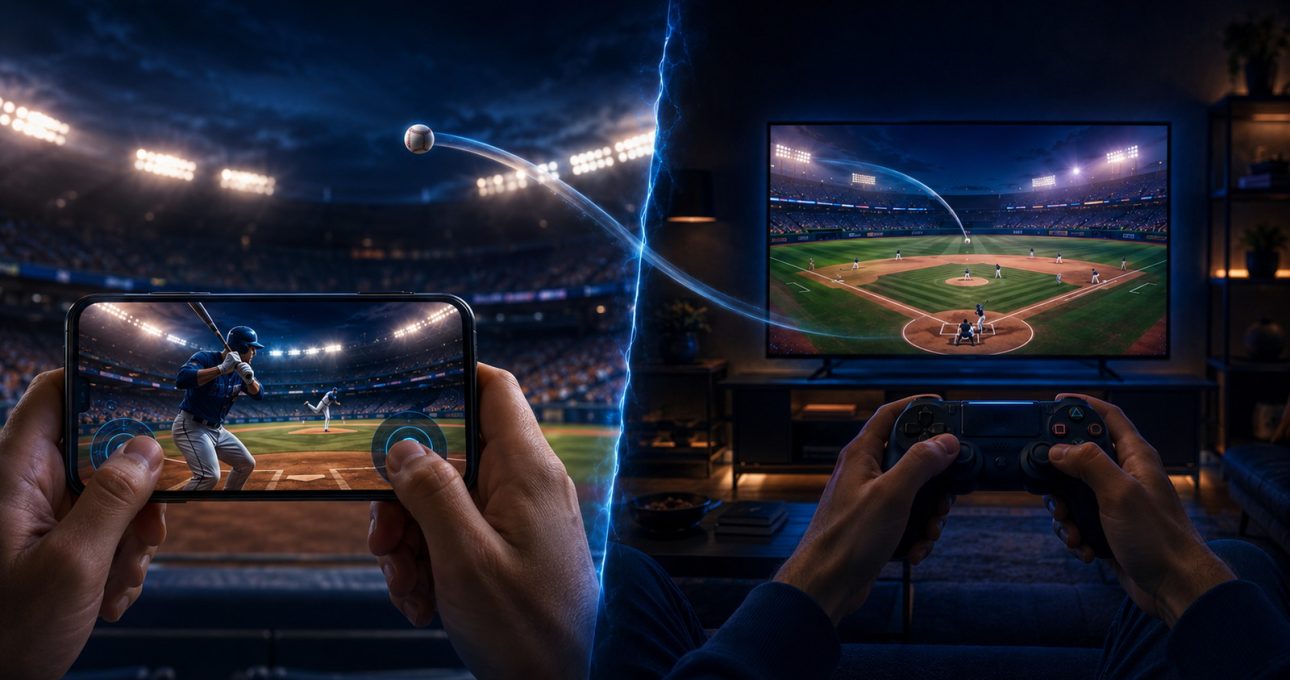
Moving a baseball game from mobile to television changes the relationship between sight, input and session context. On a phone, the display is close and the same surface receives touch. On Android TV, the field is farther away and the action is controlled through a remote or gamepad. GameBee's separate mobile and Android TV Baseball Super League packages make that difference visible in current first-party store evidence.
The big screen does not automatically create a better version, and the shared game name does not prove identical features. Television can improve room-scale presentation and keep hands away from the action. Mobile can provide direct input and portability. The stronger choice depends on how clearly each edition supports batting, pitching, fielding and the length of play you want.
Viewing distance becomes part of the control loop
Phone players can inspect a pitch from a short distance and respond on the same glass. Television players must recognise the ball, timing cue, score and selected action from across a room, then respond through another device. That extra distance makes contrast, scale and feedback more important.
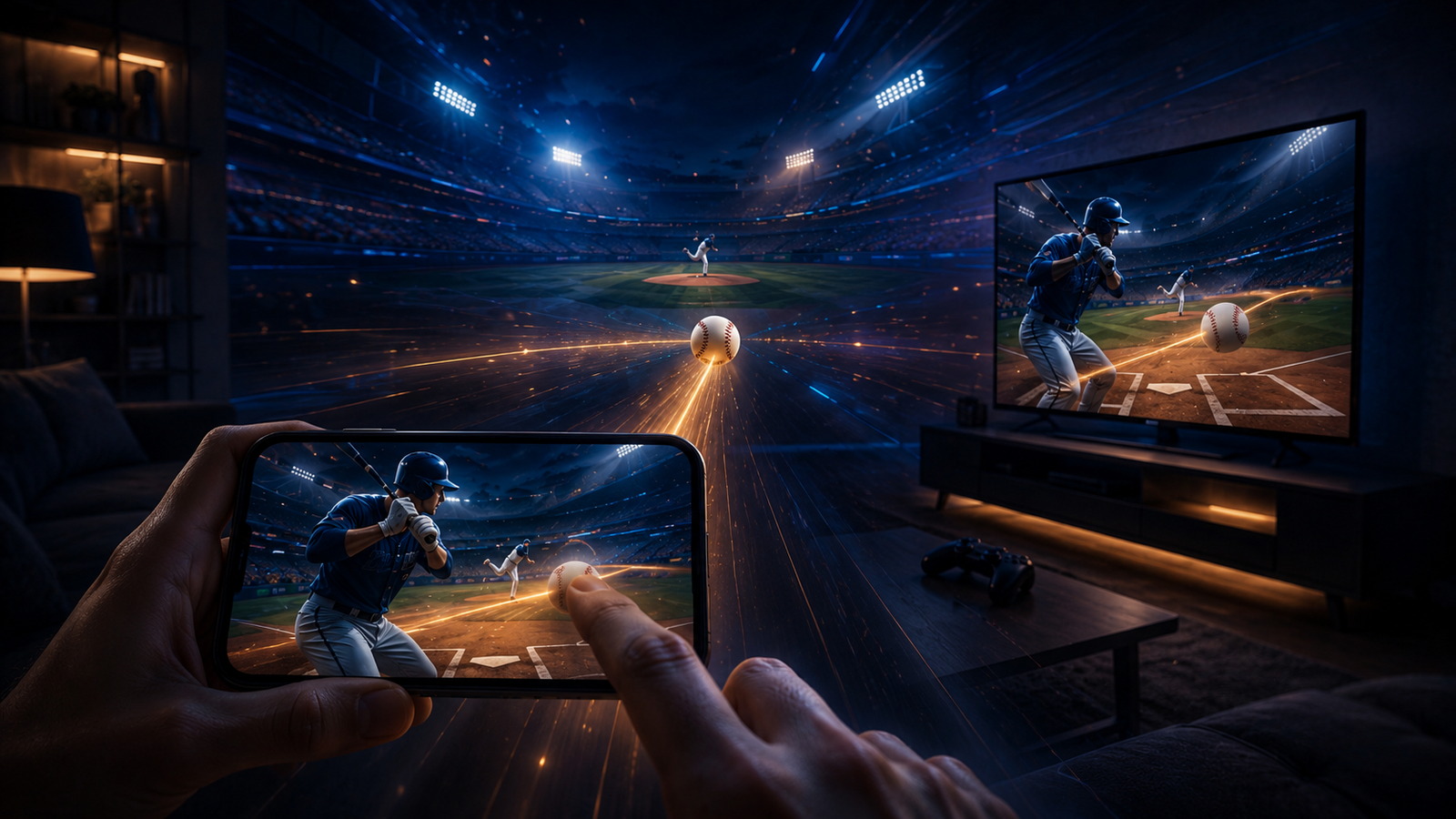
A practical comparison uses the normal position for each screen. Do not test television while standing close to it. Sit where you usually play and start a Quick Match. Check whether the pitch remains visible, whether prompts can be read without strain and whether the result of an early or late swing is understandable.
On mobile, make sure your hands do not cover the information you need. A larger image is not the only form of clarity; unobstructed information and predictable input matter just as much.
Touch gives way to remote or gamepad input
The current mobile description names touch controls for hitting, pitching and fielding. The Android TV record separately names remote and gamepad support. This is the most concrete change between the editions: actions must be mapped from a screen surface to physical buttons and directional input.
That shift can make repeated actions comfortable during a living-room session, but it adds setup. A controller can pair successfully and still map an action differently from what you expect. Test menu movement, pausing and returning as well as batting. The TV experience is only coherent when navigation and gameplay use the input consistently.
Remote support also should not be read as a guarantee for every model. Confirm the input shown for your television or streaming device and test it before beginning a longer competition.
The mode list can change with the edition
The mobile listing names Quick Matches, Full Matches and Tournaments. The Android TV listing names Quick Matches and Tournaments in the current text. This difference is important because a shared brand does not make every mode description interchangeable.
For a short session, compare Quick Match on both screens. Mobile may make it easier to start wherever you are. Television may turn the same short contest into a shared-room spectacle. For a longer session, verify the exact Full Match or Tournament structure before deciding where to invest time.
Mode names also do not establish save continuity. Progress in a tournament on one package should not be expected to appear in another unless both current records explicitly describe the same account and cross-save behaviour.
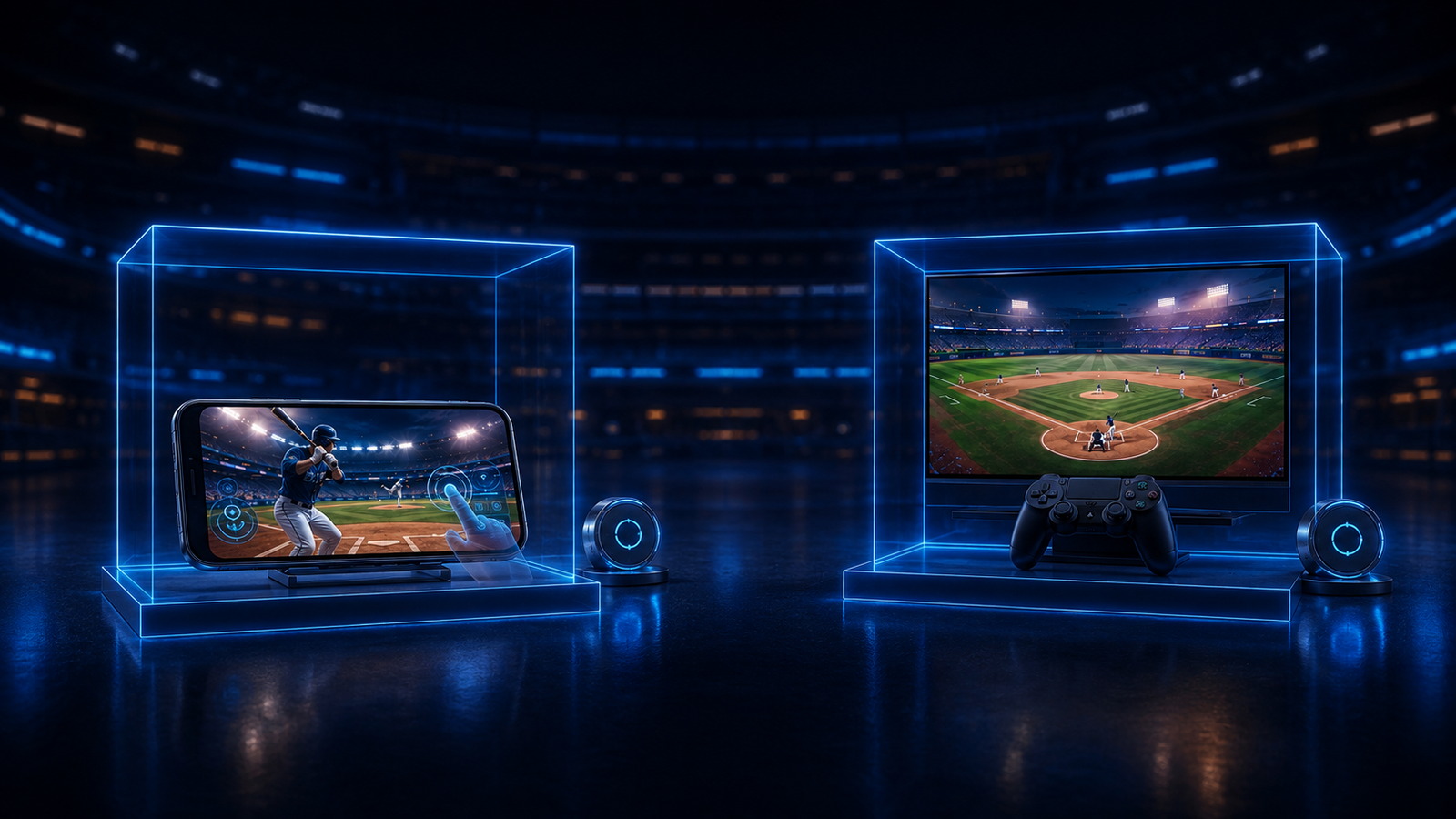
Team information has more room but still needs hierarchy
A television can display a lineup, stadium and scoreboard at a generous scale. More space only helps when the most important information remains visually ordered. During a roster or upgrade decision, identify the selected player, the cost, the effect and the way back to play from your normal seat.
The mobile edition's current description refers to city-based teams, roster building, star players and upgrades. Those facts belong to that record. If a television edition exposes similar systems, judge their actual presentation there rather than assuming the same menu or progression depth.
The useful big-screen gain is not “more information everywhere.” It is enough space to make the next baseball decision easier to see.
A living-room session changes who can follow the action
Mobile play is usually individual because one person holds the device. A television is visible to other people in the room, even when only one person controls the game. That can make a quick match easier to watch together and can change the social feel of a tournament attempt.
Visibility does not prove multiplayer. The Android TV description uses multiplayer language, but players should confirm whether the current edition means local, online or another format, and what additional controllers or accounts are required. Never turn a broad label into a specific setup promise.
If a household shares the device, review purchase controls and account settings. The fact that several people can see the screen does not mean all content or entitlements are shared.
Updates and terms belong to each package
At this fact snapshot, Google Play showed separate recent update dates for the mobile and Android TV packages. The visible notes also differed in detail. That is normal evidence that each package has its own release history, even when both express the same baseball identity.
Read the current “What's new,” data-safety, advertising and purchase sections for the package you plan to use. Do the same on the Apple listing, where compatibility and prices can vary by country. An older owned description can help identify the game, but it should not override the store at installation time.
Do not promise uniform performance. Television hardware, phone models, storage, firmware and network conditions vary. A store's optimisation statement is useful product evidence, not a benchmark for every device.
Compare the same baseball task on both screens
Use one batting inning, one pitching sequence and one menu task as a controlled comparison. On mobile, note whether touch feels immediate and whether your fingers obstruct cues. On TV, note whether the ball and feedback remain legible at distance and whether the controller mapping feels natural. Then compare how quickly each edition returns you to the next action.
This method keeps the decision grounded in observable play. It does not claim access to GameBee's private design documents, internal performance measurements or unpublished testing. The evidence comes from current public game and store descriptions plus the player's own device check.
Mobile-to-TV baseball questions
Does the television edition simply mirror the mobile interface?
Do not assume that. The packages have different input descriptions and can expose different mode, navigation and commercial details. Evaluate the Android TV edition on its own terms.
Is a gamepad always better than touch for batting?
No. A gamepad separates input from the display and may suit a seated session; touch is direct and portable. The better input is the one whose timing and feedback are clearest for you.
Can a mobile purchase unlock the TV edition?
Separate store packages do not establish shared entitlements. Review the purchase and account information for both editions before paying, and do not assume universal purchase.
What should I test first on a big screen?
Start a short match from your normal seating distance. Verify pitch visibility, prompt readability, controller navigation and the clarity of timing feedback before entering a longer mode.
Let the screen support the baseball decision
The legacy GameBee baseball overview connects the shared title identity, while the current stores define what each edition offers now. Mobile brings the control surface close. Television adds viewing distance, physical input and a room-scale context. Choose the edition that makes each pitch, swing and next objective easiest to understand on the screen you actually use.