

Baseball Super League 3D is a fit for players who want to move through batting, pitching and fielding while also shaping a team. Current first-party listings describe Quick, Full and Tournament play on mobile and Apple, while the Android TV edition emphasizes Quick games, tournaments and a broader team-building loop. The title family is available in distinct packages, so the best edition is the one designed for your screen and input.
Start with the live Baseball Super League overview and then use the exact first-party listing for installation. Despite wording retained in the old web address, this review makes no claim of affiliation with Major League Baseball, a professional league, real teams or real players.
A three-part baseball loop
Hitting turns observation into timing
At bat, the central decision is when to commit. A player has to watch the delivery, judge the ball’s approach and act inside the game’s timing window. The current store descriptions do not document every pitch type or hitting modifier, so this review avoids inventing a control chart. What is clear is that batting is one of the title’s core hands-on phases.
The loop becomes rewarding when an outcome teaches the next attempt. An early, late or poorly placed result should change where the player watches and when they act. That feedback-driven rhythm makes hitting accessible in principle while leaving room for consistency.
Pitching changes the side of the decision
Pitching asks the player to initiate rather than react. The current mobile and Apple listings identify pitching controls as part of play, and the television edition places the mechanic in its broader game description. Exact selection and delivery depend on the installed package.

The strategic appeal is contrast: the player alternates between reading an opponent’s delivery and creating a difficult situation from the mound. Even without a simulation-level control scheme, those roles make a complete game feel different from a batting-only challenge.
Fielding completes the inning
Fielding matters because contact does not end the play. The mobile and Apple descriptions explicitly include fielding touch controls. On television, the control context changes to remote or gamepad, so prompts and automation should be judged in that edition rather than inferred from mobile.
For a new player, the important review question is whether the active task stays understandable as play moves from pitch to contact to defense. A feature list is less useful than clear responsibility at each stage.
Modes support different time commitments
Quick mode is the natural entry point for testing controls or fitting a shorter session. Full mode, named on the mobile and Apple listings, is intended for players who want a more complete baseball structure. Tournament play connects multiple results and makes consistency matter beyond one matchup.
The Android TV listing describes Quick games and tournaments but should not be forced into the same mode table as mobile. If a mode name is absent from the exact television listing, confirm it in the current build before publication or promotion.
This separation is useful rather than inconvenient. Touch input and sofa-distance play create different needs, and a package can prioritize the formats that suit its platform.
Team development adds decisions between games
Google’s mobile listing describes city-based team customization and star players. The Android TV listing goes further in its public language, describing building, drafting, trading and upgrading a team. Apple describes team customization. Together, these signals show a progression layer beyond isolated matches, but they do not support one identical roster economy across all packages.
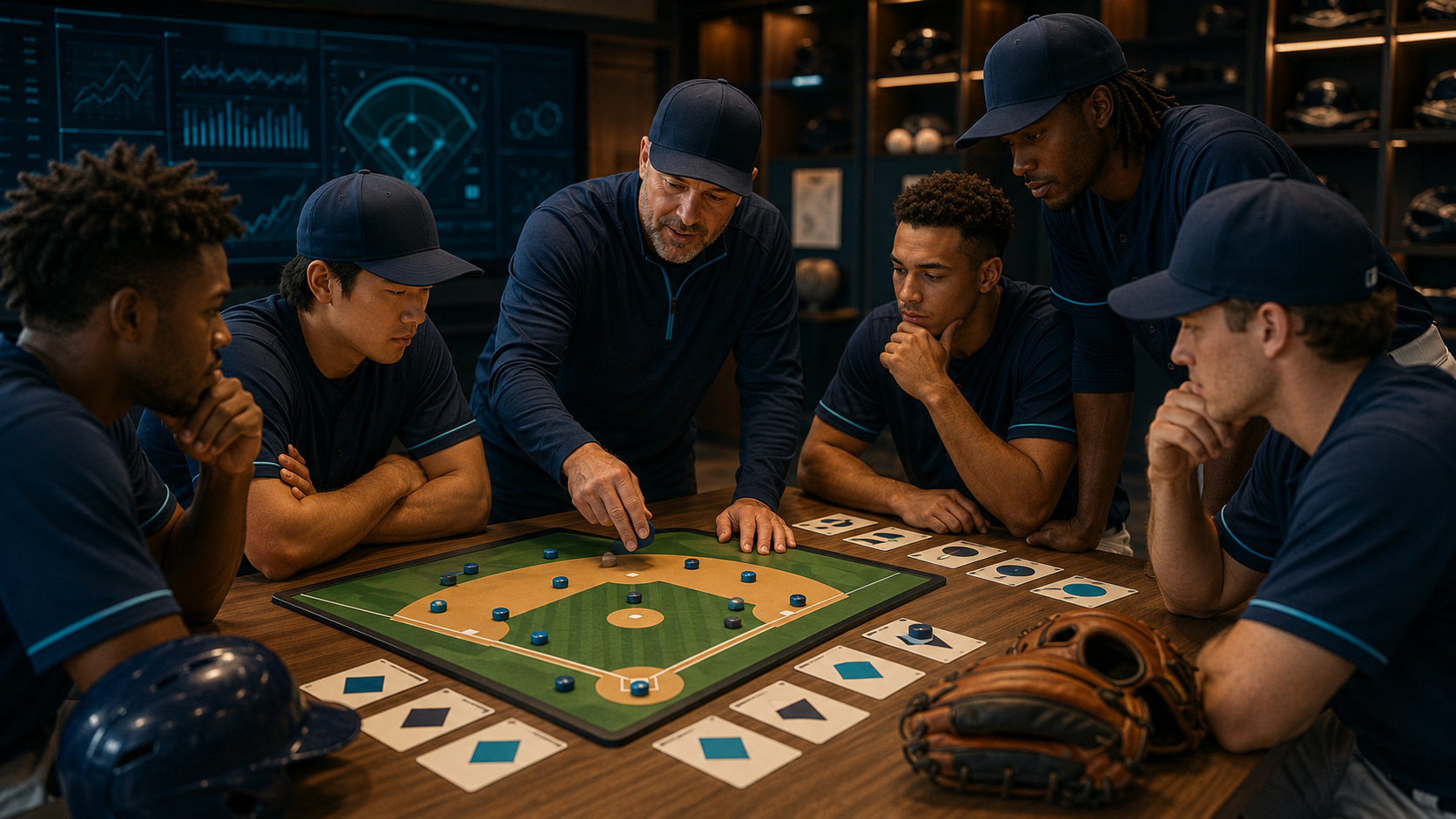
Players who enjoy gradual improvement may find this layer as important as individual timing. A stronger choice is not always the flashiest name; it is the player or upgrade that addresses a recurring weakness. Current costs, currencies and availability must be checked inside the edition because store descriptions can change and do not document every transaction.
Mobile and television editions need separate expectations
The Android mobile listing centers touch controls. Google maintains a separate Android TV package that names remote and gamepad support. Apple lists iPhone, iPad, Mac and Apple TV for Baseball Super League 2026, while its description discusses touch controls; controller and television behavior should therefore be confirmed on the target device.
The Android TV listing also uses multiplayer language and names global leagues or leaderboards. That wording does not tell readers whether every mode is local, online or available under the same terms. Inspect the installed edition and connectivity requirements before arranging a specific multiplayer setup.
Commercial terms deserve the same attention as features
The checked Google Play listings display in-app purchase information, and the mobile listing also displays ads. Apple lists in-app purchases and subscription products. Exact prices and offers can vary by market and time.
This matters on a shared television. Review platform purchase authentication, trial or subscription language and renewal terms before allowing play. A download count or store label is not a substitute for reading the current offer shown to the account.
Where the experience is strongest
Baseball Super League 3D offers more structure than a one-action batting game. Switching between offense and defense creates variety, while Quick, Full or Tournament contexts allow different commitments. The team layer gives results a longer horizon and can motivate another match.
The title is likely to suit players who enjoy a recognizable sports loop without requiring a licensed simulation. Those looking for official rosters, real clubs or league branding should not infer them from the legacy URL or generic baseball language.
Friction to evaluate in your edition
Public reviews on Google Play include positive reactions alongside reports involving lag, bugs, inning flow and player changes. Television reviews also raise subscription, time-limit and device-specific concerns. These are individual reports from varying versions and hardware, not universal findings.
The correct response is to check current terms, install updates and test a short mode. If a repeatable issue remains, record package, version, device and exact sequence. This review does not state that a generic patch fixed a particular complaint unless a first-party note makes that connection.
Review questions
Which mode should a new player choose first?
Use Quick mode when it is present in your edition. It provides a lower-commitment way to confirm batting, pitching, fielding and input before moving into a full game or tournament.
Is the Android TV game the same package as Android mobile?
No. Google Play shows separate package identifiers and different control descriptions. Use the Android TV listing for television compatibility, input and terms rather than relying on mobile details.
Does Baseball Super League use real professional teams or players?
The verified sources reviewed for this article do not establish official league licensing, real professional teams or real players. Treat the game’s teams and roster systems as its own unless GameBee publishes explicit rights information.
Can I play Baseball Super League on Apple TV?
Apple currently lists Apple TV as a compatible device for Baseball Super League 2026. Confirm current input support, commercial terms and edition behavior on the Apple listing and target device before installing.
Choose the right Baseball Super League edition
Visit Baseball Super League, then continue to Google Play or Apple for the device you own. Check package, controls and terms first; use a Quick game to learn the loop before committing to a longer mode.
Comments are closed.