
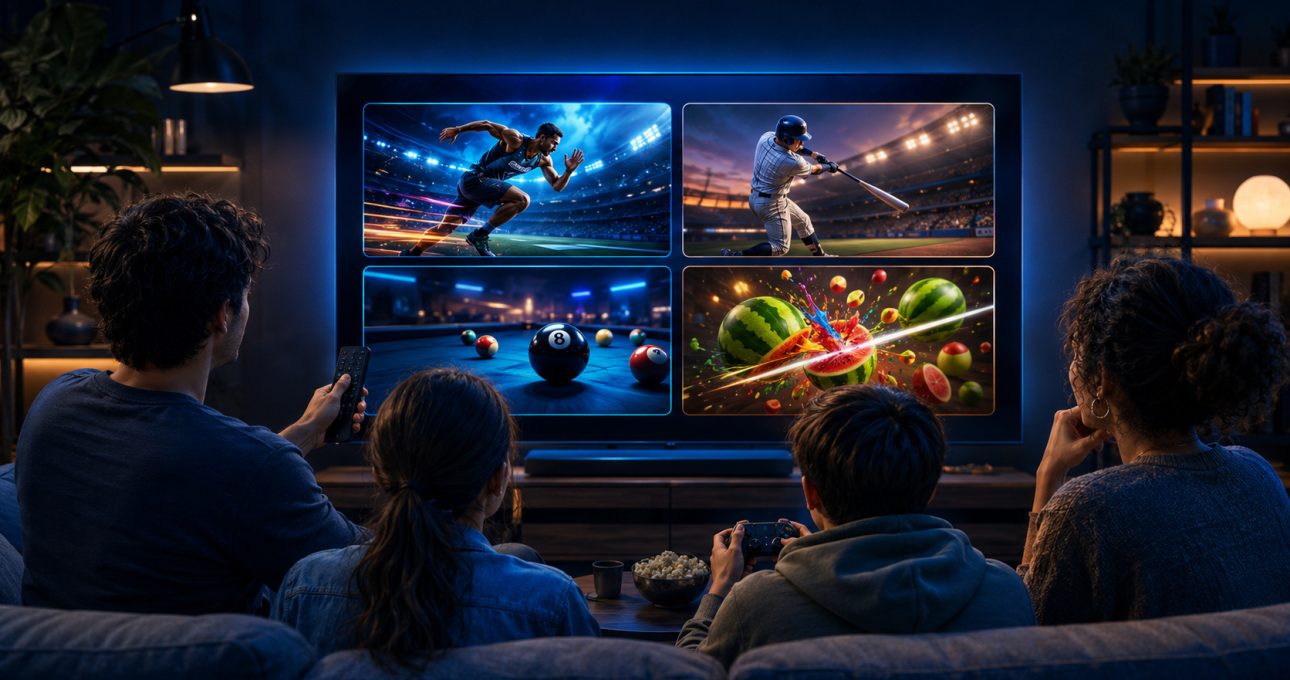
The strongest GameBee Android TV choices are the titles that match both your play style and your preferred input. World Sports Challenge 2025 TV and Baseball Super League 3D – TV support a remote and gamepad according to their current Google Play descriptions. Pool Masters 3D emphasises television-remote play, while Fruit Cutter TV offers a direct arcade alternative. Always open the exact listing on the target television before installing because availability, input support and commercial terms can change.
Use the GameBee Google Play profile to confirm the developer and find current releases. The legacy Android collection remains useful for browsing, but it is not the source of truth for television compatibility.
Start with the input you want to hold
A remote is immediately available, easy to share and well suited to directional menus or a small number of actions. A gamepad is more comfortable when repeated movement, steering or several buttons matter. Google explains that Android TV games may use a gamepad or remote depending on the title; the platform does not make the choice for every app.
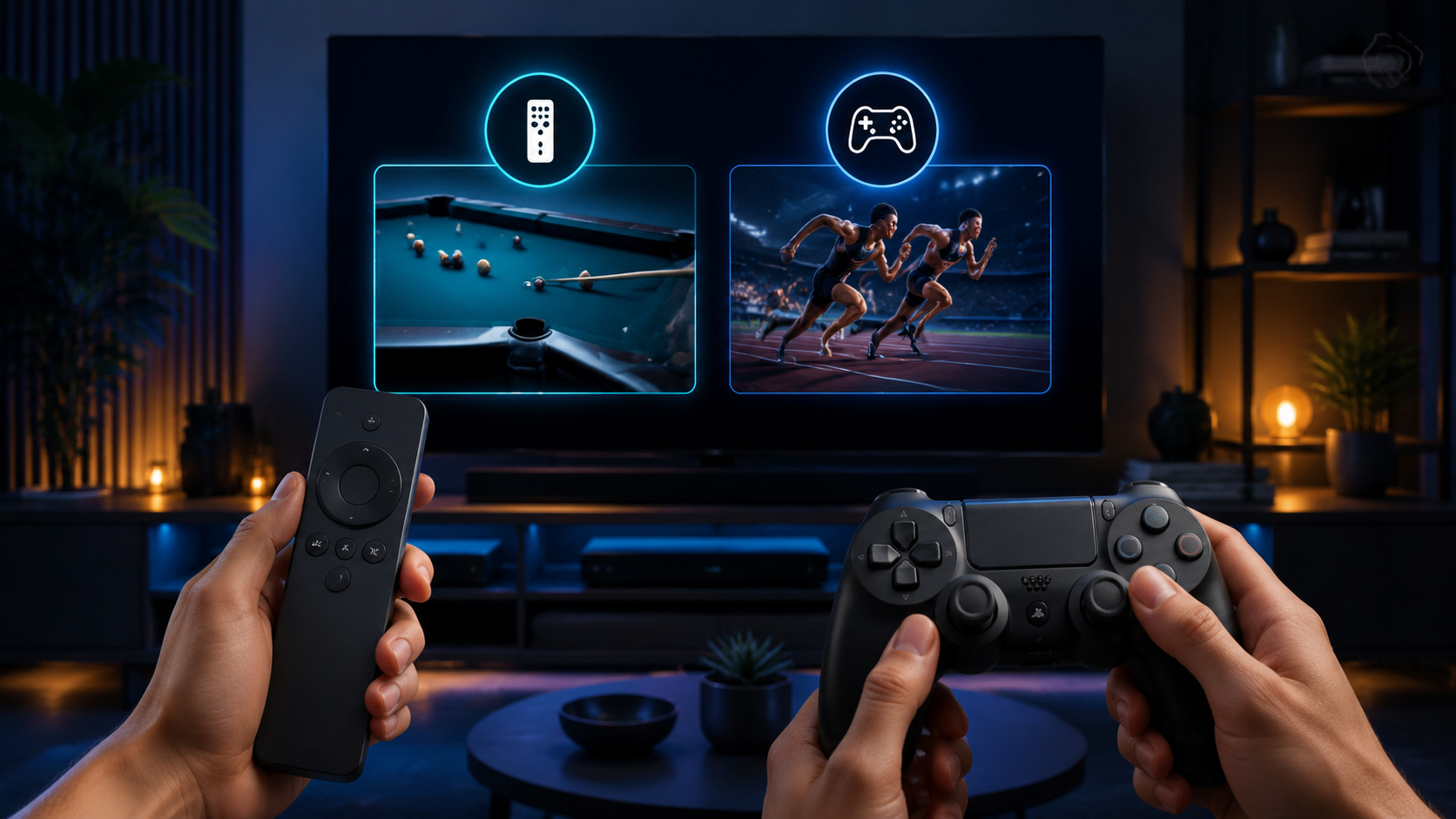
Before comparing genres, decide whether you want to use the remote already on the coffee table or pair a controller. Then keep only the GameBee listings that explicitly support that input. This prevents a familiar title from becoming a poor first download.
World Sports for a rotating event night
World Sports Challenge 2025 TV is the broadest verified choice in this shortlist. Its current description names multiple athletic disciplines and states that the Android TV edition is optimised for gamepad and remote. That makes it useful when the room wants variety rather than a single match type.
Choose it when players are happy to learn different timing, aiming and pacing patterns. Read the current event and mode list before download; a mobile description or old GameBee article may describe another edition. Also review the offer shown by Google Play because access conditions and in-app purchases can influence a group session.
Baseball Super League for innings and team choices
Baseball Super League 3D – TV is the more focused sports option. Its current listing describes remote and gamepad support together with quick matches, tournaments and team-building decisions. That combination suits players who want a recognisable sport and a deeper structure than a single score loop.
The television package is distinct from the mobile package. Use the TV detail for controls, updates and terms. Do not transfer every mobile feature or purchase arrangement into the big-screen edition simply because the title identity is shared.
Pool Masters for deliberate remote play
Pool Masters 3D: Multiplayer is a measured alternative to fast reactions. Its Google Play description names television-remote aiming, spin and power, plus local pass-and-play, online competition and trick-shot challenges. It is the clearest remote-first option among the current listings checked for this guide.
Choose it when shot planning and turn-taking are more appealing than constant movement. Confirm connectivity for online play and review the in-app purchase line before installation. Local pass-and-play is particularly useful when two people share one television, but the installed edition should always be tested before planning a longer gathering.
Fruit Cutter TV for short arcade sessions
Fruit Cutter TV – 3D Cut is a practical choice when the goal is immediate action. Its current Google Play identity is explicitly television-focused, and GameBee describes direct fruit-slicing modes for big-screen play. It works best for a short score attempt or a simple handover between players.
Check the current listing for the exact supported input and access terms. A quick arcade loop can still include in-app purchases or edition-specific controls. The attraction is its low preparation cost, not an assumption that every feature is free or universal.
Consider racing only after reading the exact detail
GameBee's current Google Play catalogue also surfaces television-oriented racing titles, including Master Racer, Formula Racing, Chhota Bheem Kart Racing and Stunt Extreme. Racing usually benefits from continuous directional control, so a gamepad may feel more natural, but the listing must confirm the input. Do not use genre alone to promise controller support.
These choices suit players who prefer repeated laps, obstacle avoidance or vehicle handling. Compare the title description, device compatibility and offer on the television. If the detail calls the build mobile-only or leaves TV input unclear, choose a better-documented television title instead.
Match the game to the time available
For ten minutes, Fruit Cutter TV or a short Pool Masters challenge offers a quick entry. A longer sports session can support World Sports events or a Baseball Super League tournament. Racing can sit between those extremes depending on mode and track length. The useful comparison is the loop you expect to complete, not the total number of advertised features.
If several people are involved, add setup time. Pair controllers, complete updates and review purchase prompts before the session. A title that is excellent for one prepared player may be frustrating when the room spends the first half hour resolving input and account questions.
Check four facts before selecting Install
Confirm that Google Play recognises the target Android TV or Google TV device. Verify the developer as Gamebee Studio and check that the description names the television edition. Read the supported input and the commercial terms. Finally, note whether internet access is required for the mode you want. These four checks protect against the most common mismatch: right title, wrong package.
Ratings can provide context, but they change and can combine experiences from different devices or versions. Give more weight to current compatibility, input and mode details that directly affect your setup.
Android TV selection questions
Which verified GameBee Android TV game supports both remote and gamepad?
The current World Sports Challenge 2025 TV and Baseball Super League 3D – TV descriptions name both inputs. Recheck the exact listing before installation because product details can change.
Which current option is strongest for remote-first shared play?
Pool Masters 3D explicitly describes television-remote controls and local pass-and-play. Test the installed version and review its current terms before relying on it for a group session.
Does every GameBee racing title need a gamepad?
No universal rule applies. Racing often benefits from controller input, but the exact listing decides whether a remote, gamepad or another method is supported.
Can a phone listing confirm Android TV compatibility?
No. Look for a television-specific listing or a device-compatibility result on the target TV. Mobile availability alone does not prove that the same package can be installed or controlled on Android TV.
Open the verified edition on your screen
Begin with the current GameBee developer profile, then open Google Play on the television and select the exact edition that fits your input and session. A well-matched game starts with a current, readable product detail.