
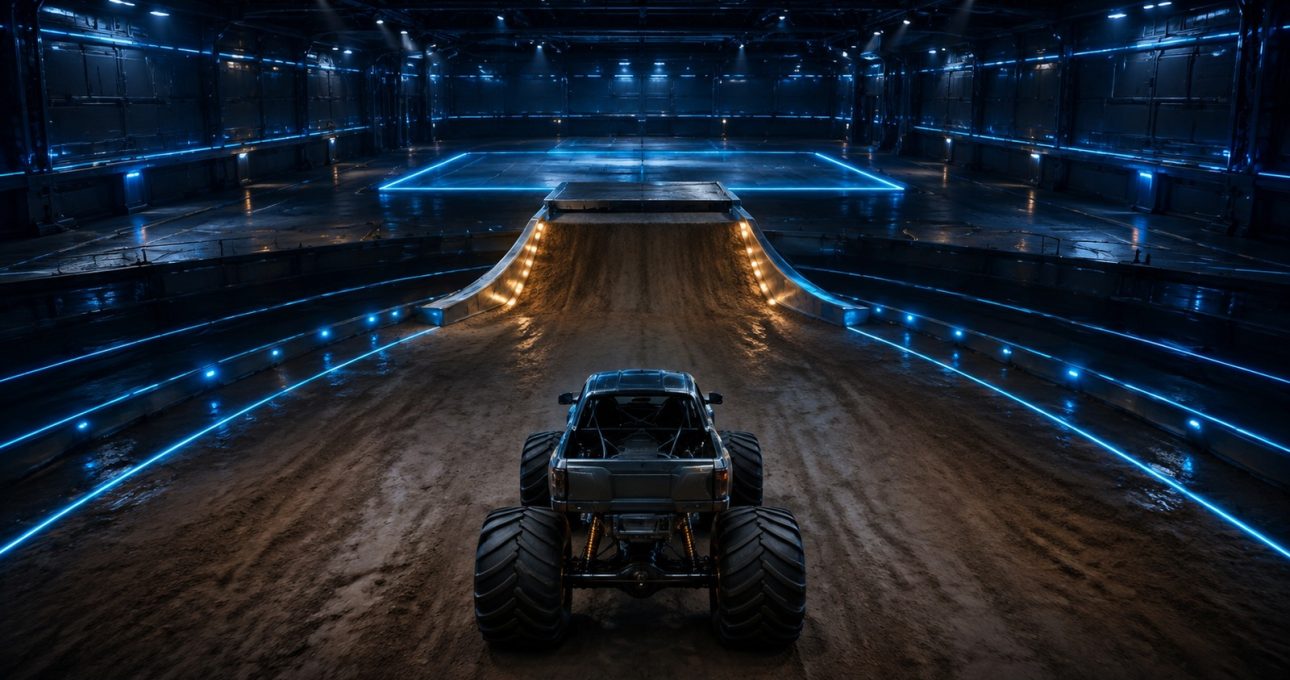
To handle jumps or obstacles in GameBee Monster Truck, first confirm the exact edition and use its tutorial to learn steering, acceleration, braking and any recovery input. Approach one visible challenge at a controlled in-game pace, observe what the route and feedback require, and change only one decision on the next attempt.
GameBee's 3 May 2024 video description names obstacles and crushing cars, but it does not publish controls, timing or destruction rules. The legacy page body is also mismatched with Gamebee Flix. This guide is therefore conditional: apply a jump, landing or crushing step only when it is visible in the verified media or installed edition.
Confirm the product identity before practicing
Use the live GameBee Monster Truck parent and approved official media to establish that the game belongs to the correct product cluster. Do not download a similarly named monster-truck game from search results and assume its mechanics are the same.
An exact GameBee store identifier is not yet activated for P25. If a confirmed edition is already installed, record its title, developer, package or ASIN, device and version before following the guide. That context makes observations useful and prevents controls from one build being presented as universal.
Let the tutorial define every input
Find the current tutorial, control screen or visible prompts. Identify steering, acceleration and braking or reverse only where the edition shows them. If the build presents a tilt, touch, remote or gamepad option, use its exact labels and keep the choice stable during practice.
Do not infer a nitro, balance, air-control or reset button from another GameBee racing title. When no instruction is visible, make the smallest low-pressure input and observe the response. A source-safe guide teaches the method of learning controls rather than fabricating a sequence.
Read the objective before approaching a ramp
If the level visibly includes a ramp or jump, check whether the objective asks for reaching a finish, clearing a gap, collecting an item, landing in an area or simply continuing the race. Those tasks can require different choices even when the ramp looks similar.
Identify the approach line, the available distance and the landing area. The current sources do not publish a required speed or angle, so use the edition's feedback. A successful jump is the one that satisfies the visible objective and keeps the run recoverable.
Establish a controlled approach
Begin with a repeatable line that keeps the truck centered enough to reach the ramp. Avoid rapid steering changes immediately before takeoff unless the game shows they are required. The purpose of the first attempt is to observe, not to maximize distance.
Use visual cues from the route to repeat the approach. If the truck misses the ramp, identify whether the earliest issue was alignment, pace or a late correction. Change one element on the next attempt and keep the rest stable.
Treat airtime as an observation window
When the truck leaves the ground, watch its orientation and the location of the landing. Apply an air-control input only if the tutorial or prompt confirms one. Otherwise, avoid claiming that steering, braking or acceleration changes rotation in the air.
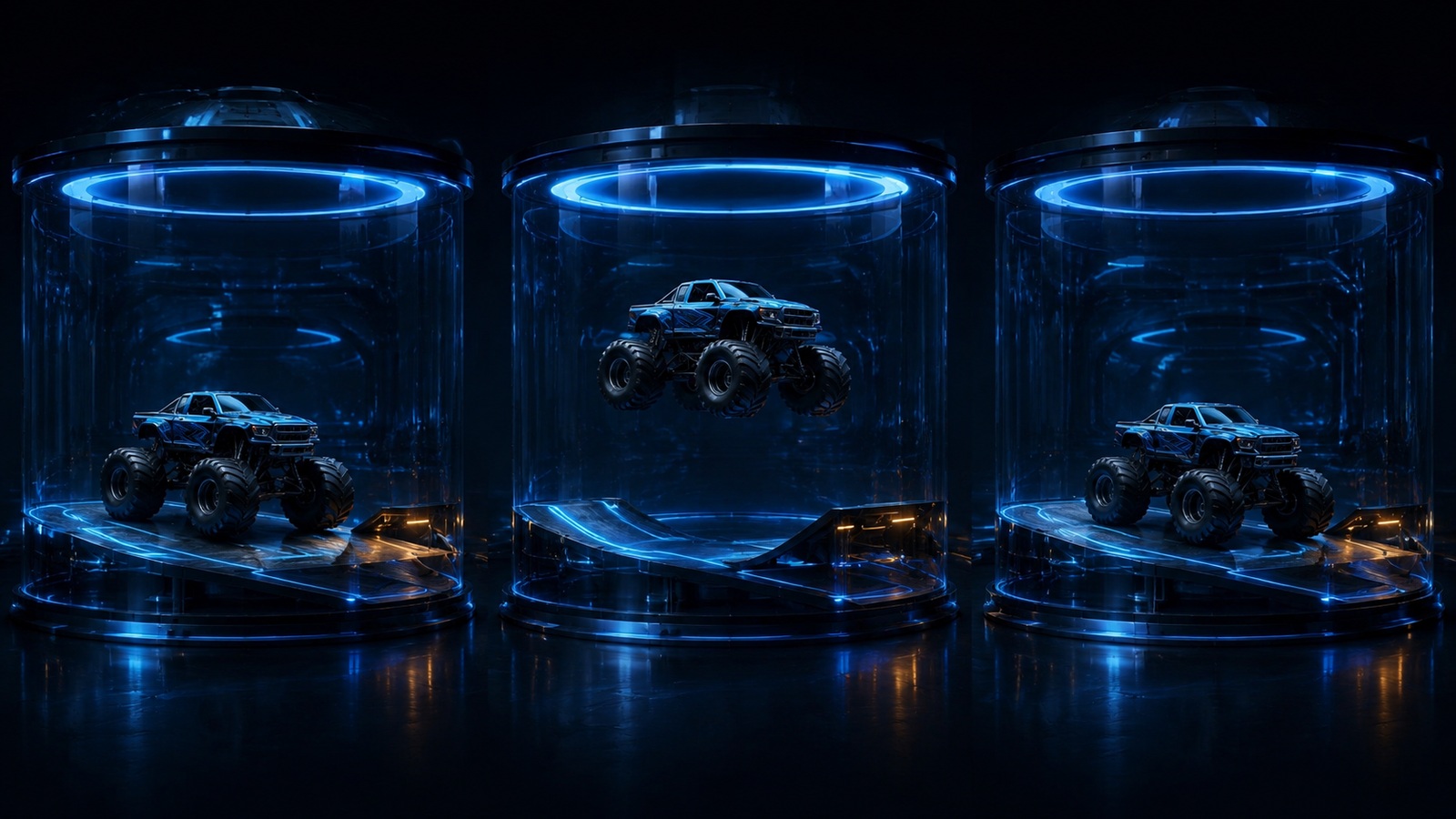
The title stunt physics does not prove a simulation model. Use plain language about what is visible: the truck rises, rotates, lands or misses. Claims about torque, suspension, weight transfer or gravity settings require GameBee documentation or a defined test.
Judge the landing by recovery, not spectacle
A dramatic landing is not necessarily a useful one. Check whether the truck remains on the intended route, responds to control and can reach the next objective. If the game shows a score, damage state or success message, use that feedback rather than appearance alone.
When a landing fails, trace the earliest cause: approach line, pace, takeoff position, unsupported mid-air input or landing alignment. Repeat the same ramp with one adjustment. This produces a clear learning pattern without promising one fixed timing for every level.
Verify obstacle rules before trying to crush anything
If a visible objective includes an obstacle, observe whether the game marks it as a target, a hazard or scenery. The official video description confirms a broad crushing theme, not that every car, barrier or object is destructible. Make contact only inside the fictional game and only when the route or prompt supports it.
Watch for a score, progress change, animation, sound or route opening that confirms the result. If contact stops the truck or fails the attempt, treat the obstacle as a hazard for that build. An unrelated monster-truck genre convention is not a rule.
Use a three-attempt control cycle
Attempt one establishes the objective and control response. Attempt two changes one approach decision, such as alignment or the point where acceleration changes. Attempt three repeats the adjustment to see whether the result is consistent.
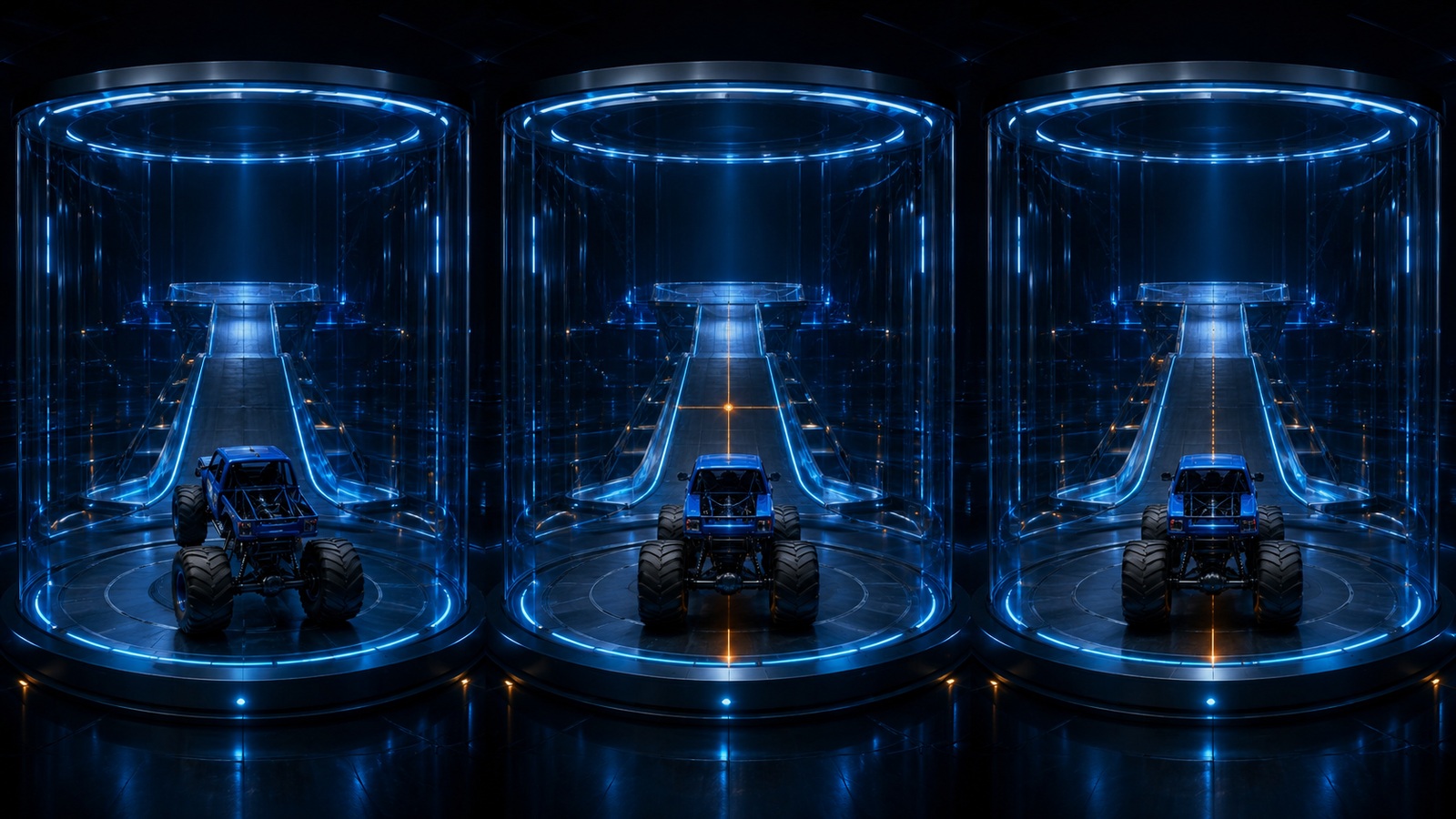
After three attempts, classify the issue as control learning, route reading, jump approach, landing recovery or obstacle-rule misunderstanding. Then choose the next small test. Avoid changing control option, vehicle, upgrade and technique together because the result will not explain what helped.
Keep vehicle and upgrade claims open
The verified P25 sources do not publish a truck roster, garage, upgrade tree or vehicle statistics. If the active edition displays those systems, compare choices on the same objective and record the exact labels. Do not call one truck strongest without repeatable evidence.
A visual change may be cosmetic rather than mechanical. Purchase or currency details belong to the live edition and store. The guide should never encourage spending as the automatic response to a failed jump when the underlying issue may be alignment or misunderstanding the objective.
This is fictional gameplay, not driving instruction
Monster-truck jumping and obstacle contact belong inside a game. Real vehicles, ramps and crushing carry serious risk and require controlled venues, specialist engineering, qualified operators and formal safety systems. Nothing in this guide should be attempted with a real vehicle.
Inside the confirmed edition, rely on visible prompts, small tests and recoverable decisions. That approach remains helpful even when the final control map changes, because it teaches a player how to read the specific build rather than memorize unsupported instructions. For the broader public record, continue to the Monster Truck milestones article.
Monster Truck gameplay questions
Which buttons control jumps in GameBee Monster Truck?
No exact universal button sequence is verified. Use the tutorial or prompts in the confirmed edition and apply an air-control input only when the game documents it.
How should I approach a jump?
Read the visible objective, choose a repeatable line, observe the first attempt and change only alignment or pace on the next comparable run. Let the edition show what counts as success.
Can every obstacle be crushed?
No. The official media description names obstacles and car crushing, but it does not say that every object is destructible. Use the current game's target, hazard or scenery cues and its feedback after contact.
Is this real monster-truck driving advice?
No. It is a method for fictional gameplay only. Real stunts and vehicle crushing require specialist professionals, engineered venues and formal safety controls.