
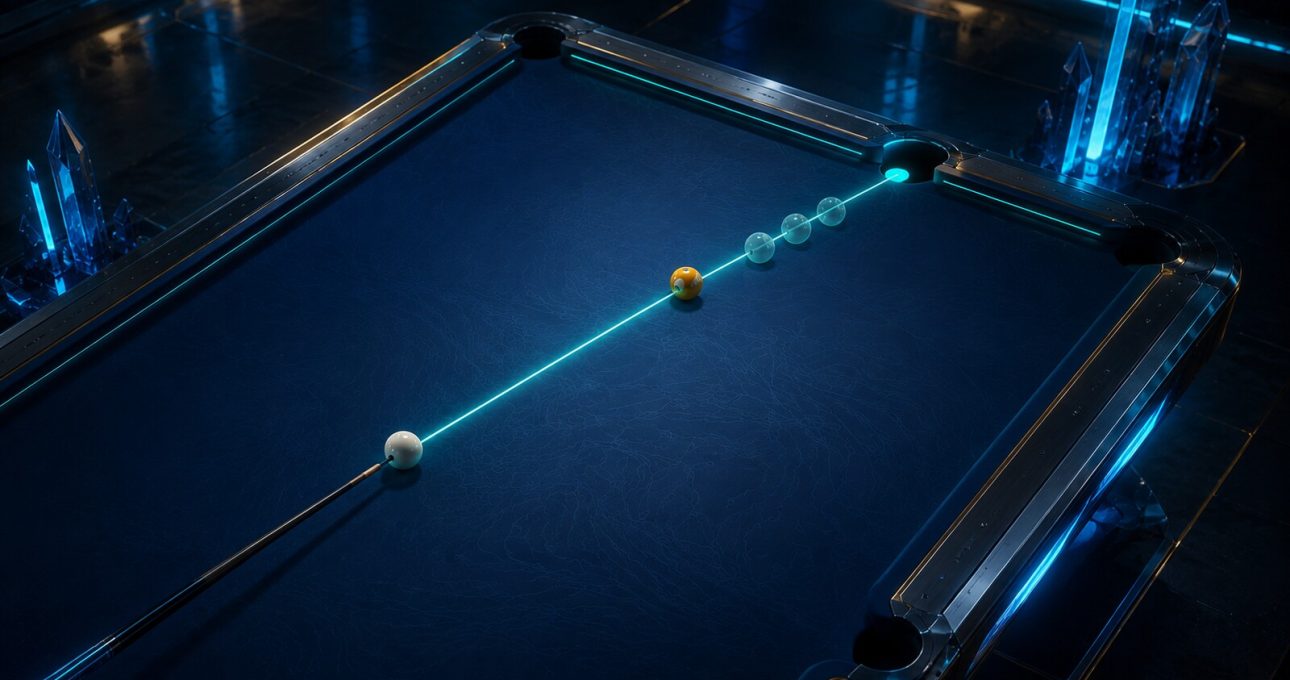
The most reliable way to improve in Pool Masters Pro is to plan the object ball and cue ball together. The current Apple edition verifies swipe aiming, mobile power control, realistic ball movement, spin, 8-ball, trick shots and offline solo practice.
Google's Android TV edition supports aim, spin and power through a television remote. Because neither store publishes a complete physics formula or universal sensitivity setting, this guide uses a repeatable observation loop: choose one line, predict one finish, change one variable and compare the result.
Calibrate a straight shot before changing the table
Choose a simple object ball and pocket with a clear path. Set a moderate visible power level and watch whether the object ball follows the selected line. Repeat the same setup until aim movement and power selection feel predictable on the current device.
This baseline separates control learning from difficult geometry. On touch, note how small swipe adjustments behave. On Android TV, test the remote response at the actual viewing distance. Do not change camera, cue, spin and power together, because the result will not show which choice mattered.
Break with a purpose rather than maximum force
A useful break spreads playable options while keeping the cue ball understandable. Before striking, decide whether the goal is a broad opening, cue-ball control or simply learning how the selected edition responds. Maximum visible power is not automatically the best answer for every table or rule set.
After the break, judge three outcomes: where the cue ball stopped, whether a legal next option is visible and whether the result can be repeated. If the cue ball becomes unpredictable, reduce one variable on the next attempt instead of adding spin or changing the contact line immediately.
Build the contact angle from the pocket backward
Start at the intended pocket and trace the object ball's path back to the contact point. Then align the cue ball toward that point. This sequence keeps attention on the required collision rather than on the visual center of the object ball, which may not produce the desired angle.
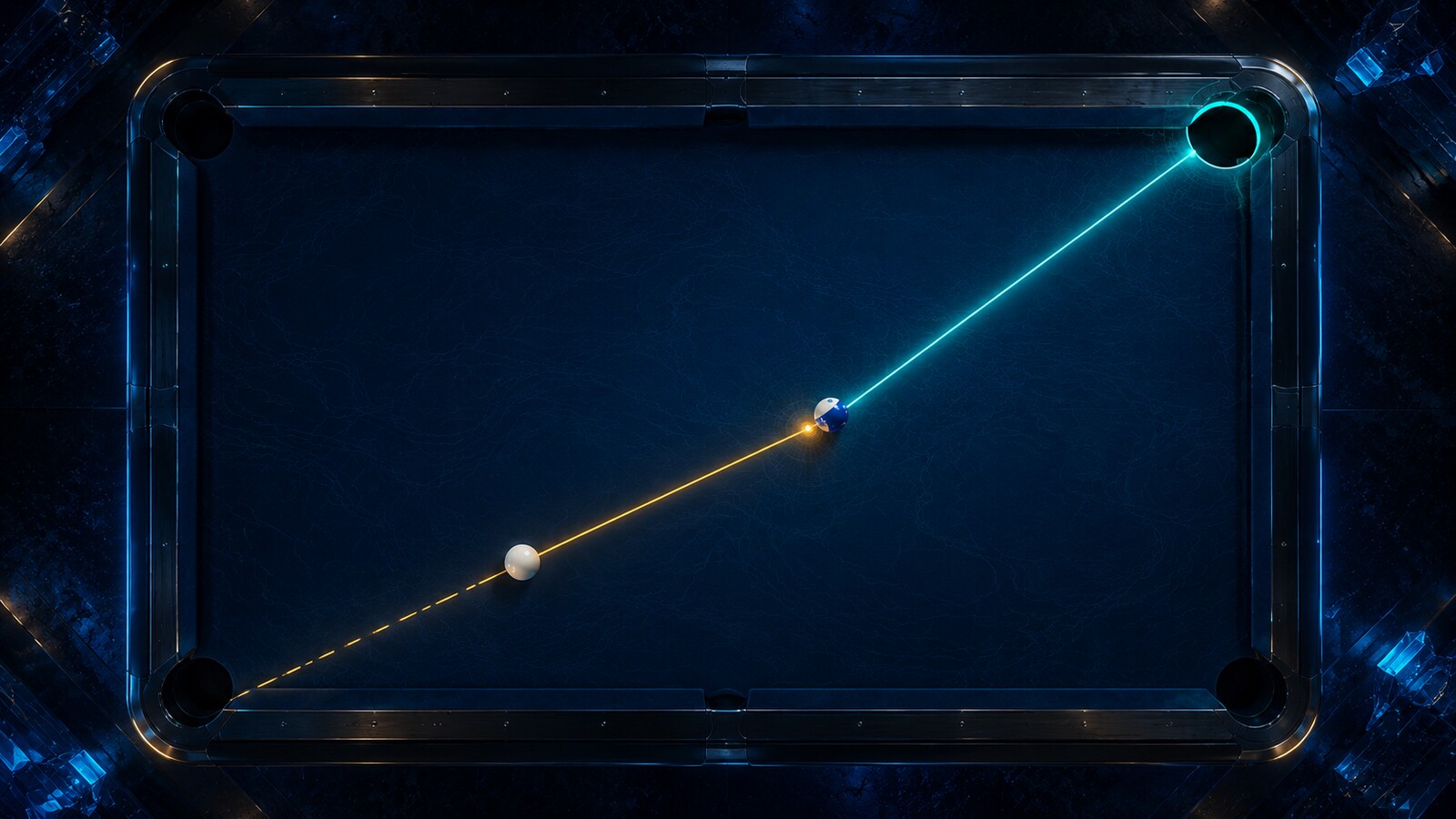
Use a generous pocket path before attempting a thin cut. If the ball misses, identify whether the line was wrong or whether excessive power reduced control. A small, named correction is more useful than moving the aim until a single attempt happens to fall.
Power controls the next decision as well as the current pot
The selected force determines more than whether the object ball reaches the pocket. It also affects cue-ball travel and the options left for the next shot. Choose enough power for the intended path, then prefer a broad landing area over a tiny perfect position.
Compare low, medium and higher visible power on the same simple line. The goal is not to assign a hidden numerical value, but to learn the response shown by the build. Once that relationship is stable, apply it to a rack where position matters.
Add spin only after aim and power are explainable
Both verified editions describe spin effects. Spin can help change cue-ball behavior, but it also adds another source of error. Begin with a neutral shot, predict the finish, then introduce one visible spin direction while keeping the line and power as consistent as possible.
If the cue ball moves differently, record the direction and practical size of the change without inventing a universal formula. Interface scales and simulation details can vary. Retain the neutral option when the added effect creates a harder next shot than the one it was meant to solve.
Use cushions and trick shots as geometry practice
Trick-shot challenges can isolate cushion paths, collision order and precise cue-ball placement. Read the stated objective, trace the first contact and decide where the cue ball must remain afterward. A difficult arrangement becomes learnable when each failed attempt narrows the next question.
Do not borrow a fixed cushion coefficient from another pool game or a real table. Use the visible result in Pool Masters and adjust one contact or power decision. The public descriptions support realistic physics language, but they do not disclose a complete mathematical model.
Protect the routine in local and online matches
Pass & Play adds social rhythm: confirm the rule set, complete the turn and hand over input only when the table is ready. Online play adds time and opponent pressure. In both settings, retain the same inspect-line-power-position sequence rather than copying another player's pace.
After a loss, review the earliest shot that removed useful options, not only the final miss. That earlier decision may reveal a poor break, a rushed angle or unnecessary spin. One actionable lesson creates a better next session than changing every cue or control setting at once.
Use a five-shot practice ledger
Record five comparable attempts with four short fields: intended pocket, expected cue-ball area, one chosen variable and actual result. Keep personal or account details out of the note. Patterns become visible when the table condition and device remain stable enough for comparison.

Stop changing variables when the results become noisy. Return to the straight-shot baseline, restore neutral spin and rebuild confidence in aim and power. Resume the more difficult angle only after the response is predictable again. This protects practice from turning into random repetition.
Consult the Pool Masters edition ledger before assigning a version, update date or maintenance claim to mobile or Android TV.
Questions about Pool Masters shot practice
What is the best first practice shot in Pool Masters Pro?
Use a straight object-ball path to a visible pocket at moderate power. Repeat it until aim movement, contact and cue-ball finish are predictable on the selected device.
Should every break use maximum power?
No. Choose the break goal first and judge cue-ball control, spread and the next available option. The public sources do not establish maximum force as a universal best strategy.
When should I add spin?
Add one visible spin direction only after the neutral aim and power are repeatable. Compare the cue-ball finish, then keep the effect only when it solves a specific position problem.
Can I use the same controls on iPhone and Android TV?
Do not assume so. Apple describes touch gestures and a mobile power bar; Android TV describes remote-supported aim, spin and power. Calibrate the exact edition before following a control routine.