
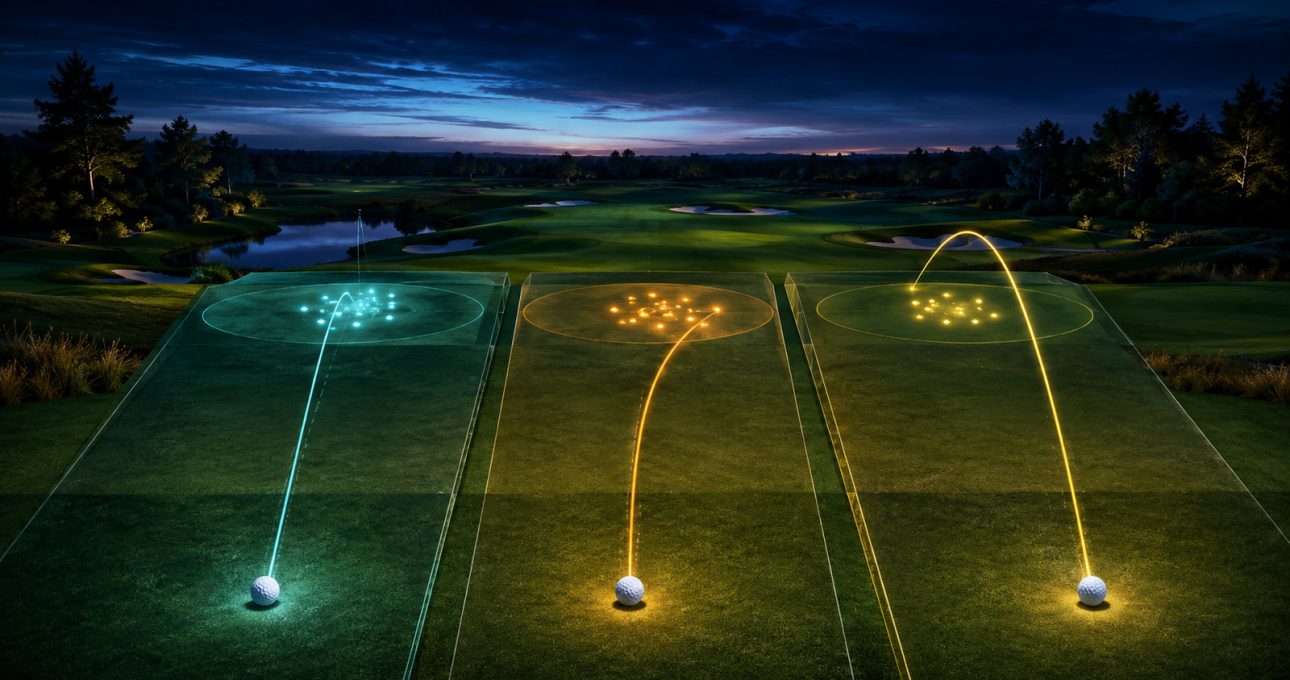
The most reliable way to improve in Golf Masters 3D is to make each shot a small experiment. Choose a clear target, adjust the visible angle, make one controlled swing or putt, observe where the ball finishes and change only one decision on the next attempt. The current Android TV listing confirms aiming, angle adjustment, swinging and putting; it does not provide enough evidence to prescribe a universal wind, lie, spin, club-stat or shot-meter system.
This guide stays within that verified action set. Button names and input behavior can vary by device or build, so the installed tutorial remains the authority for exact controls. The legacy Golf Masters description supplies broad product context, while the current Android TV listing identifies the exact edition covered.
Establish a repeatable pre-shot pause
Before acting, stop long enough to identify the immediate objective. Is the task to advance safely, approach a target or finish with a putt? A vague desire to “hit well” gives you nothing specific to evaluate. A defined target turns the result into feedback.
Read only the information the game actually presents. Use the visible direction, target and angle indicators, if shown in the current situation. Do not imagine a wind or terrain modifier that the interface has not established. Product-specific improvement comes from responding to the installed edition, not importing systems from another golf title.
Choose one aim point and commit to it for the attempt. Constant last-second adjustment makes the result harder to interpret. If the shot misses, you want to know whether direction, angle or execution was the likely cause.
Calibrate swing input before chasing distance
The legacy material refers to drag-and-release controls, while the Android TV description uses broader swing language. Because the exact input may differ, begin with the tutorial or lowest-pressure solo challenge available. Make several controlled attempts rather than immediately seeking maximum power.
Consistency is more useful than one unusually long result. Use a similar movement or timing for a small group of attempts and watch the landing pattern. If shots repeatedly finish on the same side, adjust aim before changing everything else. If distance varies widely, focus first on producing a repeatable input.
Change one variable at a time. A new aim point plus a different angle plus a stronger swing may produce a better result, but it will not tell you which change helped. Deliberate practice is slower for a few shots and faster over a full session because it creates interpretable feedback.
Select the safer target when uncertainty is high
Shot selection is not always about the most ambitious line. If the game presents a narrow target and you have not yet calibrated the controls, choose an area with more room for error. A safe result can create a manageable next shot and teach you more about distance.
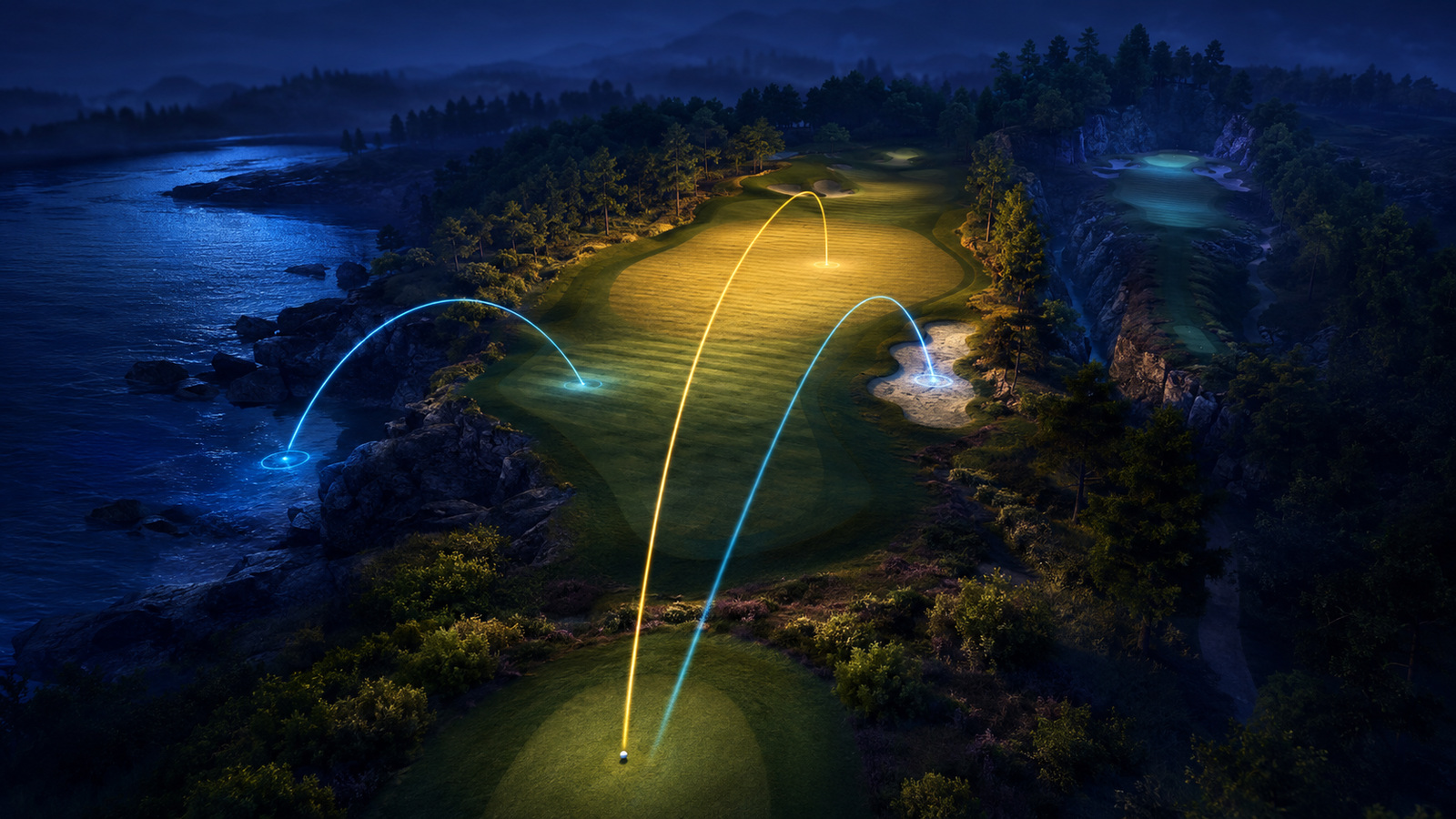
This principle works without assuming unverified hazards or terrain systems. Compare the visible options in the current scene. Prefer the target that matches your confidence and the objective. In a challenge with limited attempts or a competitive setting, consistency may be more valuable than a low-probability shortcut.
As control improves, narrow the target gradually. Progress from a broad landing area to a more precise aim point. The change should reflect evidence from your own recent shots, not a claim that one universal line is optimal.
Separate direction errors from strength errors
After each shot, diagnose the result in two dimensions. First, did the ball travel along the intended direction? Second, did it travel an appropriate distance? A shot can be accurate in direction but wrong in strength, or the reverse.
If direction is consistently wrong, make a small aim or angle adjustment while preserving the swing. If direction is acceptable but distance is not, keep the aim steady and adjust execution according to the current control instructions. Avoid changing both unless the result clearly shows both were unsuitable.
Use groups of three or four attempts to detect a pattern. One result can be noisy or affected by a mistaken input. Repeated outcomes provide a better basis for change, even in a casual game.
Treat putting as its own calibration task
The current listing explicitly names putting, so it deserves a separate practice rhythm. Choose a visible line, make a controlled input and compare the finish with the target. On the next attempt, change one aspect of direction or strength based on what happened.
Do not assume that a long-shot input maps directly to a putt. The game may present different sensitivity, camera or feedback near the target. Follow the installed prompts and begin conservatively until the response becomes predictable.
A missed putt is useful information when it leaves a clear pattern. If several attempts pass on the same side, adjust direction incrementally. If they repeatedly stop short or run long, change strength in small steps. Large corrections can jump past the useful range.
Use solo challenges as a practice environment
The Android TV listing names single-player challenges as well as tournaments and multiplayer. Solo play can reduce external pressure while you learn the control response. Select an objective that allows repeated attention to one part of the process, then keep notes mentally: target, input, result, adjustment.
When the sequence becomes more consistent, move into tournament or multiplayer modes if those modes are available and appropriate. Competitive play adds decision pressure, but it should not replace basic calibration. A player who cannot explain why a shot missed will learn less by simply taking the next one faster.
Online modes may depend on connection, account state, region and active players. The public materials do not define every format, so check the current edition before planning a session around a specific multiplayer behavior.
Evaluate equipment without inventing its effect
The store describes equipment unlocking and upgrades, but the evidence reviewed here does not supply a complete stat model. Read each item’s visible description. Do not assume that a club, outfit or accessory changes power, accuracy or another outcome unless the game explicitly says so.
If an item has a stated gameplay effect, test it under similar conditions. Keep the aim and input as consistent as possible, then compare results. If the item is cosmetic, judge it as a visual choice rather than a shortcut to performance.
The current listing also discloses in-app purchases. Players should separate optional spending from skill practice, and households can enable purchase authentication before play. Improvement should come from understanding the controls, not from a presumed need to buy an upgrade.
A compact practice session for Android TV
Begin with five minutes of basic calibration in a solo setting. Use the same broad target and focus on repeatable input. Then spend five minutes changing aim or angle in small increments while keeping the swing stable. Follow with a short putting block that treats direction and strength separately.
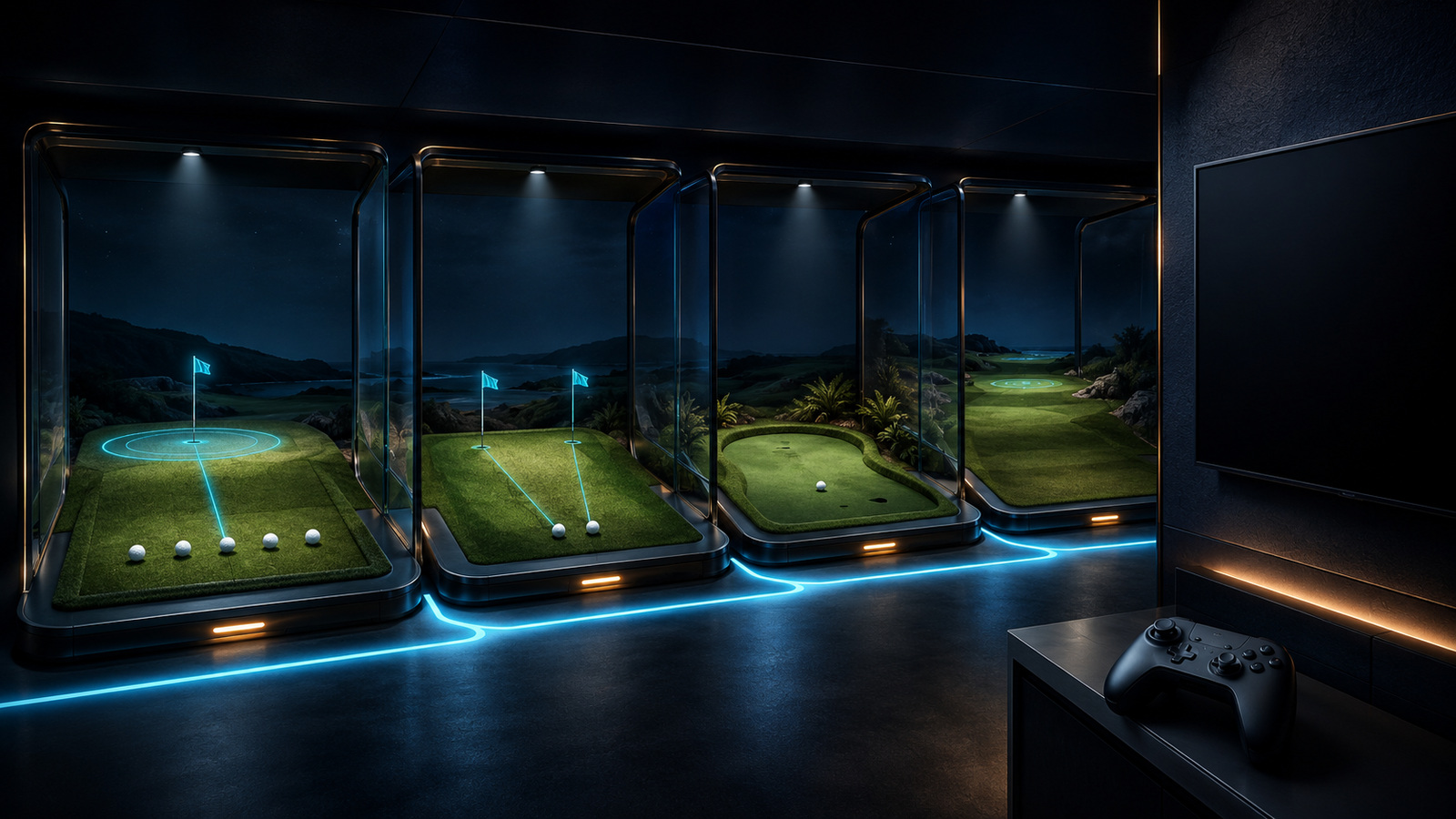
End with one challenge, tournament or multiplayer attempt if the current game makes it available. The purpose is to carry a controlled process into a less predictable setting. Afterward, identify one decision to practise next time rather than judging the entire session by a single score.
Recheck the exact store if controls, modes or compatibility appear different from this guide. Golf Masters 3D: Android TV is not the same product as Golf Pro Tour 3D, and advice tied to another GameBee golf title should not be assumed to apply.
Swing and shot-selection questions
Should every Golf Masters shot use maximum strength?
No. The best strength depends on the visible target and the response of the installed controls. Begin with repeatable input, compare distance and adjust gradually. Maximum strength can make direction and distance errors harder to diagnose.
How can I tell whether aim or swing caused a miss?
Compare direction and distance separately. If repeated shots travel to the same side, preserve the swing and adjust aim or angle. If direction is stable but distance varies, keep the target fixed and work on a more repeatable input.
Does this guide account for wind, lie or spin?
No product-specific wind, lie or spin system was established by the public sources reviewed. Use any such factor only if the current edition visibly presents and explains it. This guide does not invent controls or modifiers.
When should I move from solo challenges to tournaments?
Move when you can choose a target, produce a reasonably consistent input and explain the likely cause of a miss. Tournaments and multiplayer can add pressure, but they are more useful after the basic aim–swing–review loop feels familiar.