
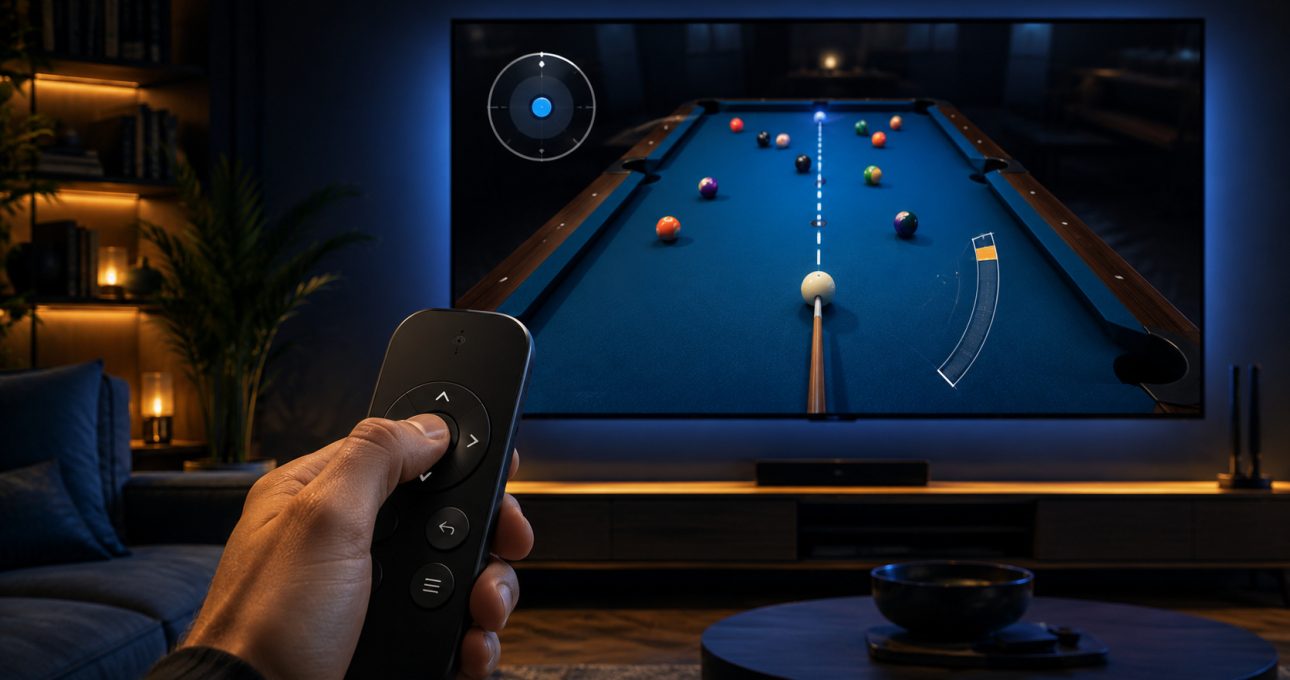
GameBee Android TV controls are title-specific. The current Google Play descriptions for World Sports Challenge 2025 TV and Baseball Super League 3D – TV name both remote and gamepad support. Pool Masters 3D describes television-remote aiming, spin and power. Other games can make different choices, so the exact television package must be checked before installation or controller purchase.
Google's Android TV game guidance confirms the platform-level rule: a game may use a remote or gamepad. It does not turn every input into a universal feature across the GameBee catalogue.
Use a remote when the action set is compact
A television remote is strongest when directional movement, Select and Back cover the essential interaction. It is always near the screen, needs little setup and can make turn-taking easy. Menu navigation, aiming in deliberate steps and simple timing actions can fit this input well.
Remote-friendly does not mean input-free. The game still needs clear focus, predictable movement and prompts that match the buttons available. If an essential action requires a touch gesture, pointer or hidden key, the television edition has not communicated its controls adequately to the player.
Choose a gamepad for continuous or layered movement
A gamepad is usually more comfortable for steering, analogue movement, several actions or faster combinations. It can reduce repeated D-pad tapping and give the player more control over direction and speed. That benefit remains conditional on support in the exact app and controller model.
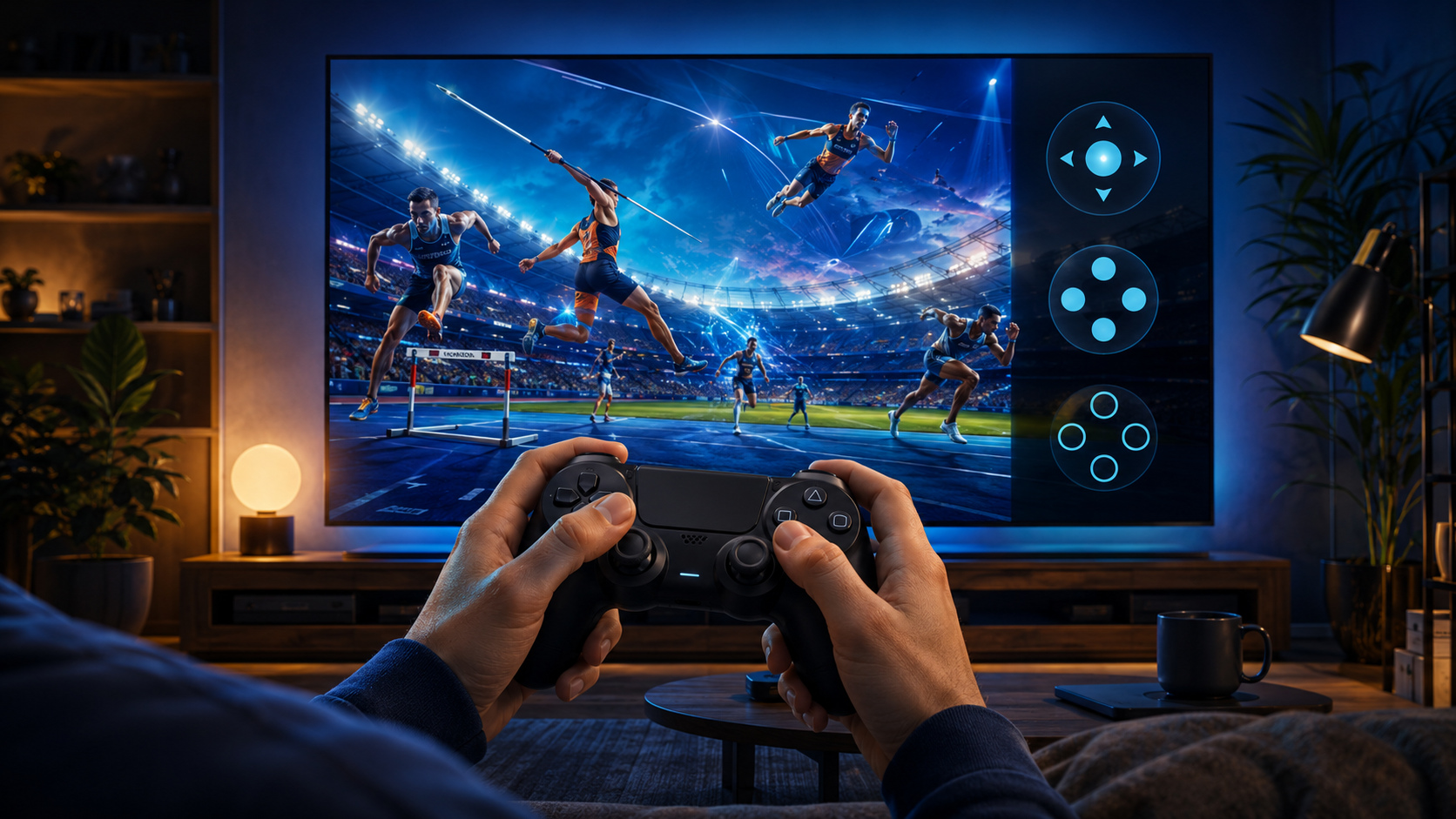
Pairing a controller with Android TV or Google TV proves that the system recognises it. The game's listing and prompts decide whether its sticks, triggers, face buttons and vibration are used. Do not buy hardware solely because another GameBee game or another platform supports it.
Baseball Super League names two input choices
The current Baseball Super League 3D – TV listing states gamepad and remote support. That gives a household flexibility: try the remote for basic navigation and short play, then compare a compatible gamepad if the match actions feel more natural with additional buttons.
The listing is product evidence for that Android TV package only. It does not establish the same controls for the mobile or Apple edition, and it should not be used to claim that every controller model offers identical behaviour.
World Sports supports variety with verified inputs
World Sports Challenge 2025 TV also names gamepad and remote optimisation. Multiple sports can involve different timing, aiming and directional patterns, so the preferred input may change by event. Begin with the method the game explains most clearly and test another only when the current mode supports it.
Do not write a universal button map for the entire sports collection unless the installed edition displays it or GameBee supplies approved instructions. A store description confirms supported input categories, not every event-level command.
Pool Masters makes remote play explicit
The current Pool Masters 3D listing describes television-remote control for aim, spin and power. This is a useful example of matching a deliberate game loop to a compact input. The player can focus on shot planning instead of managing continuous movement.
Its local pass-and-play description also suits a shared screen, but online and local modes have different connectivity and account needs. Read the live detail and test the installed build before promising a specific group arrangement.
Arcade and racing controls need separate confirmation
Fruit Cutter TV, racing games and runner-style titles can all appear in the GameBee television catalogue, yet their ideal inputs differ. A direct arcade action may work with a remote; steering or continuous movement may benefit from a gamepad. The genre suggests a question, not the answer.
Open each listing and look for explicit remote or gamepad language. If it is missing, do not infer support from the words “Android TV,” from screenshots or from another GameBee title. Choose an edition with a clearer input description when control certainty matters.
Read focus and prompts from the couch
Good television control depends on what the player can see as much as what they can press. The selected menu item should remain obvious at normal seating distance. Directional movement should change focus predictably, and the next action should be described with a visible button prompt. Back should return to a sensible prior state.
When testing, sit where the game will normally be played. If selection is visible only from close range, or if focus disappears after an animation, record the title, version and exact sequence. Public copy can report observable behaviour; claims about internal implementation require approved studio evidence.
Switch inputs without creating confusion
Some titles may accept both a remote and gamepad. Use one input during the first setup so prompts remain understandable. If you switch, verify that the visible labels change appropriately and that the game does not continue reading unintended input from the other device.
For a shared session, test every paired controller in the Android TV interface before opening the game. Then confirm whether the installed mode supports local players, online players or alternating turns. A controller count and a multiplayer label do not establish the same arrangement.
Diagnose input problems from system to title
First, test the remote or controller in the television interface. If it fails there, resolve battery, pairing or system settings. If it works in Android TV but not the game, update the title, reopen it and compare the input with the listing. If only one action fails, record the button, mode and screen where it happens.
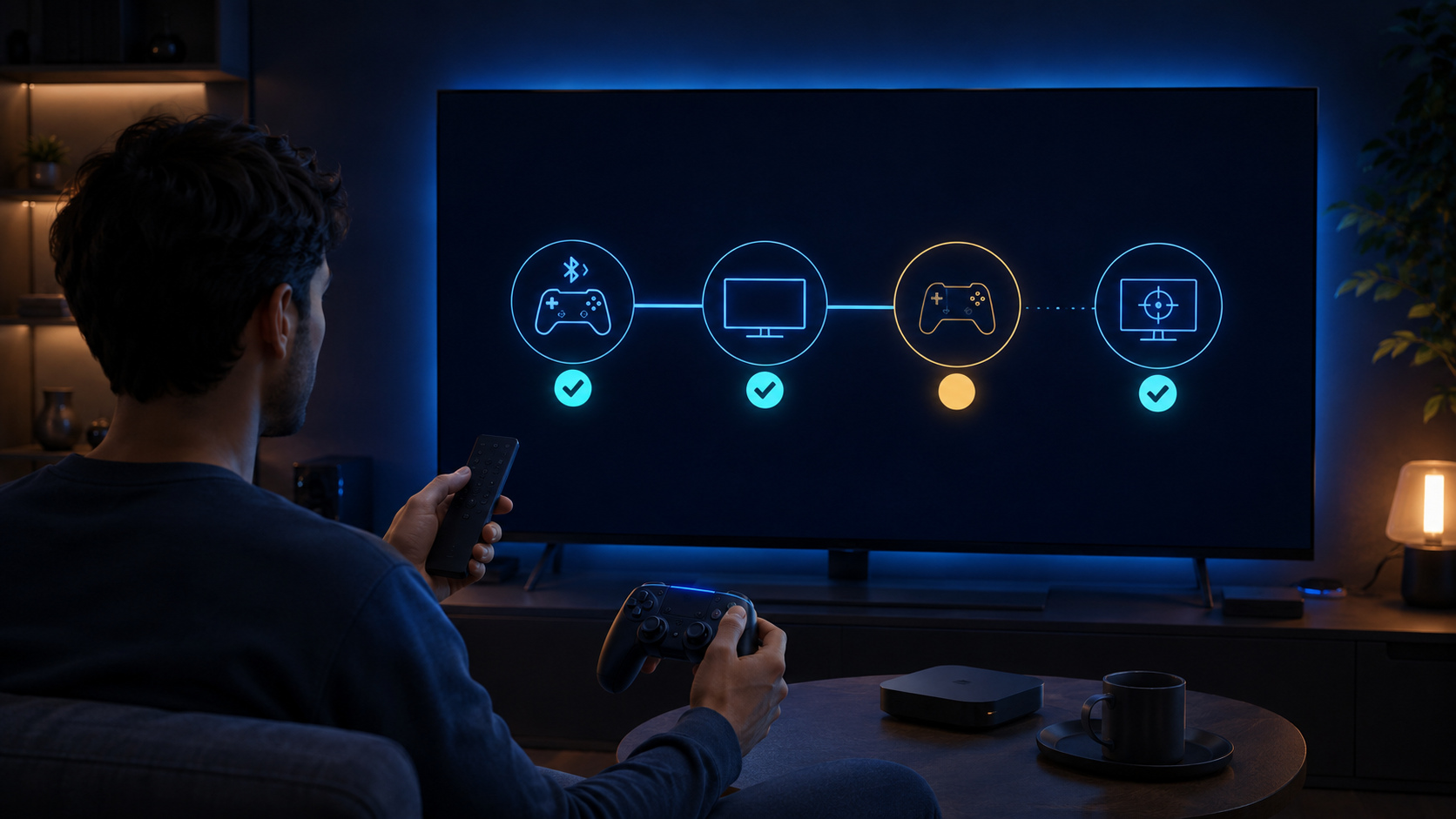
Include the device model, operating-system version, game package and version, controller model and reproducible steps in a support request. This separates a platform connection problem from a title-level mapping issue.
Android TV control questions
Can I navigate every GameBee Android TV game with the television remote?
No. Each title implements its own inputs. Use remote play only when the current Google Play detail or installed edition confirms it.
Which current GameBee listings name both remote and gamepad support?
World Sports Challenge 2025 TV and Baseball Super League 3D – TV currently name both. Recheck before publication or installation because listings can change.
Does Pool Masters require a separate controller for aiming?
Its current description explicitly presents television-remote controls for aim, spin and power. Review the listing on your device for the latest requirements and terms.
Why does my controller work in Google TV but not in a game?
System pairing and app support are different layers. Update the title, verify that its listing supports a gamepad and test the exact mode; then report the device, controller and failed action if the problem remains.
Confirm controls before choosing hardware
Use the current GameBee Google Play profile to open the exact television package. Let its input description and your installed test decide whether the remote is enough or a gamepad is the better fit.