
Smart TV Games That Turn the Big Screen Into Playtime
A television can be more than the place where you watch. GameBee Studio's smart TV games bring arcade reactions, sports competition, racing, family play and short challenges to the biggest screen in the room. Browse by platform, match the kind of session you want, then open a game page to find the right store for your device.
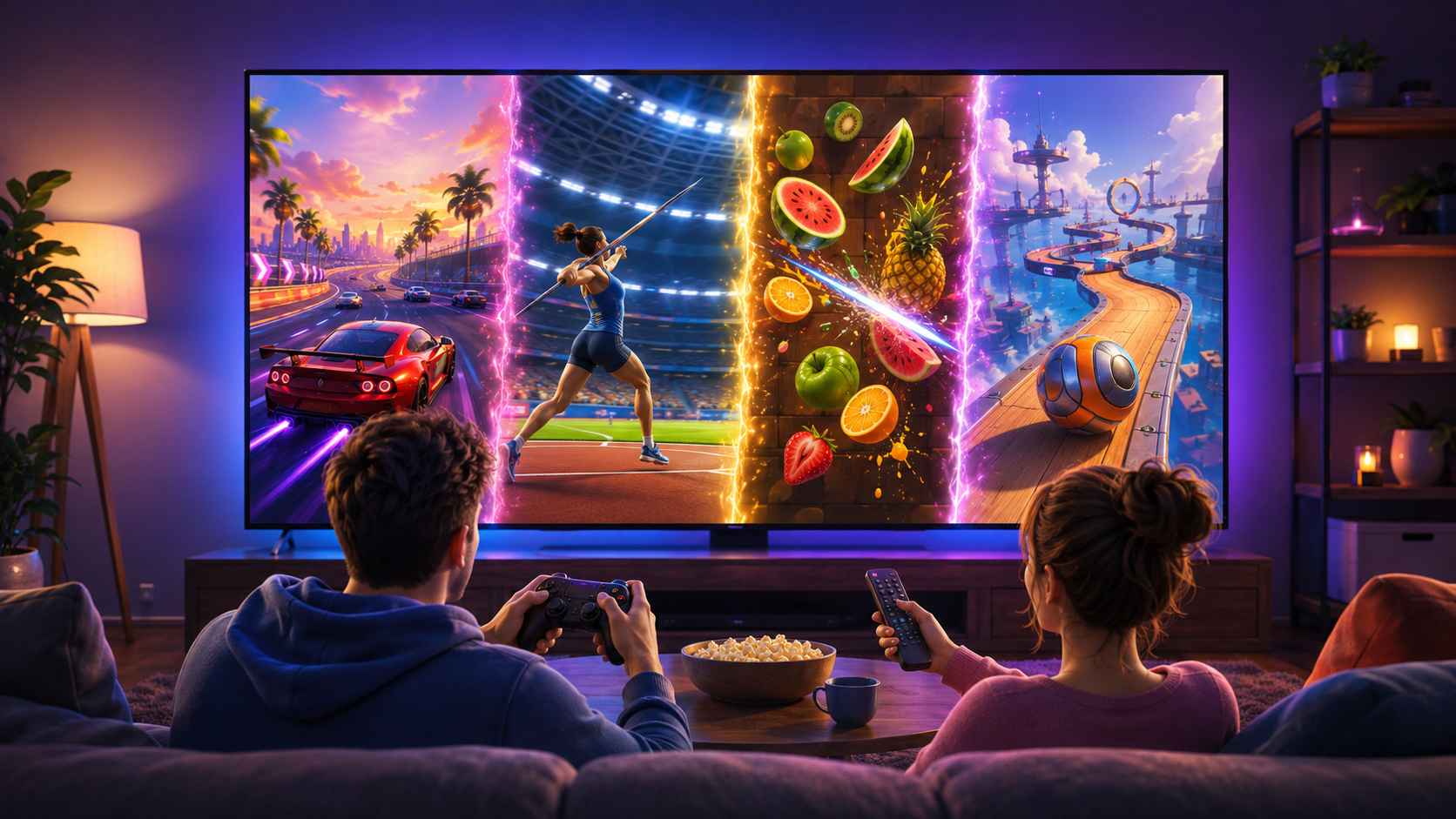
A game library designed around the living room
Big-screen play changes what feels good. Menus need to be readable from the sofa, the main action needs to be easy to follow, and the controls should make sense without a desk full of equipment. GameBee's connected-TV collection is organized around those practical needs. Some titles are comfortable with a television remote, while others reward the extra precision of a compatible controller.
The result is a collection that works for several kinds of players. You can chase a score for a few minutes, settle into a sports match, take turns with someone beside you, or focus on a demanding obstacle course. Availability is shown title by title because a game released on Android TV may have a different store route from the Apple TV or Amazon version.
GameBee Studio has built a documented milestone of more than 50 published games across Smart TV, mobile and PC. This page is the big-screen doorway into that wider GameBee game portfolio, with each listing connected to its own gameplay details and available platform options.
Start with the screen you play on
Start with your television ecosystem, then narrow the selection by genre. Platform support varies by title, so each game card leads to the relevant game or store page for that edition.
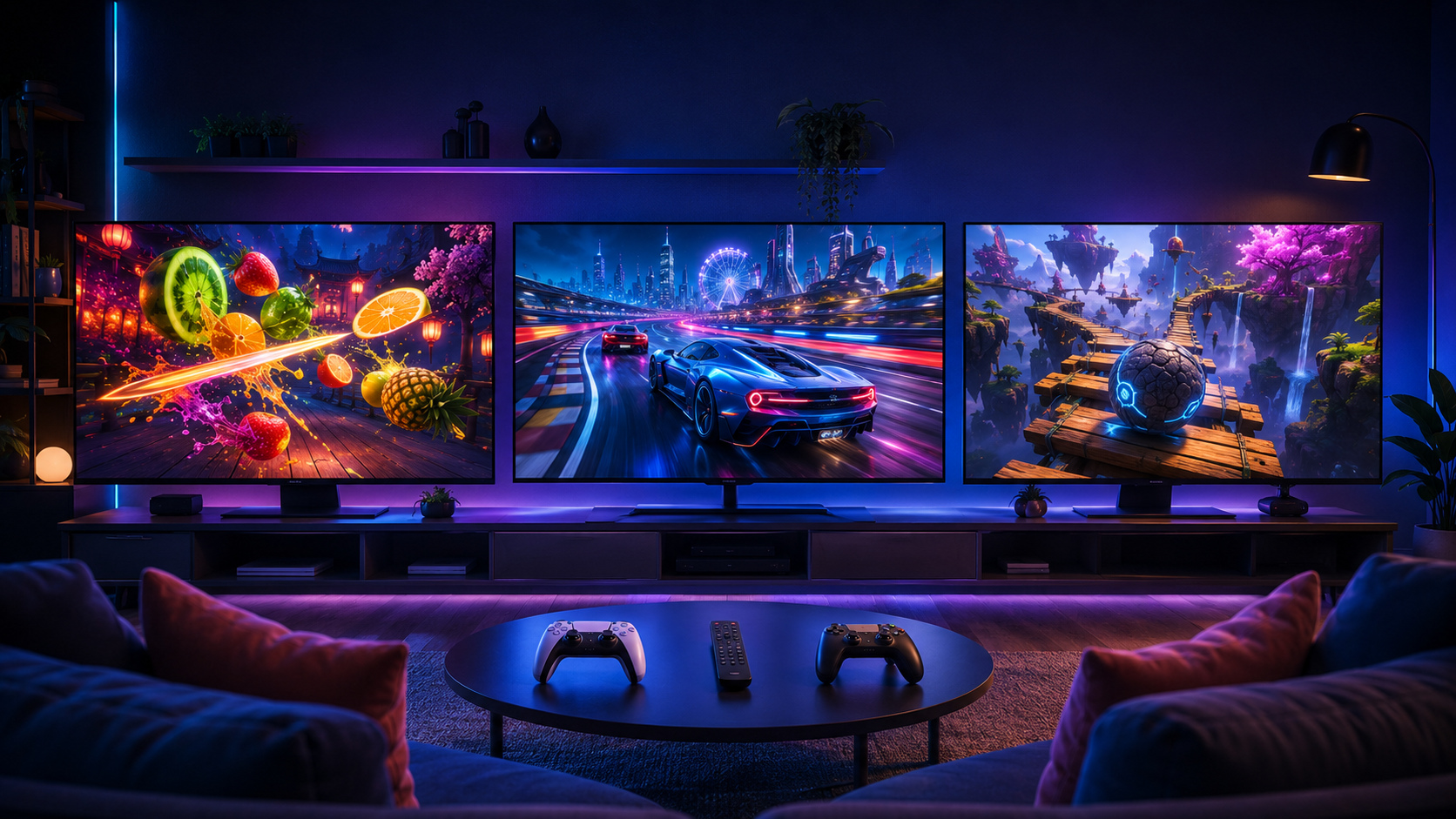
Fire TV games
Browse GameBee titles distributed through Amazon's connected-TV ecosystem and open the individual listing before installing.
Find releases built for Android-based television devices, including remote-friendly and controller-led experiences.
Apple TV games
Explore GameBee titles available across Apple's store ecosystem, with each game identifying its supported Apple devices.
Start with the kind of challenge you enjoy
There is no single best big-screen game for every room. The useful question is what you want the television to become tonight: an arcade cabinet, a sports arena, a race track, a family game space or a focused skill challenge. These GameBee titles give the collection distinct starting points.
World Sports Games & Athletics — on the big screen
Move between track, field and other sporting events when you want variety rather than one repeated match type.
Formula Racing: American Grand Prix — on the big screen
Try a circuit-focused experience built around quick reactions, racing lines and controlled speed.
Baseball Super League 3D — on the big screen
Bring batting, pitching, fielding and team progression together in a baseball experience that also connects to mobile play.
Office Rush 3D — on the big screen
Take on a lively running challenge where reading the route and reacting early matter more than complicated inputs.
Stunt Extreme 3D: Moto Traffic Bike Racer — on the big screen
Pick two-wheel speed and traffic timing when a straight circuit is not enough of a test.
Open a Smart TV collection route built for discovering more than one GameBee experience from the couch.
Master Racer — on the big screen
Shift between street-racing goals and competitive modes when you want a broader car-racing session.
Slice fruit, avoid bombs and pursue cleaner combinations in a colorful arcade game designed for fast big-screen rounds.
Guide a ball across suspended tracks, moving obstacles and narrow turns where momentum and restraint work together.
Pool Masters Pro - Multiplayer — on the big screen
Set up a cue-sports session with precision aiming, local pass-and-play options and online competition where supported.
Gamebee Arcade
Use a dedicated arcade collection as a launch point when the group wants quick choices and immediate action.
Remote-friendly or controller-first?
The control method shapes the experience as much as the genre. A remote works best when a game asks for clear directional input, a small number of actions or a simple timing gesture. A controller becomes more useful when steering, aiming or simultaneous movement demands finer control.
- Use remote-friendly play for quick family rounds, menu-led challenges and games that rely on timing more than many buttons.
- Use a compatible controller when the game page or store listing recommends greater precision for racing, balance or competitive action.
- Check the store page before downloading; controller and device support can differ between editions of the same title.
- If several people are playing, look for local modes or natural turn-taking instead of assuming every game includes split-screen multiplayer.
Build a better couch session
A satisfying television session starts before the first level. Confirm that the game is offered for your device, pair the preferred input, and leave enough room for everyone to see the interface clearly. For younger players or shared households, review the current store age rating, purchases and advertising information before starting.
Then match the game to the time available. Arcade and runner titles can create a clean ten-minute challenge. Pool, baseball and multi-event sports can support a longer competitive evening. Racing and obstacle games sit between those extremes because one attempt is short, but improving a lap or clearing a difficult course can keep the room engaged.
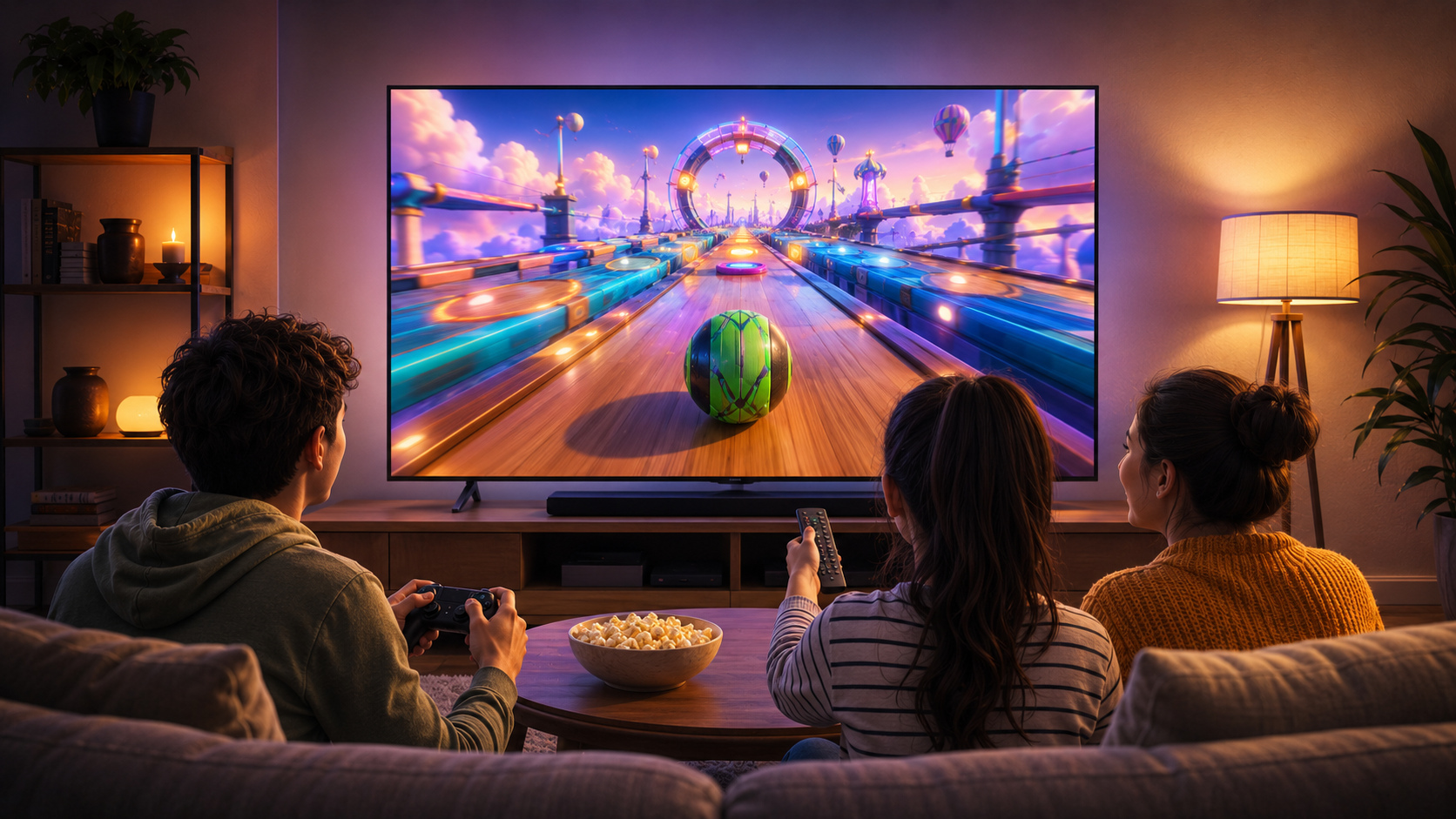
Make shared play easy to follow
A living-room game can involve people who are not holding the controls. Pick a title with a goal the room can understand, decide whether players will alternate by round, score or level, and keep the official control instructions nearby for the first turn. A simple house rule – such as three attempts each or one complete match before passing the controller – prevents a quick session from becoming a long wait. When skill levels differ, compare personal improvement as well as the final score. Beating your own clean run can be just as satisfying as finishing first.
Smart TV setup and availability questions
QUICK ANSWERS
Which televisions can run GameBee smart TV games?
Availability varies by title. Open the relevant game or platform page and confirm Android TV, Google TV, Fire TV or Apple TV support before installing.
Can I play these games with a television remote?
Some games support a remote, while racing and balance titles may feel better with a compatible controller. The store page for each edition lists its supported input methods.
Do all GameBee TV games include multiplayer?
No. Some titles offer multiplayer or local turn-taking, while others are single-player score or level challenges. Check the game description before planning a group session.
Where should I download a GameBee TV game?
Use the game card or platform collection on this page, then continue to the Google Play, Apple App Store or Amazon destination shown for that title.
Make the biggest screen in the room playable
Match a title to your television, preferred controls and play style. The game page will take you to the correct official store when a live store destination is available.
Browse the complete GameBee catalog →