
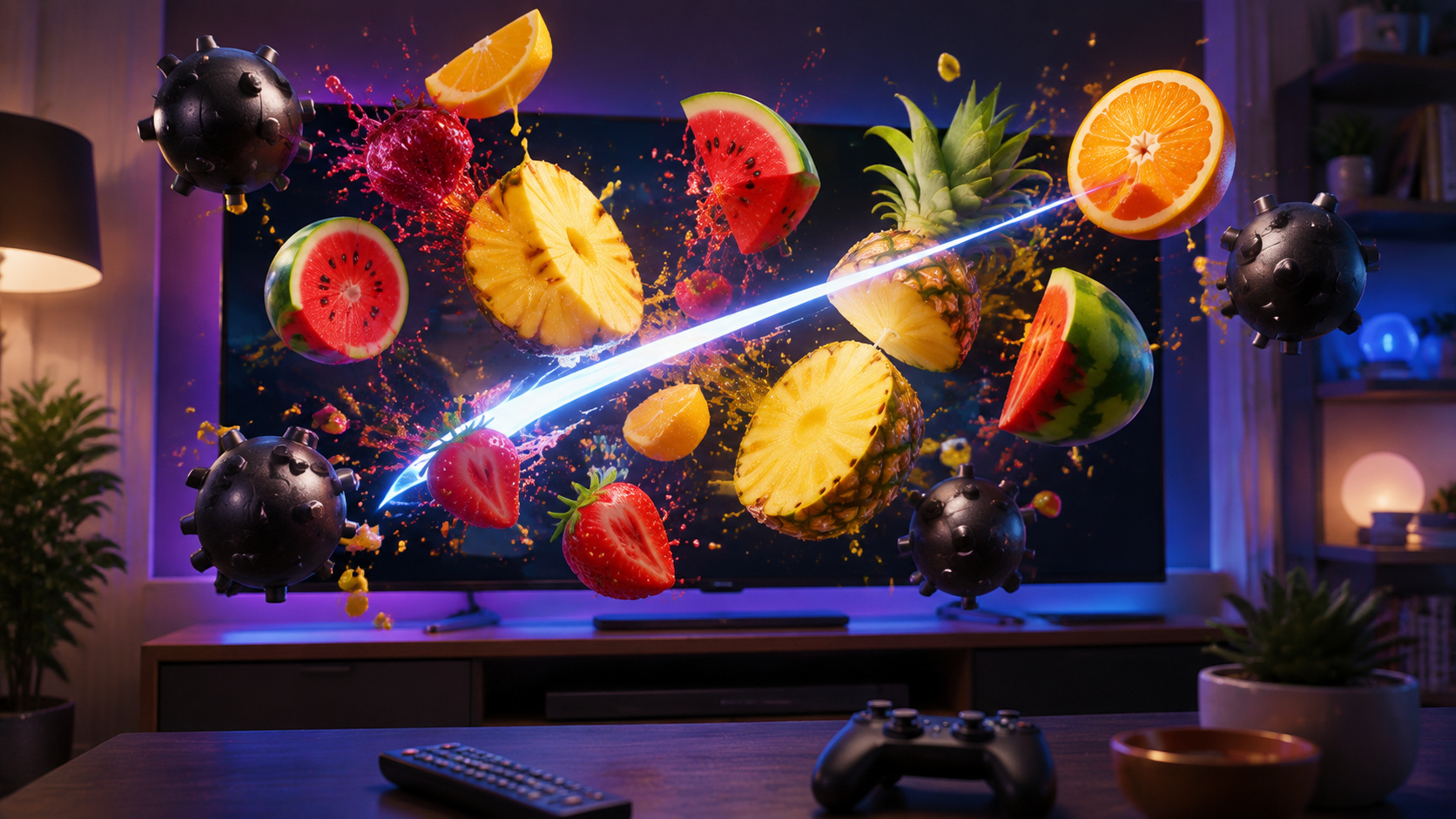
Turn the television into a bright arcade challenge where every movement has a result. Fruit Cutter TV – 3D Cut asks you to slice cleanly, react to changing fruit patterns and leave the bombs alone. It is easy to understand in the first round, but higher scores depend on accuracy, timing and the discipline to avoid one bad swing.
Fruit Cutter editions at a glance
| Product fact | Details |
|---|---|
| Store names | Fruit Cutter TV – 3D Cut on Google Play; Fruit Cutter 3D: Evolution on Apple |
| Play modes | Arcade (60 seconds), Relax (90 seconds without bombs) and Classic (limited blades) |
| Device coverage | Android TV and Google TV, plus Apple TV and supported Mac computers |
| Input | Remote or controller on the Android TV edition; Apple TV remote and supported Mac input options on Apple |
| Store model | Free download with in-app purchases on the current Google and Apple pages |
Slice first, then learn to read the screen
The basic action is immediate: fruit enters the play area and you cut it before the opportunity disappears. The challenge grows as several pieces arrive together, the pace increases and bombs create spaces you should not touch. A strong player does not chase every object blindly. The better approach is to see the whole pattern, find a safe line and turn several useful slices into one controlled sequence.
That makes the Fruit Cutter TV game a natural fit for the big screen. The larger display gives the fruit room to move and makes every splash, missed target and dangerous bomb easy for the room to follow. A short round can work as a personal high-score attempt or a simple turn-taking challenge with family and friends.
Three modes create three different rhythms
Arcade Mode
Score as much as you can in 60 seconds while bombs force you to balance speed with restraint.
Relax Mode
Slice for 90 seconds without bombs when you want the satisfying action without the same penalty pressure.
Classic Mode
Work with limited blades and an open-ended challenge where each mistake matters more than the clock.
Arcade is the quickest test of score under pressure. Relax is better for learning how fruit moves and finding comfortable control. Classic rewards survival and cleaner choices. Switching modes is not only a way to add variety; it can help you practice one part of the game before returning to a harder run.
Make accuracy more valuable than frantic movement
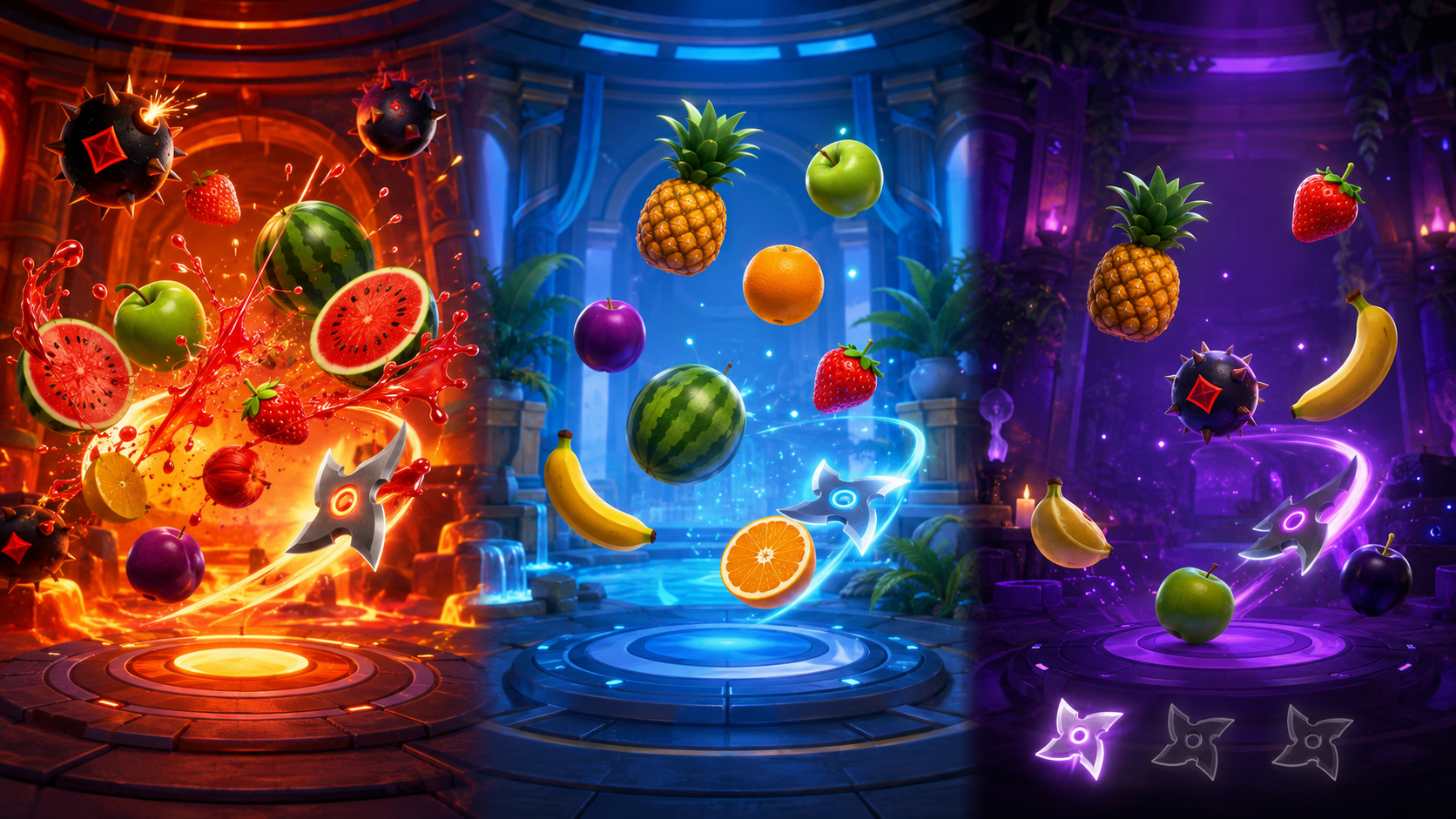
- Wait long enough to see whether fruit and bombs are crossing the same path.
- Aim for deliberate multi-fruit lines rather than moving everywhere at once.
- Use Relax Mode to understand response and timing before chasing an Arcade score.
- When the screen becomes busy, protect the run first and accept that one fruit may pass.
- Compare scores after several attempts; one lucky round is less useful than repeatable control.
Turn a score chase into a fair couch challenge
Fruit Cutter works naturally as a turn-taking game because a round has a clear ending and the next player can understand the score immediately. Agree on one mode before the first turn so everyone faces the same timer, bombs and mistake rules. For a longer contest, give each person three rounds and keep the best result rather than adding every score; one early learning attempt will not decide the whole evening.
You can also compete on a smaller target. Count the longest safe combination, see who completes a Classic run with the fewest wasted movements, or let a new player use Relax Mode while an experienced player accepts Arcade hazards. These variations keep the challenge readable without claiming a multiplayer feature the game does not offer.
Place the remote or controller back in the same position between turns and give the next player a moment to confirm the buttons. Consistent setup keeps the result about timing and choice rather than a rushed handover.
Shape the arcade experience with blades and backgrounds
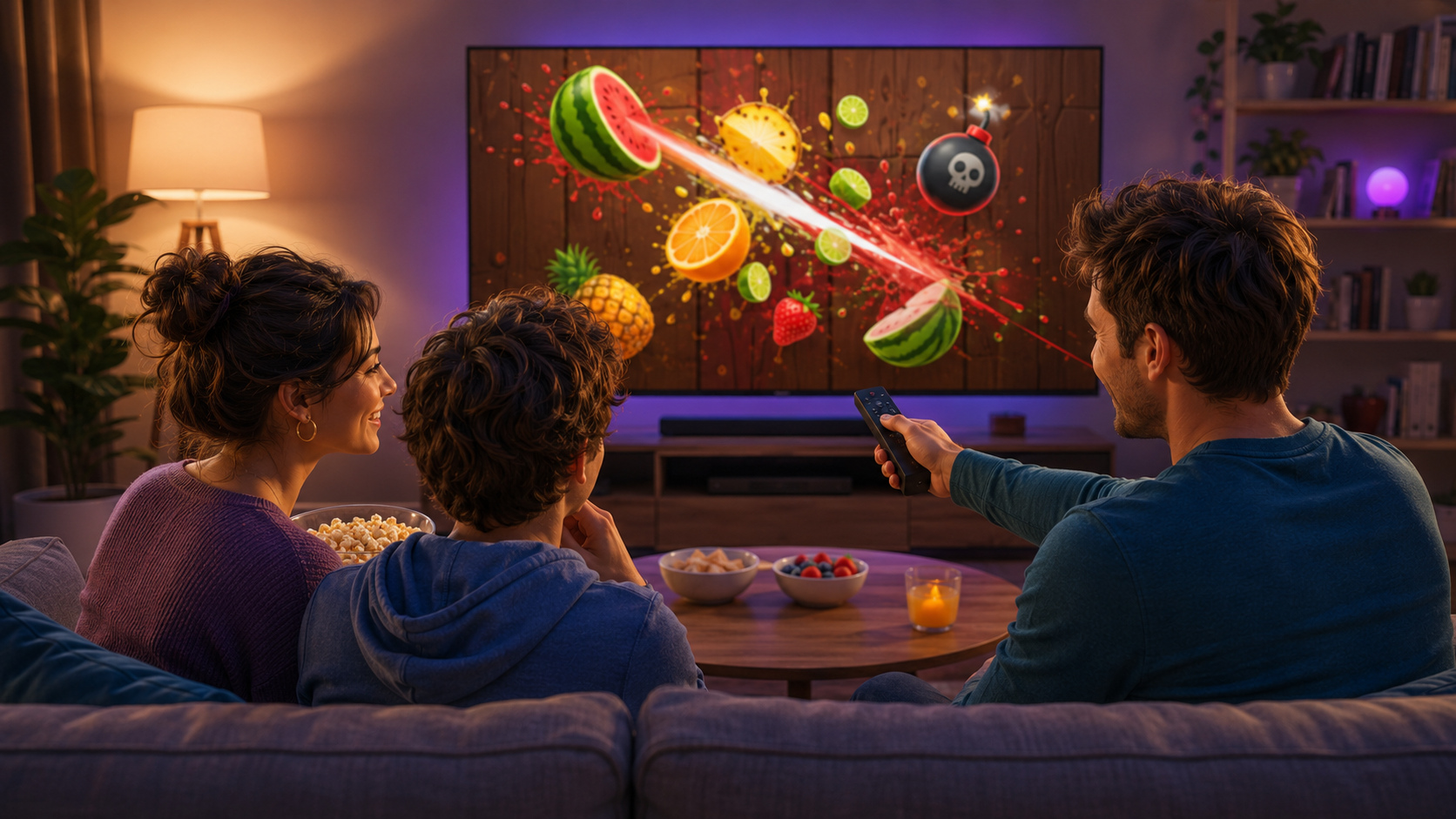
The current Android TV listing includes unlockable blades, different backgrounds, 3D fruit effects and leaderboard challenges. Those features give the play session a sense of progression beyond the next score. Visual changes make repeated rounds feel fresh, while a leaderboard gives skilled players a longer target.
The core should still remain readable. Use a visual setup that lets you distinguish targets from hazards quickly. A dramatic effect is enjoyable only when it does not hide the next important decision.
Play on Android TV, Apple TV or Mac
The official Google Play edition is listed as Fruit Cutter TV – 3D Cut for Android TV, with remote or controller play described on the store page. The Apple edition is listed as Fruit Cutter 3D: Evolution for Apple TV and Mac. Both are GameBee store listings with different store names for the same product family.
Features, purchases, rating information and controller support can differ between editions. Use the listing for your device as the live source before installing. You can also browse more big-screen GameBee games, Android TV releases or GameBee titles on Apple devices.
Keep the arcade session moving
If you want a different kind of precision challenge, Rolling Ball Adventure 3D replaces slicing with balance, momentum and obstacle courses. The complete GameBee portfolio connects both to the rest of the studio's catalog.
Read the existing big-screen Fruit Cutter overview
For another look at the television edition, read GameBee's existing Fruit Slicer TV – 3D Cut overview. The additional strategy and milestone stories will be linked only after they are published.
Fruit Cutter questions before the first slice
QUICK ANSWERS
What are the three Fruit Cutter play modes?
Arcade is a 60-second score challenge, Relax provides 90 seconds without bombs, and Classic gives you a limited number of blades while bombs remain active.
Why does Fruit Cutter use a different name on Apple devices?
Google Play lists Fruit Cutter TV – 3D Cut, while Apple lists Fruit Cutter 3D: Evolution. The name changes with the store edition, so follow the button for your device.
Is Fruit Cutter free to download?
The current Google and Apple store pages present a free download with in-app purchases. Review the live offer before installing because store terms can change.
Can I use a remote or controller?
The Android TV store page describes remote or controller play. Apple lists Apple TV remote support, while Mac input can include keyboard, mouse or controller.
Pick a mode and start the next round
Use the official listing for your screen, learn the response in a calmer mode and return to Arcade or Classic when you are ready to protect a higher score.
Install Fruit Cutter TV on Google Play →